


Startup website builder that builds itself

Your startup website comes back in your colors, your fonts and brand.

No logo yet? Create a logo, then turn it into your startup site.

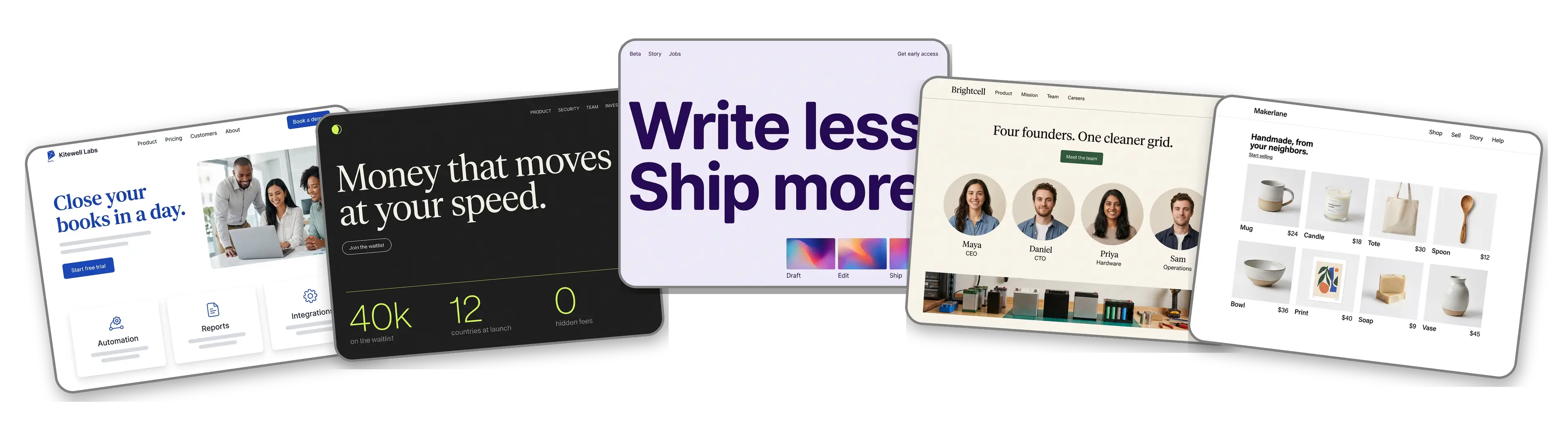
Five startup websites built with LOGO.com from a logo upload: a B2B software startup, a fintech app with a waitlist, an AI writing tool in private beta, a climate hardware team and a marketplace for local makers

Featured in

msnyahoobusiness insider

How to make a startup website with LOGO.com in three steps.

Upload the logo from your pitch deck

Use the same file that sits on the first slide of the deck. PNG, JPG, SVG or WebP all work, and the builder lifts the colors and letterforms straight out of it. Still pitching with the company name in plain type? Make one free before the demo day invite lands.
Kitewell Labs logo, a cobalt blue kite with a mint green tail on a white card, dropped into the LOGO.com upload box with its colors split into swatches

A launch page before the standup ends

Roughly a minute later the company has a home online: your logo at the top, a founder photo in the hero, sections for the product, the problem you solve and the team, plus a form for early access requests.

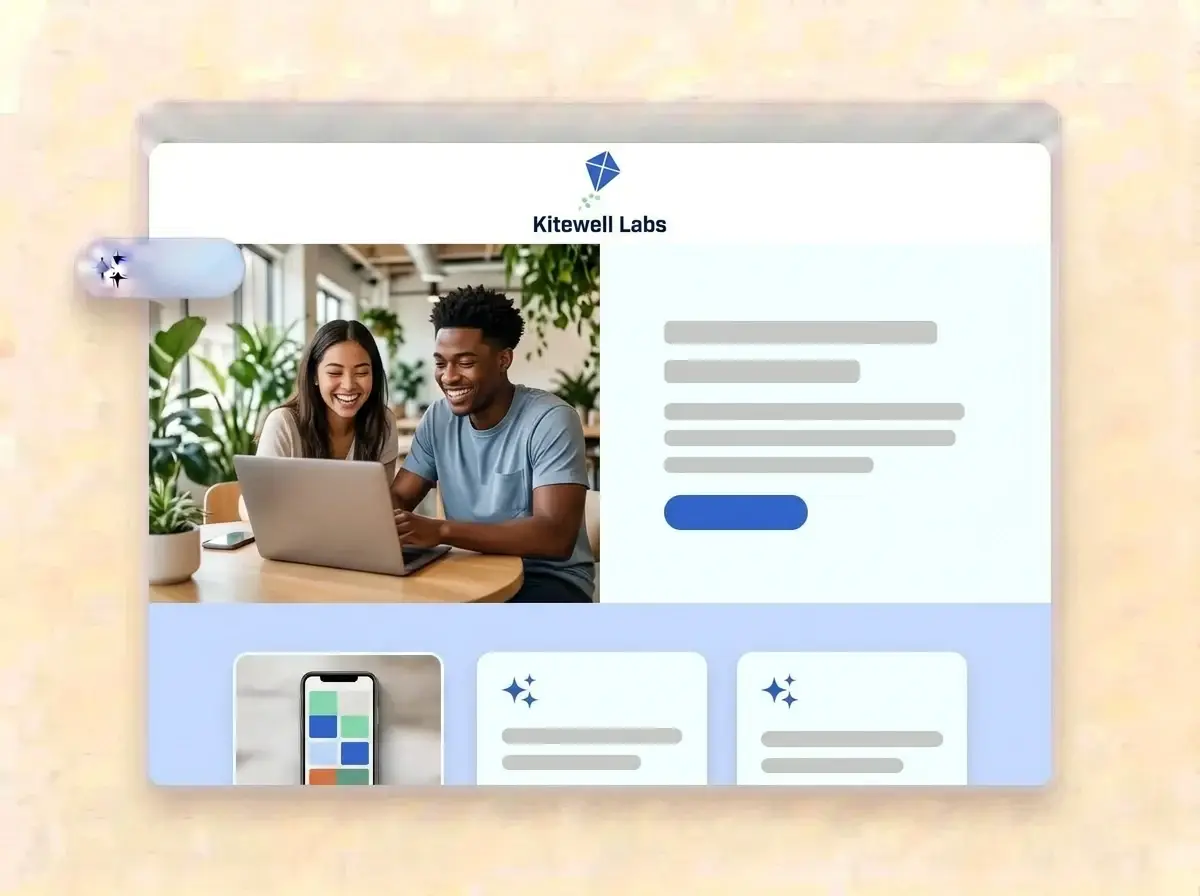
Finished Kitewell Labs website built by LOGO.com from the uploaded logo, with two founders at a laptop in a bright shared office in the hero photo

Sharpen the pitch and ship it

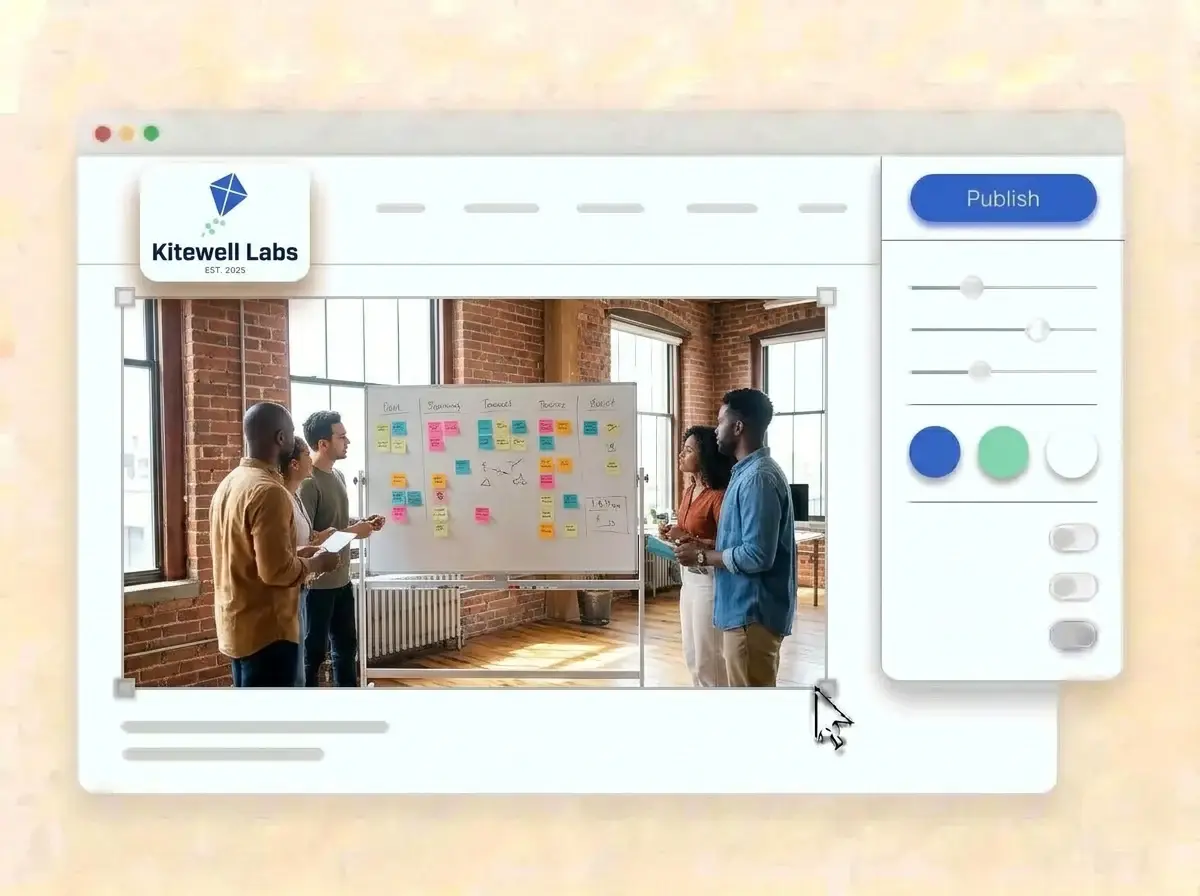
Trade the sample shots for real product screens and team photos, tighten the one line pitch, point the Sign up button at your app and press Publish. Paste the link into the next cold email to an investor.

Editing the Kitewell Labs website with a team whiteboard photo selected, the style panel open and the cobalt blue Publish button ready

What is a startup website builder?

A startup website builder is a tool that turns a new company into a credible website with a clear pitch, the product, the team and a way to sign up or get in touch, without code. A startup website is not the same as a small business website: it has to win trust from users, hires and investors before the product is finished. LOGO.com builds that site from your logo, so it looks like the company in your deck.

  1. How the logo becomes the site

    LOGO.com reads the colors, letter shapes and personality of your logo, then places a header, hero, About, Services, a contact form and links around it. Each section comes with copy written for a young company, ready to edit until it sounds like your founders.

  2. The five second test

    A visitor from a launch post decides in seconds whether to keep reading. Say what you build and who it is for in one line, show the product, and put one button next to it. Everything else can wait below the fold.

  3. SaaS, AI, fintech, hardware and marketplaces

    A software startup sells time saved. An AI tool sells a result, a fintech app sells trust, a hardware team sells a prototype that works and a marketplace sells both sides at once. According to LOGO.com data, technology was chosen by about one in eighteen businesses that picked an industry on LOGO.com in the past 12 months, while only about one in five thousand used the word startup.

  4. A domain worth putting in the deck

    Brand themes take their palette from the logo, and the dark, light and colorful styles reset the look in one click. When the link on your deck and your email signature should match the company name, connect a custom domain you own or buy one through LOGO.com on the Brand Plan.

What makes LOGO.com the best website builder for startups

1.Built around your logo

Upload your logo and the builder reads its colors, letter shapes and personality, then assembles a complete startup website around it. No weekend lost to picking a theme.

2.Colors that hold up in a pitch

According to LOGO.com data, blue only narrowly beat green as the top accent among technology businesses on LOGO.com in the past 12 months, with each near one in three accent picks. Your site skips the guessing and uses the exact shades in your logo.

3.Copy that explains the product

A one line pitch, an About section on why the founders started and short descriptions of the product, the pricing idea and the roadmap. Rewrite any line before launch.

4.Show the product, not stock art

Product screens, the prototype on the bench, the team at the whiteboard. Place your own images in the image sections and remove the samples, so visitors see something real.

5.Startup website templates

Want a direction first? Choose a template and add your logo. Your colors, fonts and company name drop in, so even the first draft feels like the brand.

6.Nine section types

Welcome for the one line pitch, About for the founding story, Services for plans or features, Contact, Links to the app, the deck and socials, Promotion for a beta or launch offer, Testimonial for early users, Call to Action and FAQ for security and pricing questions. Or spin up a link in bio page for founder profiles and launch posts.

7.Reorder after every pivot

Waitlist first during beta, pricing first after launch, careers first once the round closes. Drag sections into the order the stage calls for and watch the preview update.

8.Read on a phone between meetings

Investors and early users often open your link on a phone, straight from a message or a social post. A mobile friendly website makes that first look count, so check the phone view and keep the pitch and the main button near the top.

9.Early access and investor notes

The contact form collects beta signups, partnership ideas and investor intros in one inbox. Use the section text to ask for a company name and role, so you know who to reply to first.

10.An office or a lab people can visit

Running a lab, a showroom or a shared office? Add the address with a live Google Map, so candidates and partners find the right building on the first try.

11.A domain that matches the company

Launch on a yourname.hi.link address, then connect a domain you already own or buy one inside LOGO.com on the Brand Plan, so the deck, the email signature and the site share one name.

12.No builder branding on your launch

The Brand Plan removes the LOGO.com watermark, so visitors only see your company.

13.Found by the problem you solve

People usually find a young company by searching the problem, not the name. Set the title and description Google shows, and choose the preview image that appears when someone shares your launch post.

14.Measure the launch spike

Watch visits climb after a launch post, a newsletter feature or demo day. Free sites keep seven days of stats, and the Brand Plan keeps thirty days, ninety days and all time, with a download for the board update.

15.Restyle in one click

Editorial, minimal, sunset, sage, neon, mocha: one click sets a new mood. According to LOGO.com data, about two in three technology logos created on LOGO.com in the past 12 months used a sans serif font, a little above the rate across all logos, and your letterforms carry through every style.

16.Deck, socials and site in one look

The same upload opens a brand kit with your colors, fonts, social templates and business cards, so the pitch deck, the launch posts and the website feel like one company.

17.No logo past the code name?

Plenty of companies launch with a code name in plain type. Open the free logo maker, pick a mark that still reads at app icon size, and the builder turns it into your startup website.

18.Live before demo day

Press Publish and the company is online. No developer, no code and no sprint spent on the marketing site.

19.Renamed after the pivot

New name, new logo, new direction? Rebuild from the new logo in one click, and visitors see the current site until you publish the new one.

20.One plan while the team is small

The Brand Plan covers the website, the domain, logo files, the brand kit and 1,200+ branded templates, so a team of two can look like a company of twenty.

21.A second pair of eyes on the pitch

Ask the assistant in the editor to shorten the one line pitch, rewrite a jargon heavy feature list in plain words or draft a friendlier waitlist message.

Start for free with a live startup website.

Trusted by millions of small businesses.

Adrian Frese

"I am not a designer, but creating my brand identity through LOGO.com was delightfully easy and cost-effective. I am very pleased with the outcome, and I couldn't have achieved the same standard on my own. I highly recommend this to any start-up business looking to set up its brand identity or any established business looking to get its brand an upgrade!"

Adrian Frese

Albina Consulting

David Tuffy

"After forming an LLC, I didn't know where to go to create a logo and assets for my website. Then I found LOGO.com. They created a selection of logos for me to choose from in all the sizes I needed. In addition, LOGO.com provided me with a set of branding materials for my website and social media presence. The process is easy, fast, and requires no processional design experience."

David Tuffy

The Product Levers, LLC

Todd Salzsieder

"I have never attempted developing a logo or other marketing products, and am no expert at navigating new computer software. That being said, I not only found the software easy to navigate and learn, but the end product was more than I had hoped for. The help team at logo.com was highly responsive and willing to help with any questions I had in a clear and rapid manner. I am very pleased with the team at logo.com and the products I created. I highly recommend their service!"

Todd Salzsieder

Boise Behavioral Medicine PLLC

Marvin Younan

"LOGO.com is an amazing resource. It helped me create a professional-looking logo for my business that received more praise than logos I've paid designers to create for me in the past. The site is very easy to use, walks you through every step, and gives you control over the entire creation process."

Marvin Younan

Your Modern Lender

Startup website builder FAQs