Drop in your logo
Any PNG, JPG, SVG or WebP works. The builder reads your colors, your font and the overall feel of your logo, the same logo that sits on your watermark and business cards. No logo? Create a logo and come back in a few minutes.
Your photography website comes back in your colors, your fonts and brand.
No logo yet? Create a logo, then turn it into your photography site.



Any PNG, JPG, SVG or WebP works. The builder reads your colors, your font and the overall feel of your logo, the same logo that sits on your watermark and business cards. No logo? Create a logo and come back in a few minutes.
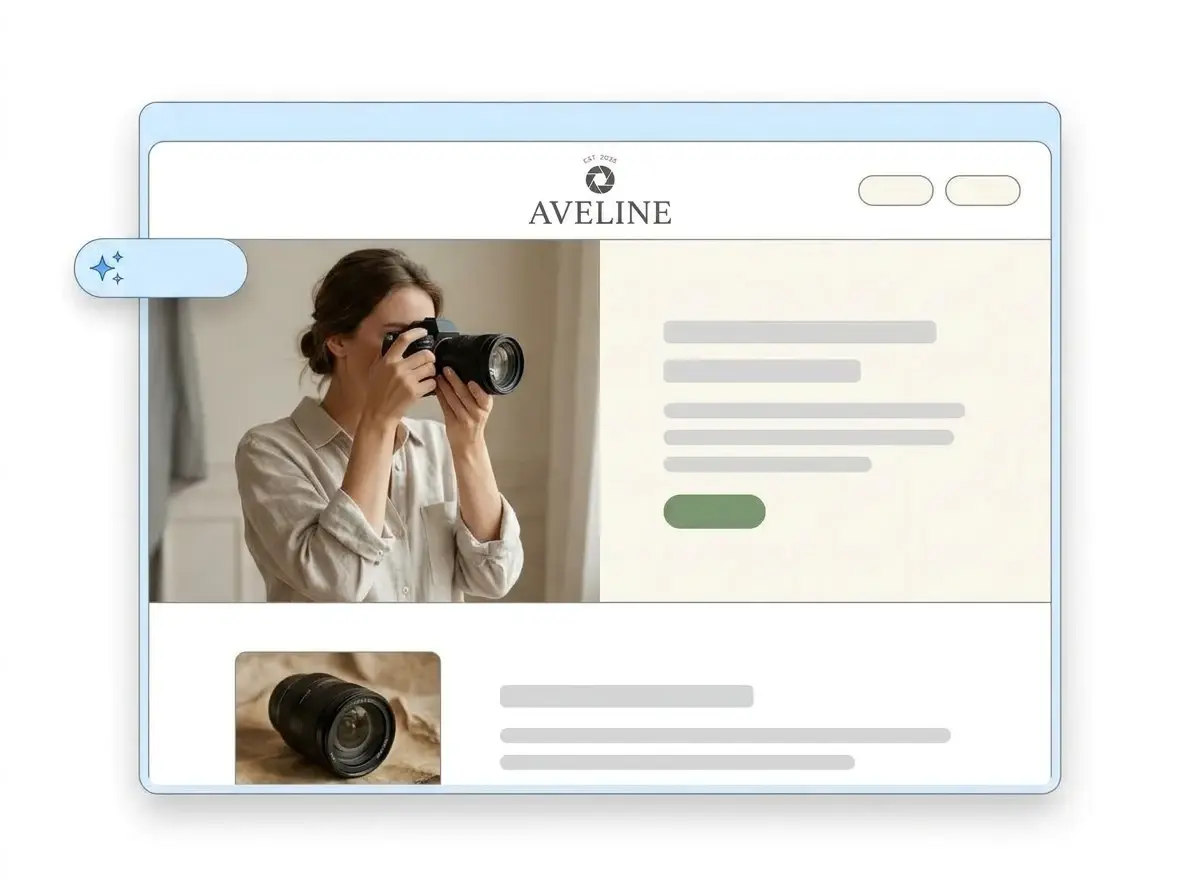
In about a minute you get a full photography website: a header in your font, a hero with room for your best frame, an About section, packages, a contact form and image sections for your galleries, all in your palette.
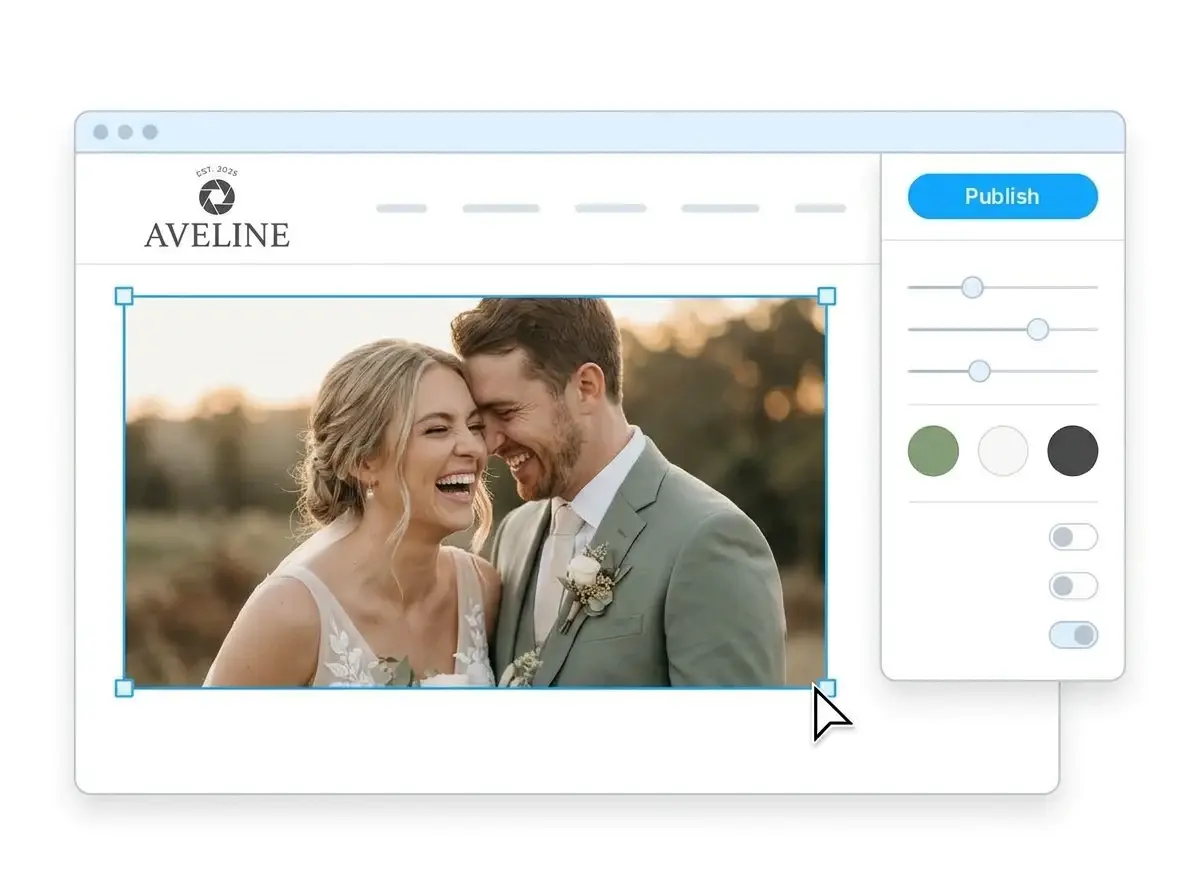
Swap the placeholder images for your own work, rewrite anything, then hit Publish. Your site is live right away, and you can connect your own domain when you are ready.
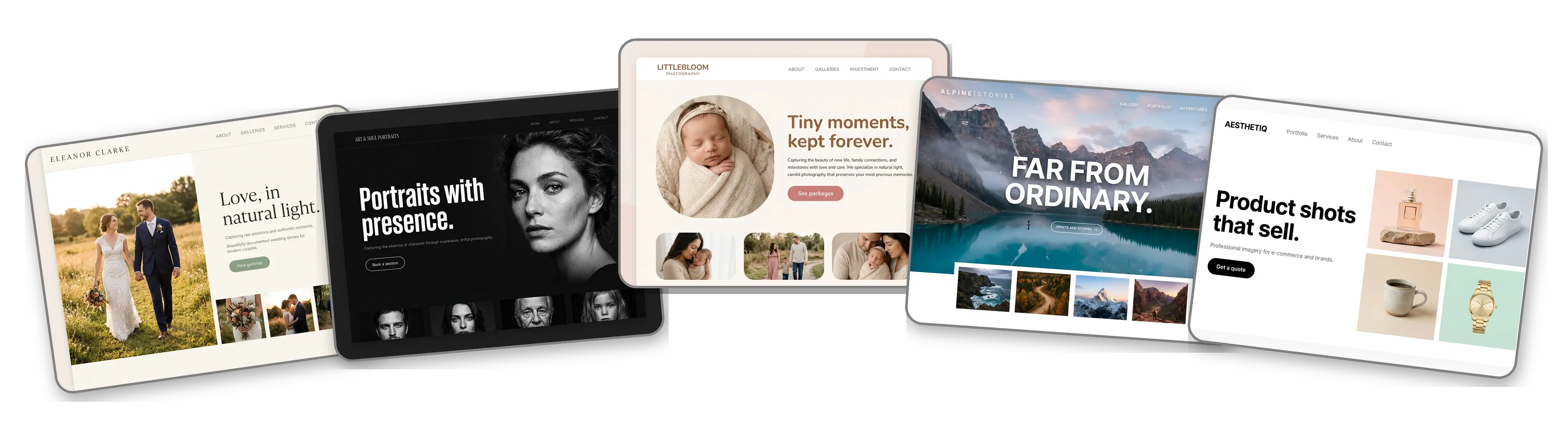
Hover any card to see the full page
Pick a template, then spend hours making it look like your brand.
The site builds itself to look and sound like your brand.
A photography website builder is a tool that builds a complete website for photographers around your images. Instead of handing you a blank canvas and a website design to figure out, it gives you a finished site with galleries, packages and a booking form, then lets you change whatever you like. LOGO.com's version starts from your logo rather than a template, so the finished site already looks like your brand.
Any builder can hand you a template. LOGO.com starts from your logo instead: it reads your colors, font and style, then writes and lays out a full site to match, from the header and hero to your About section, services, contact form and galleries. It also writes for what you actually shoot. According to LOGO.com data, 13% of photographers who built a brand on LOGO.com in the past 12 months paired photography with video, and one in ten named a specialty such as wedding, aerial, sports or car photography.
Photographers know their brand better than most. According to LOGO.com data, 94% of the custom icon descriptions written by photographers in the past 12 months asked for a camera, lens, shutter or aperture, and one in three asked for aperture or shutter blades specifically. That is the brand the builder carries into your site.
A photography portfolio website is galleries and a way to get in touch. A one page website adds packages, your story and reviews so people can book without emailing first. A link in bio points Instagram followers to both. All three come from the same logo, and you can start with one and grow it.
According to LOGO.com data, images are the most added element across all LOGO.com websites, one in every four elements added in the past 12 months. So image sections are built to be filled: drop in a full resolution photo and the site resizes it for phones without losing any sharpness. When you want your own web address, connect a custom domain you already own or register a new one inside LOGO.com on the Brand Plan.
Drop in the logo you already use on your watermark. The builder pulls your colors, your font and the overall feel, then lays out a complete photography website around it. No prompts to write, no theme to pick.
Your site, your business cards, your Instagram grid and the watermark in the corner of every frame all come from the same logo, so a client who found you on one sees the same brand on the next. According to LOGO.com data, 42% of website theme picks in the past 12 months were the three Brand themes that take their colors straight from the logo.
Headlines, an About section and package descriptions written the way photographers talk about their work, whether that is weddings, portraits, newborns, events or products. Keep the lines you like and rewrite the rest.
Wide, square and stacked image layouts that hold your best frames without cropping the moment out of them. Upload full resolution and the site handles the rest.
Rather start from a finished example? Pick from the photography templates that get used most: wedding, portrait, newborn, landscape or product. Then press one button to swap in your logo, colors and fonts.
Welcome, About, Services, Contact, Links, Promotion, Testimonial, Call to Action and FAQ. Stack them into a full photography portfolio website or keep it to a single link in bio page for your Instagram profile.
Move a gallery above your packages, hide the map until you have a studio, drop a testimonial under your hero. Drag any section where you want it and watch the change happen live.
Most people will find your work on a phone, so a mobile friendly website is not optional. Every site is laid out for small screens from the start, with a phone and desktop toggle so you can check your galleries before you publish.
A contact form for inquiries, so every message lands in your inbox with the details you need to send a quote.
Have a studio? Pin it on a live Google Map so clients can open directions in Maps or Waze with one tap.
Publish to a yourname.hi.link address to start, then connect a domain you already own or buy one inside LOGO.com on the Brand Plan, so clients find you at your own name.
The Brand Plan takes the LOGO.com watermark off your site, so the only brand a client sees on your photography website is yours.
Set the title and description that show in Google, plus the preview image that appears when a couple shares your link in a group chat, so your site is found beyond Instagram.
See which galleries get clicked, where your visitors come from and what they open. Upgrade to the Brand Plan for longer history and downloadable reports.
Editorial, minimal, sunset, sage, neon, mocha. Switch the style and the entire site restyles around your photos. According to LOGO.com data, white, black and gray made up 62% of the colors photographers picked in the past 12 months, with green and blue the leading accents, so the quieter styles tend to suit a photography brand best.
One upload also gives you a brand kit: colors, fonts, social templates and business cards that match the site.
Start in the free logo maker, pick a logo you love, and the photography website builder uses it as the starting point for your site.
One blue Publish button and your site is live. No developer, no waiting.
Change your logo or pick a new template and the site rebuilds itself. Your live site does not change until you press Publish again.
The Brand Plan covers your photography website, your own domain, your logo files, the brand kit and 1,200+ branded templates, so your site, your watermark and your business cards all come from one place and one subscription.
The AI does not stop at the first build. Ask the assistant to tighten your About section, rewrite a package description or redo a whole section in your brand's tone, right where you are working.

"I am not a designer, but creating my brand identity through LOGO.com was delightfully easy and cost-effective. I am very pleased with the outcome, and I couldn't have achieved the same standard on my own. I highly recommend this to any start-up business looking to set up its brand identity or any established business looking to get its brand an upgrade!"
Adrian Frese
Albina Consulting

"After forming an LLC, I didn't know where to go to create a logo and assets for my website. Then I found LOGO.com. They created a selection of logos for me to choose from in all the sizes I needed. In addition, LOGO.com provided me with a set of branding materials for my website and social media presence. The process is easy, fast, and requires no processional design experience."
David Tuffy
The Product Levers, LLC

"I have never attempted developing a logo or other marketing products, and am no expert at navigating new computer software. That being said, I not only found the software easy to navigate and learn, but the end product was more than I had hoped for. The help team at logo.com was highly responsive and willing to help with any questions I had in a clear and rapid manner. I am very pleased with the team at logo.com and the products I created. I highly recommend their service!"
Todd Salzsieder
Boise Behavioral Medicine PLLC

"LOGO.com is an amazing resource. It helped me create a professional-looking logo for my business that received more praise than logos I've paid designers to create for me in the past. The site is very easy to use, walks you through every step, and gives you control over the entire creation process."
Marvin Younan
Your Modern Lender
Upload your logo and the photography website builder takes it from there.