


Jewelry website builder that builds itself

Your jewelry site comes back in your colors, your fonts and brand.

No logo yet? Create a logo, then turn it into your jewelry site.

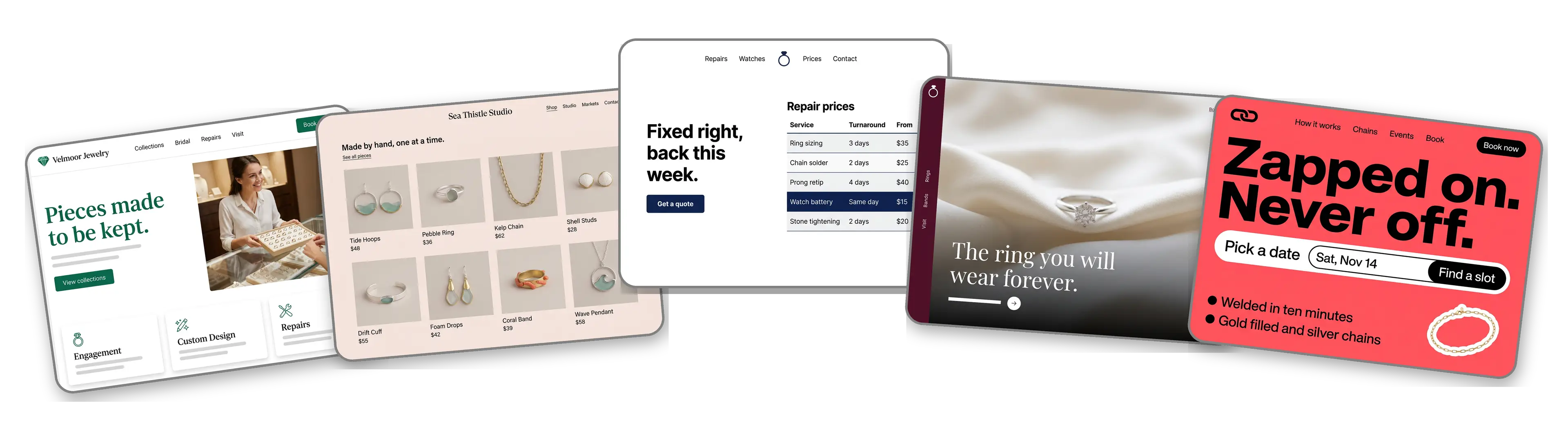
Five jewelry websites built with LOGO.com from a logo upload: a fine jewelry store, a handmade jewelry maker, a jewelry repair counter, a bridal and engagement ring studio and a permanent jewelry pop up

Featured in

msnyahoobusiness insider

How to make a jewelry website with LOGO.com in three steps.

Upload the logo from your gift boxes

Pick the file printed on your ring boxes, pouches and care cards: PNG, JPG, SVG or WebP. The builder looks at its colors and lettering and works out whether the brand feels like heirloom gold or playful sterling. Selling under a market stall sign with no logo yet? Make one free and return with it.
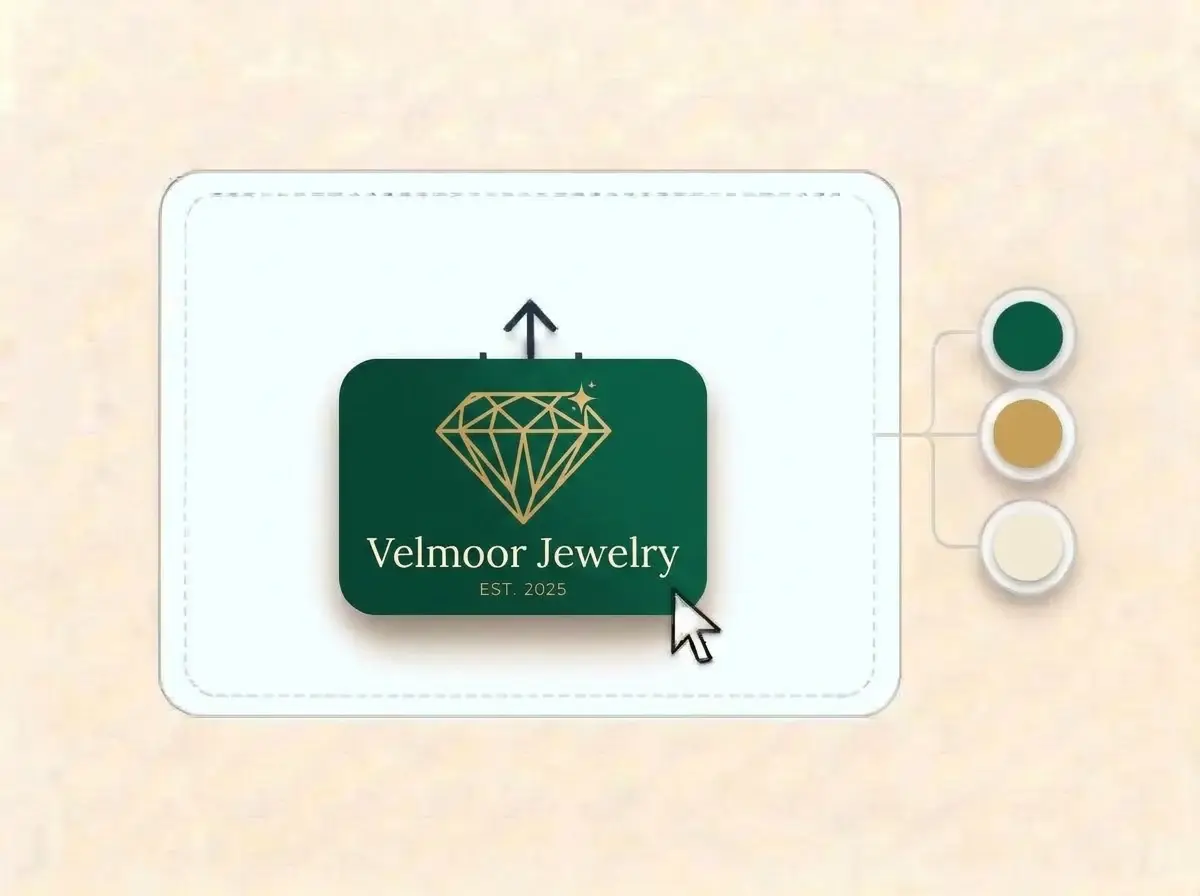
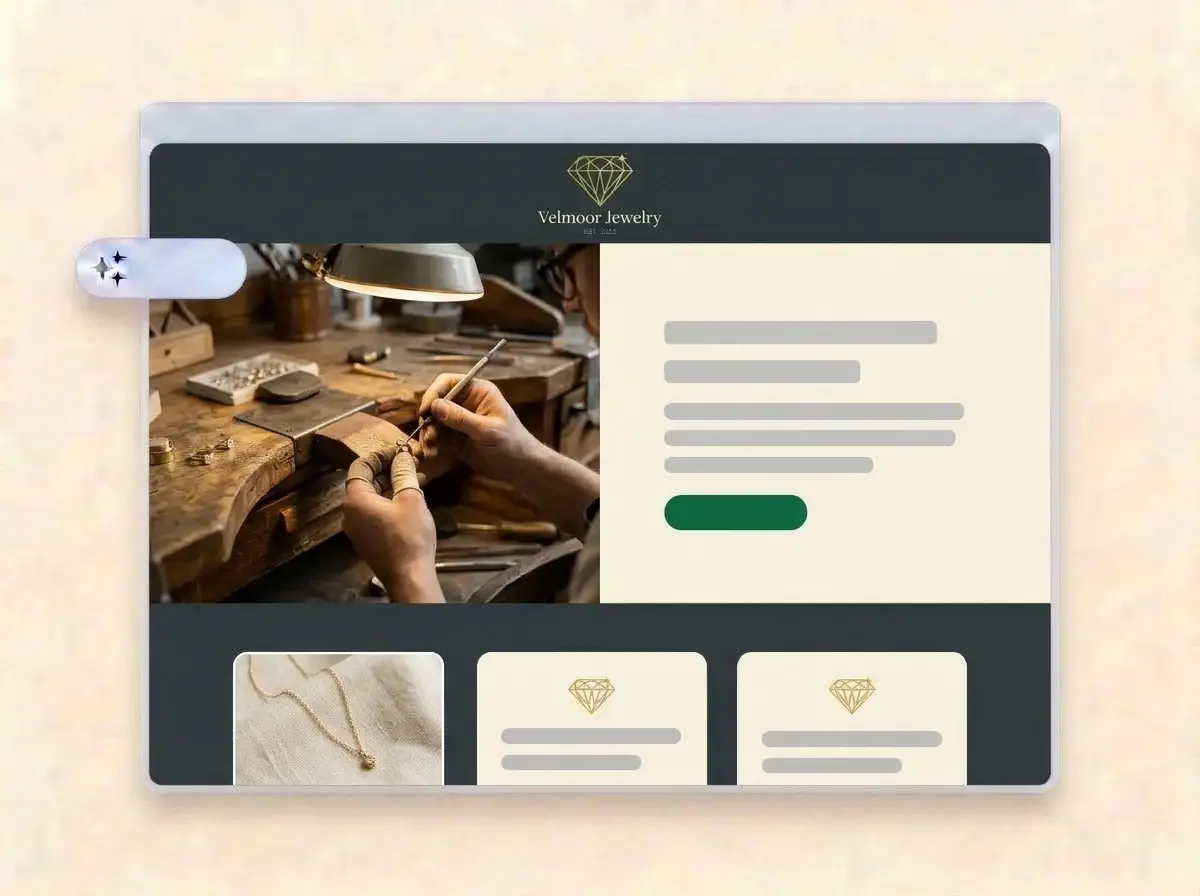
Velmoor Jewelry logo, a gold faceted diamond outline on an emerald green card, dropped into the LOGO.com upload box with its colors shown as swatches

A site as polished as the pieces

In roughly a minute your jewelry brand has a website: logo at the top, a jeweler at the bench in the hero, sections for collections, custom work and your story, and a contact form for commissions, sizing questions and repair requests.

Finished Velmoor Jewelry website built by LOGO.com from the uploaded logo, with a jeweler setting a stone into a gold ring in the hero photo

Add your photos, then publish

Replace the samples with close ups of your own rings, chains and earrings, list your metals and stones, add care and sizing notes, then press Publish. Print the address on the care card that goes into every box.

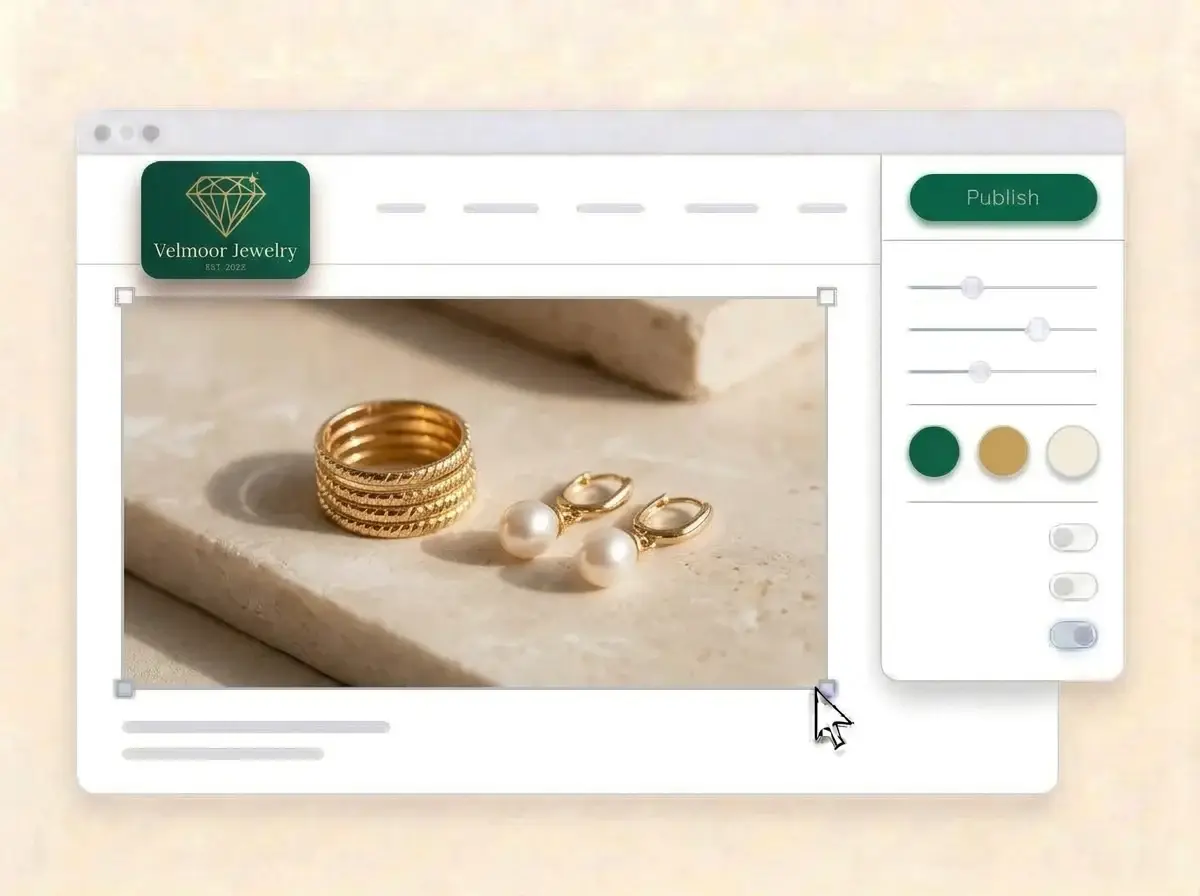
Editing the Velmoor Jewelry website with a photo of stacked gold rings and pearl earrings selected, the style panel open and the Publish button ready

What is a jewelry website builder?

A jewelry website builder is a tool that creates a complete website for a jeweler, a jewelry store or an independent maker, without hiring a designer. A good jewelry website does three jobs: it shows the pieces up close, it explains what they are made of, and it tells the buyer where to purchase or how to commission one. LOGO.com begins that site with your logo rather than a stock theme.

  1. How your logo becomes a website

    LOGO.com picks up the colors, lettering and mood of your logo, then sets out a header, hero, About, Services, a contact form and links around it. Every section arrives with copy written for a jewelry brand, ready for you to change until it sounds like you talking to a customer at the counter.

  2. Trust before the first purchase

    Jewelry is bought on detail and trust. Buyers zoom in on the clasp, check whether the gold is solid or plated, look for a hallmark and want to know what happens if a ring does not fit. Answer those plainly and the question in the inbox becomes an order.

  3. Stores, makers, repairs and bridal

    A jewelry store sells the visit and the counter. A handmade maker sells the story behind each piece. A repair bench sells a quick turnaround, and a bridal studio sells a ring for life. According to LOGO.com data, more than one in five jewelry businesses that chose one of the six main jewelry labels on LOGO.com in the past 12 months picked jewelry store, and about one in nine picked handmade jewelry.

  4. An address for the care card

    Brand themes pull their colors from your logo, and a dark, light or colorful style changes every section in a single click. When the address on your care cards should be your own name, connect a custom domain you already own or buy one through LOGO.com on the Brand Plan.

What makes LOGO.com the best website builder for jewelry

1.Your logo sets the tone

Upload your logo and the builder reads its colors, lettering and feel, then lays out a complete jewelry website around it. No prompts, no theme hunt and no evening lost before you can show a single ring.

2.Colors from your packaging

Gold foil, a deep green box, a blush pouch: whatever shades your logo carries become the site colors, so unboxing and browsing feel like the same brand.

3.Copy written for jewelers

Collection intros, an About section on how and where you make each piece, and a welcome line that says what you craft. Rewrite anything that sounds fancier than your own voice.

4.Close ups, worn shots and the bench

A macro of a clasp, a ring worn on a hand, the bench mid project. Put your own photos into the image sections and remove the sample ones.

5.Jewelry website templates

Want to begin from a layout? Pick a template and add your logo. Your colors, fonts and brand name slot in, so the first draft already feels like your collection.

6.Nine section types

Welcome for a signature piece, About for your craft, Services for custom work, sizing and repairs, Contact, Links to your shop and markets, Promotion for a new drop, Testimonial for buyer reviews, Call to Action and FAQ for metals, care and returns. Or run a single link in bio page from your Instagram profile.

7.New drop at the top

Move a holiday collection or a fresh drop to the top, then put bridal first in engagement season. Drag sections up or down and the preview follows along.

8.Shopped from a phone

A lot of jewelry browsing starts on a phone after someone taps your Instagram link. A mobile friendly website matters there, so check the phone view and keep your best piece and the shop button on the first screen.

9.Commissions in one inbox

A contact form keeps custom ring requests, sizing questions and repair inquiries in one place instead of scattered DMs. Use the section text to ask for the budget, the metal and the occasion.

10.Make the studio easy to find

Add your shop, studio or market address with a live Google Map and the days you are open. Keep the same name and details on your Google Business Profile, which supports local SEO.

11.Your brand in the address bar

Start on a yourname.hi.link address, then connect a domain you own or buy one inside LOGO.com on the Brand Plan, so the address on your care card matches the name on the box.

12.Nothing but your name

The Brand Plan removes the LOGO.com watermark, so a buyer weighing a gold ring sees your brand and nothing else.

13.Found for the pieces you make

Buyers search for the piece first, such as a gold signet ring or a sea glass necklace. Set the title and description Google shows for your site, and pick the preview image that appears when someone shares your link.

14.See what a market weekend brings

Check visits after a craft fair, a pop up or a post that took off. The free plan keeps a week of visitor numbers, and the Brand Plan adds thirty days, ninety days and all time, which you can download.

15.Fine, playful or minimal

Editorial, minimal, sunset, sage, neon, mocha: one choice changes every section. According to LOGO.com data, serif fonts appeared on about three in ten logos that jewelry businesses created on LOGO.com in the past 12 months, about twice the rate across all logos, and your lettering stays put in every style.

16.Boxes, cards and the site in step

The same upload opens a brand kit with your colors, fonts, social templates and business cards, so the care card, the Instagram post and the website feel like one jewelry brand.

17.Need a logo first?

Make one with the free logo maker. According to LOGO.com data, more than two in five icon ideas that jewelry businesses described on LOGO.com in the past 12 months were a ring, a diamond or another gemstone. Choose the version you like and the builder turns it into your site.

18.Online before the next drop

One press of Publish and the jewelry site is live. No developer, no code and no waiting until the holiday rush is over.

19.A new collection name, same site

Launching a second line or changing your name? One click rebuilds the site from the new logo, while visitors still see the live version until you press Publish.

20.One subscription for the whole brand

The Brand Plan covers the website, your domain, logo files, the brand kit and 1,200+ branded templates, so business cards, social posts and the site come under one plan.

21.An assistant for product stories

Ask the assistant in the editor to tighten a collection description, write a short care note in plain words or shorten the story behind a piece.

Start for free with a live jewelry website.

Trusted by millions of small businesses.

Adrian Frese

"I am not a designer, but creating my brand identity through LOGO.com was delightfully easy and cost-effective. I am very pleased with the outcome, and I couldn't have achieved the same standard on my own. I highly recommend this to any start-up business looking to set up its brand identity or any established business looking to get its brand an upgrade!"

Adrian Frese

Albina Consulting

David Tuffy

"After forming an LLC, I didn't know where to go to create a logo and assets for my website. Then I found LOGO.com. They created a selection of logos for me to choose from in all the sizes I needed. In addition, LOGO.com provided me with a set of branding materials for my website and social media presence. The process is easy, fast, and requires no processional design experience."

David Tuffy

The Product Levers, LLC

Todd Salzsieder

"I have never attempted developing a logo or other marketing products, and am no expert at navigating new computer software. That being said, I not only found the software easy to navigate and learn, but the end product was more than I had hoped for. The help team at logo.com was highly responsive and willing to help with any questions I had in a clear and rapid manner. I am very pleased with the team at logo.com and the products I created. I highly recommend their service!"

Todd Salzsieder

Boise Behavioral Medicine PLLC

Marvin Younan

"LOGO.com is an amazing resource. It helped me create a professional-looking logo for my business that received more praise than logos I've paid designers to create for me in the past. The site is very easy to use, walks you through every step, and gives you control over the entire creation process."

Marvin Younan

Your Modern Lender

Jewelry website builder FAQs