


Lawn care website builder that builds itself

Your lawn care website comes back in your colors, your fonts and brand.

No logo yet? Create a logo, then turn it into your lawn care site.

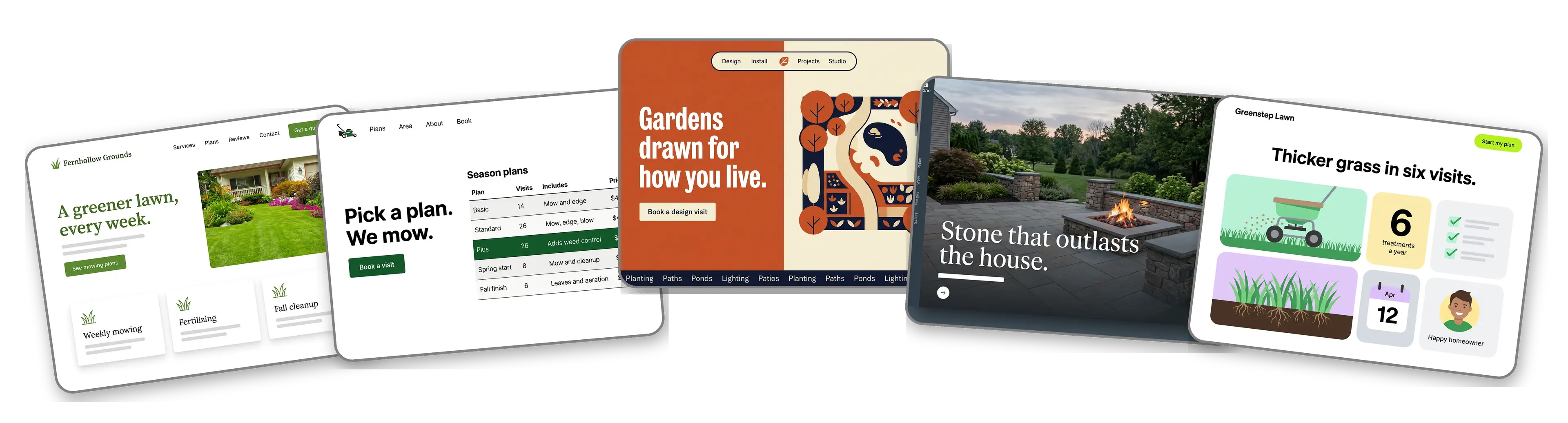
Five lawn care and landscaping websites built with LOGO.com from a logo upload: a residential lawn care company, a mowing service with season plans, a landscape design studio, a hardscape and patio builder and a lawn treatment service

Featured in

msnyahoobusiness insider

How to make a lawn care website with LOGO.com in three steps.

Upload the logo from your truck door

Grab the file the sign shop used for the truck wrap or the yard signs. PNG, JPG, SVG or WebP all work, and the builder reads the greens and the lettering straight from it. Still running on a business card from the print shop? Make one free before the spring rush starts.
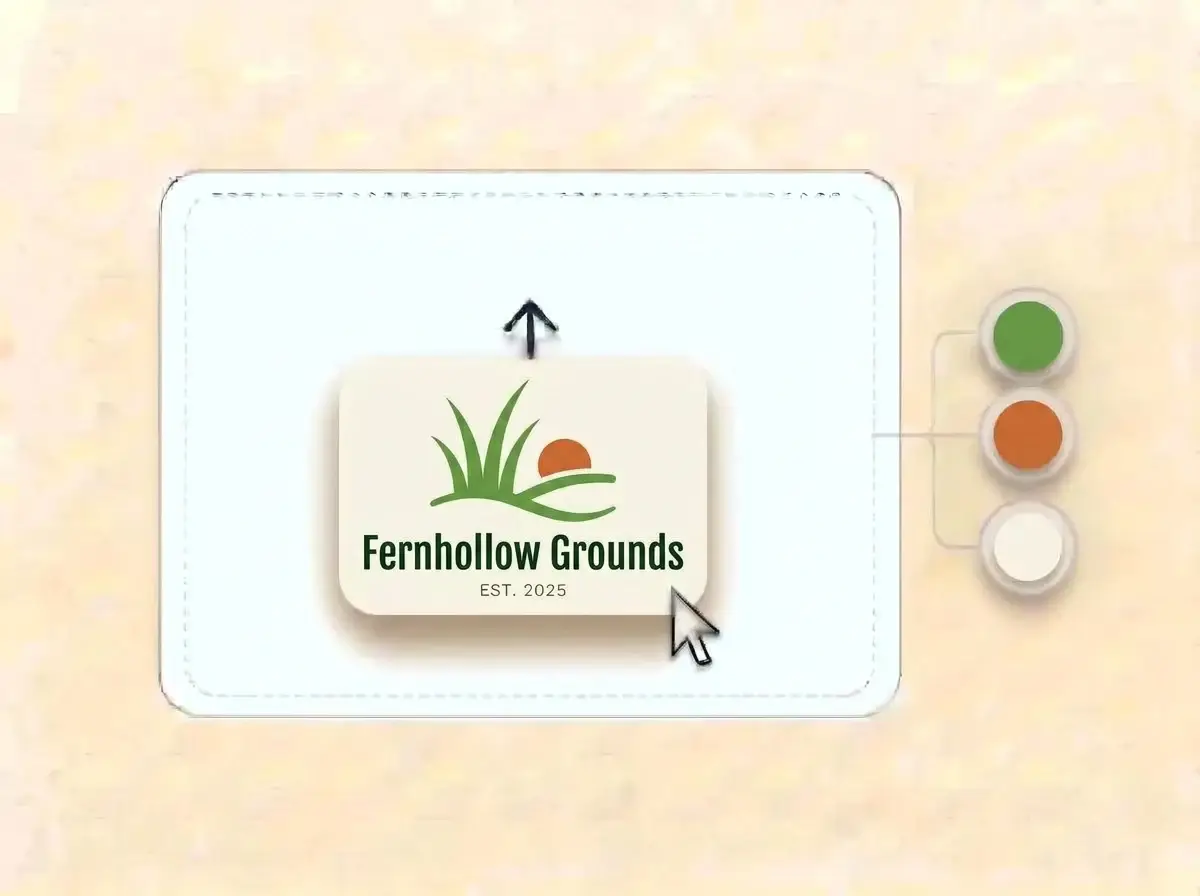
Fernhollow Grounds logo, three grass blades over a rolling lawn with a burnt orange sun on an off white card, dropped into the LOGO.com upload box with its colors split into swatches

A full site before the next mow

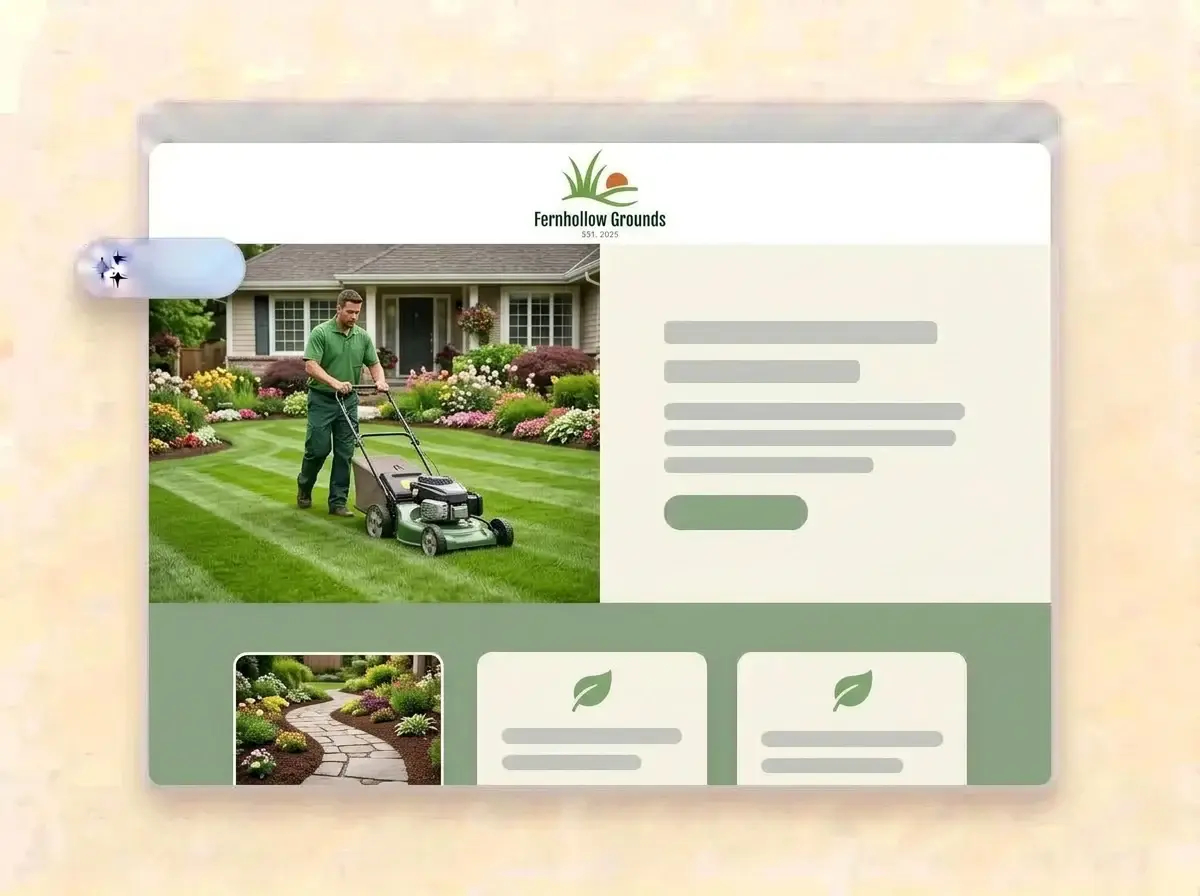
Give it about a minute and the crew has a website: your logo up top, a freshly cut lawn in the hero, sections for mowing, cleanups and installs, a few lines about the owner and a form that collects quote requests.

Finished Fernhollow Grounds website built by LOGO.com from the uploaded logo, with a landscaper mowing a striped front lawn in the hero photo

Swap in your yards and go live

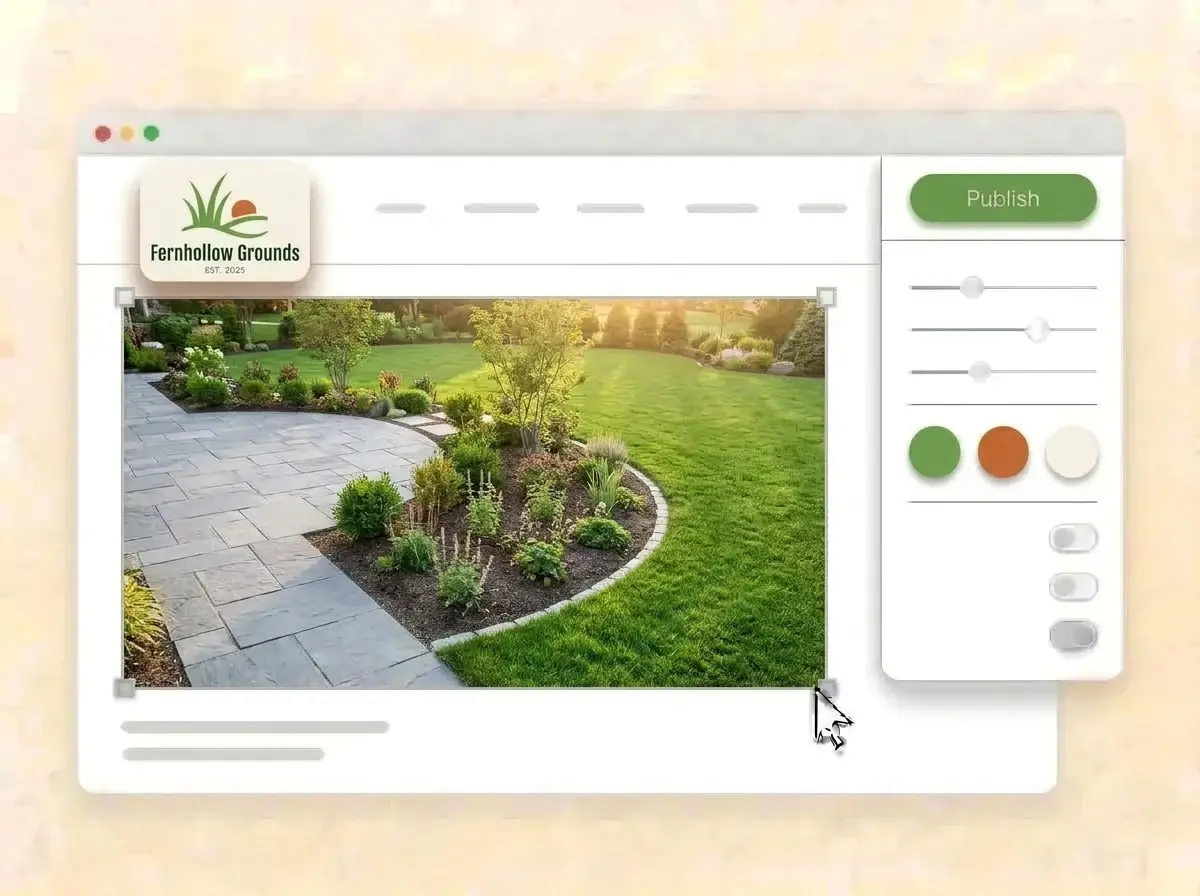
Replace the sample photos with lawns and patios you actually finished, list the towns you cover, link the Book button to the scheduling tool you use and press Publish. Print the address on the next batch of door hangers.

Editing the Fernhollow Grounds website with a new backyard patio photo selected, the style panel open and the grass green Publish button ready

What is a lawn care website builder?

A lawn care website builder is a tool that gives a mowing crew, a landscaper or a hardscape contractor a finished website with services, a service area, project photos and a way to ask for a quote, without code. A good landscaping website answers two questions in seconds: do you work on my street, and what will my yard look like after. LOGO.com builds that site from your logo, so it matches the trucks and the yard signs.

  1. From truck logo to website

    LOGO.com reads the colors, lettering and feel of your logo, then sets a header, a hero, About, Services, a contact form and links around it. Every section arrives with copy written for lawn and landscape work, ready to change into the way you talk to customers.

  2. What a homeowner checks before calling

    Homeowners rarely read a landscaping site top to bottom. They look for their town, a few yards that look like theirs and an easy way to ask for a price. Put the service area in the first lines and the quote button next to it.

  3. Mowing, design, hardscape and treatments

    Lawn care crews sell the weekly visit. Landscape installers sell the transformation, hardscapers sell stone that lasts and treatment services sell thicker grass by next season. According to LOGO.com data, landscaping businesses outnumbered lawn care businesses close to two to one among those that picked an industry on LOGO.com in the past 12 months.

  4. An address that fits on a yard sign

    Brand themes pull their colors from your logo, and the dark, light and colorful styles change the whole site in one click. When the web address on your yard signs should be the company name, connect a custom domain you own or buy one through LOGO.com on the Brand Plan.

What makes LOGO.com the best website builder for landscaping

1.Starts from the logo on the truck

Upload your logo and the builder reads its greens, lettering and style, then lays out a complete lawn care website around it. No theme hunting between jobs.

2.Greens that match the crew shirts

According to LOGO.com data, green took about three in five of the accent colors lawn care businesses picked on LOGO.com in the past 12 months, and orange was the runner up among landscapers. The site uses the exact shades from your own logo.

3.Copy written for yard work

A welcome line about the yards you care for, an About section on how the business started and descriptions for mowing, cleanups, mulch and installs. Edit any line before the site goes live.

4.Before and after, side by side

The overgrown corner lot, the same lot after the install, the patio at dusk. Add your before and after photos to the image sections and delete the samples, so homeowners see work from their own area.

5.Landscaping website templates

Prefer to choose a look first? Pick a template and add your logo. Your colors, fonts and company name fill in, so the draft already feels like your crew.

6.Nine section types

Welcome for the headline service, About for the owner, Services for mowing, cleanups and installs, Contact, Links to reviews and socials, Promotion for spring aeration slots, Testimonial for neighbors who hired you, Call to Action and FAQ for pricing and service days. Or build a short link in bio page for the profile customers find on social media.

7.Follow the seasons

Spring cleanup at the top in March, mowing plans in summer, leaf removal in October, snow removal once the first storm hits. Drag the sections around and the live preview keeps pace with every move.

8.Checked from the driveway

Homeowners often look you up on a phone after spotting a truck or a yard sign. A mobile friendly website wins that moment, so check the phone view and keep the service area and quote button near the top.

9.Quote requests in one place

The contact form gathers estimate requests from new neighborhoods into one inbox. Use the section text to ask for the address, lot size and the work wanted, so the first reply can include a price range.

10.Found in your service area

Have a yard or shop customers can visit? Add the address with a live Google Map. Keep the name, phone and towns the same as your Google Business Profile, which supports local SEO when people search for lawn care near them.

11.A web address for the truck wrap

Start on a yourname.hi.link address, then connect a domain you already own or buy one inside LOGO.com on the Brand Plan, so the trucks, door hangers and invoices all point to your company name.

12.Just your company on the page

The Brand Plan removes the LOGO.com watermark, so customers only see your company.

13.Searchable by the jobs you do

People rarely search a landscaper by name. They search for the job, like spring cleanup, sod installation or a new paver patio. Set the title and description Google shows, and choose the image that appears when a neighbor shares your link.

14.Know when the phone will ring

According to LOGO.com data, close to a third of the lawn care industry picks on LOGO.com in the past 12 months came in March and April. Free sites keep seven days of visitor stats, and the Brand Plan keeps thirty days, ninety days and all time, with a download to plan next spring.

15.Earthy, bold or clean

Editorial, minimal, sunset, sage, neon, mocha: one click sets a new look for the season. Whichever style you choose, your logo colors and lettering stay exactly where they belong.

16.Yard signs that match the site

The same upload opens a brand kit with your colors, fonts, social templates and business cards, so door hangers, truck magnets and the website all look like one crew.

17.No logo on the trailer yet?

According to LOGO.com data, a mower or a blade of grass was the icon idea lawn care and landscaping businesses requested most on LOGO.com in the past 12 months. Try one in the free logo maker, keep the mark that reads well on a trailer and the builder turns it into your website.

18.Online before the first cut

Press Publish and the company is online. No developer, no code and no weekend lost at the computer.

19.New name after a buyout

Bought out a partner or renamed the company? Rebuild from the new logo in one click, and customers keep seeing the current site until you publish the new one.

20.One plan for the trucks and the site

The Brand Plan covers the website, the domain, logo files, the brand kit and 1,200+ branded templates, so the trailer, the invoice and the site share one look.

21.Help writing service pages

Ask the assistant in the editor to tighten a long service description, write a short spring cleanup promotion or turn a list of plants into a friendly paragraph.

Start for free with a live lawn care website.

Trusted by millions of small businesses.

Adrian Frese

"I am not a designer, but creating my brand identity through LOGO.com was delightfully easy and cost-effective. I am very pleased with the outcome, and I couldn't have achieved the same standard on my own. I highly recommend this to any start-up business looking to set up its brand identity or any established business looking to get its brand an upgrade!"

Adrian Frese

Albina Consulting

David Tuffy

"After forming an LLC, I didn't know where to go to create a logo and assets for my website. Then I found LOGO.com. They created a selection of logos for me to choose from in all the sizes I needed. In addition, LOGO.com provided me with a set of branding materials for my website and social media presence. The process is easy, fast, and requires no processional design experience."

David Tuffy

The Product Levers, LLC

Todd Salzsieder

"I have never attempted developing a logo or other marketing products, and am no expert at navigating new computer software. That being said, I not only found the software easy to navigate and learn, but the end product was more than I had hoped for. The help team at logo.com was highly responsive and willing to help with any questions I had in a clear and rapid manner. I am very pleased with the team at logo.com and the products I created. I highly recommend their service!"

Todd Salzsieder

Boise Behavioral Medicine PLLC

Marvin Younan

"LOGO.com is an amazing resource. It helped me create a professional-looking logo for my business that received more praise than logos I've paid designers to create for me in the past. The site is very easy to use, walks you through every step, and gives you control over the entire creation process."

Marvin Younan

Your Modern Lender

Lawn care website builder FAQs