Blur Image Effect
Start with effects
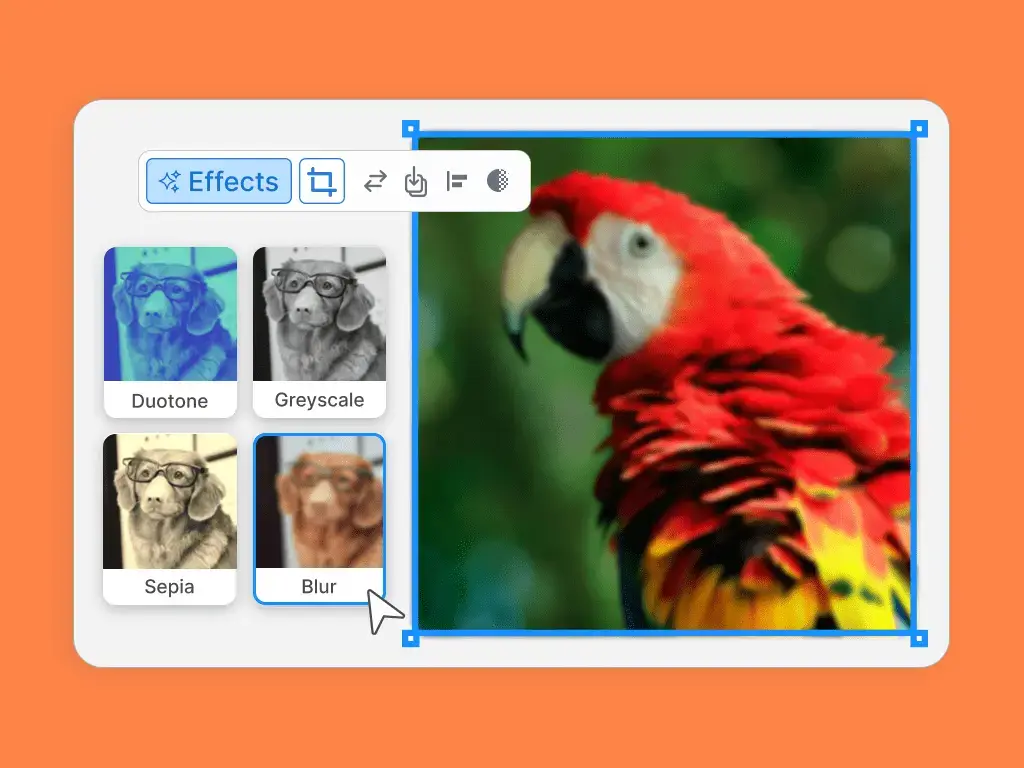
After uploading your photo, simply select it and click the 'Effects' button in the editor toolbar to see your options.
Blur Image Effect
After uploading your photo, simply select it and click the 'Effects' button in the editor toolbar to see your options.
Blur Image Effect
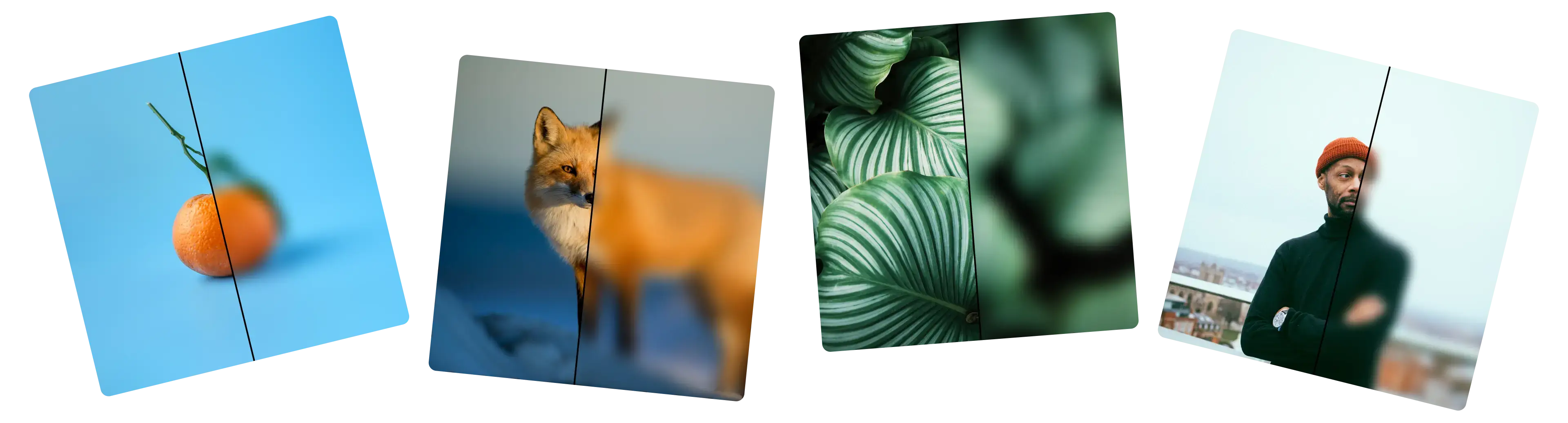
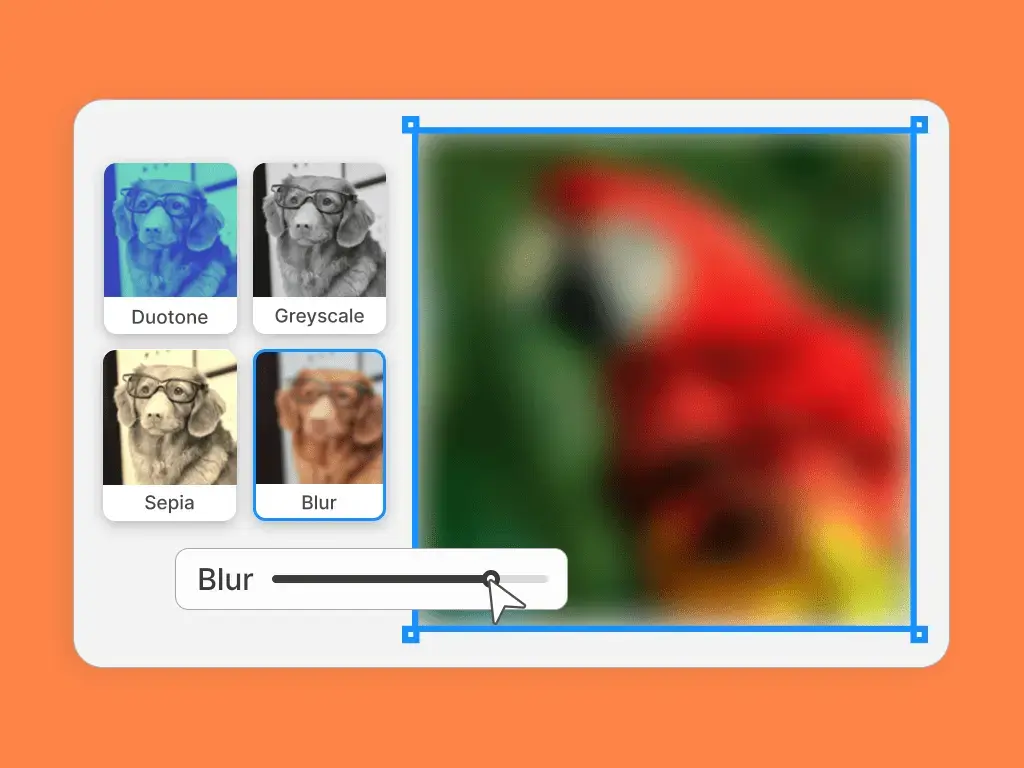
Create the ideal soft focus or dramatic blur. Adjust the slider to customize the blur effect to your preference.
Put your blurred picture into one of our many ready-made styles. Add your own touch for sharing online, printing out, and whatever else you need.

Sometimes you need to add words on top of a picture, but the details in the background make the text hard to see. Blurring the photo creates a smooth, soft surface. This makes your words pop and ensures your message is clear and readable.
You might want a photo to feel soft, peaceful, or even a little magical. A gentle blur can soften the entire image, removing hard edges. This is perfect for setting a relaxing or thoughtful atmosphere for an announcement or a social media post.
If a photo is a bit grainy or has too much going on, a blur can help. A light blur can smooth over imperfections and digital noise. It also helps tone down a "busy" image, making it less distracting and more pleasant to look at.
A plain, solid color background can sometimes be boring. If you take any photo and apply a heavy blur, it transforms into a unique and colorful gradient. This is a great way to create a stylish, abstract background for quotes, products, or presentations.
Maybe you love the colors in a photo, but the specific objects aren't important. Blurring an image blends the details together. This shifts the focus from the objects in the picture to the overall feeling created by the colors and soft shapes.
A completely sharp photo can have many points of interest that compete for attention. A soft blur on a background image helps the main elements you place on top, like a title or a focused product photo stand out. It tells the viewer exactly where to look first.