


Graphic design website builder that builds itself

Your design site comes back in your colors, your fonts and brand.

No logo yet? Create a logo, then turn it into your design site.

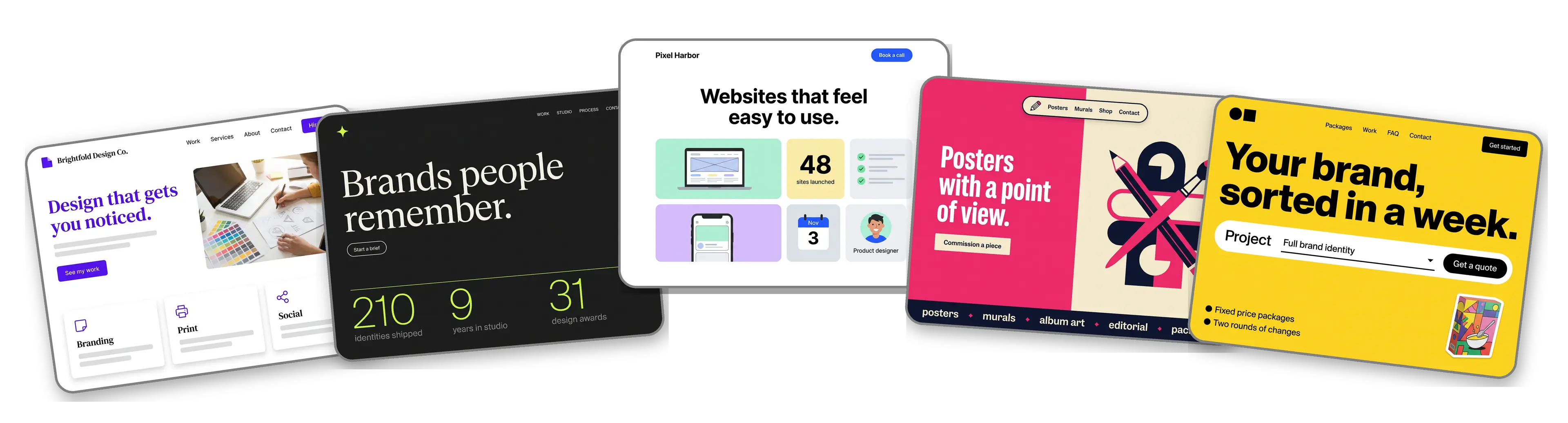
Five design websites built with LOGO.com from a logo upload: a freelance graphic designer, a brand identity studio, a web and UI designer, an illustration and poster studio and a logo and packaging design service

Featured in

msnyahoobusiness insider

How to make a graphic design website with LOGO.com in three steps.

Upload the mark you made for yourself

Export your own logo the way you would for a client: an SVG if you have it, or PNG, JPG or WebP. The builder reads its colors, weights and spacing and takes its cue from the identity you already sweated over. Still designing for everyone except yourself? Make one free and finish your own brand at last.
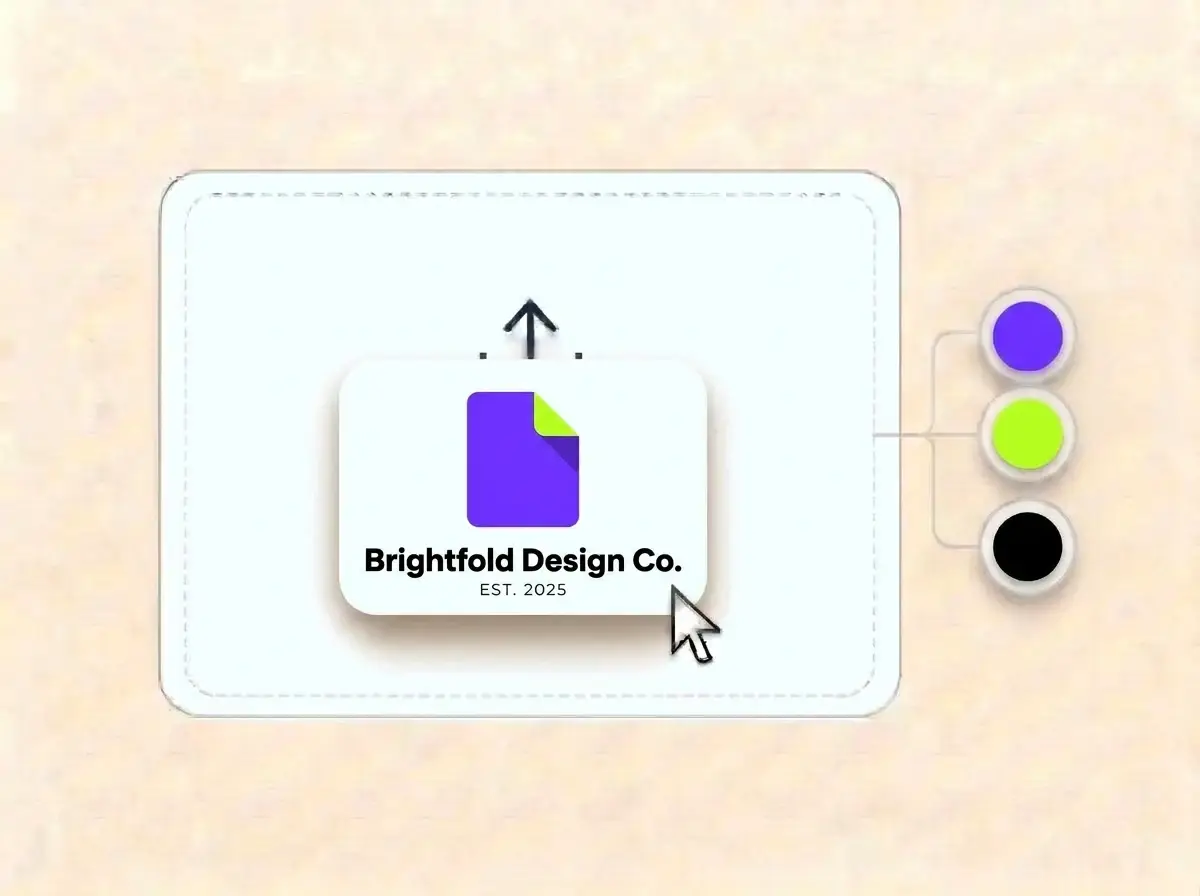
Brightfold Design Co. logo, an electric violet square with a lime folded corner on a white card, dropped into the LOGO.com upload box with its colors split into swatches

A site that passes your own review

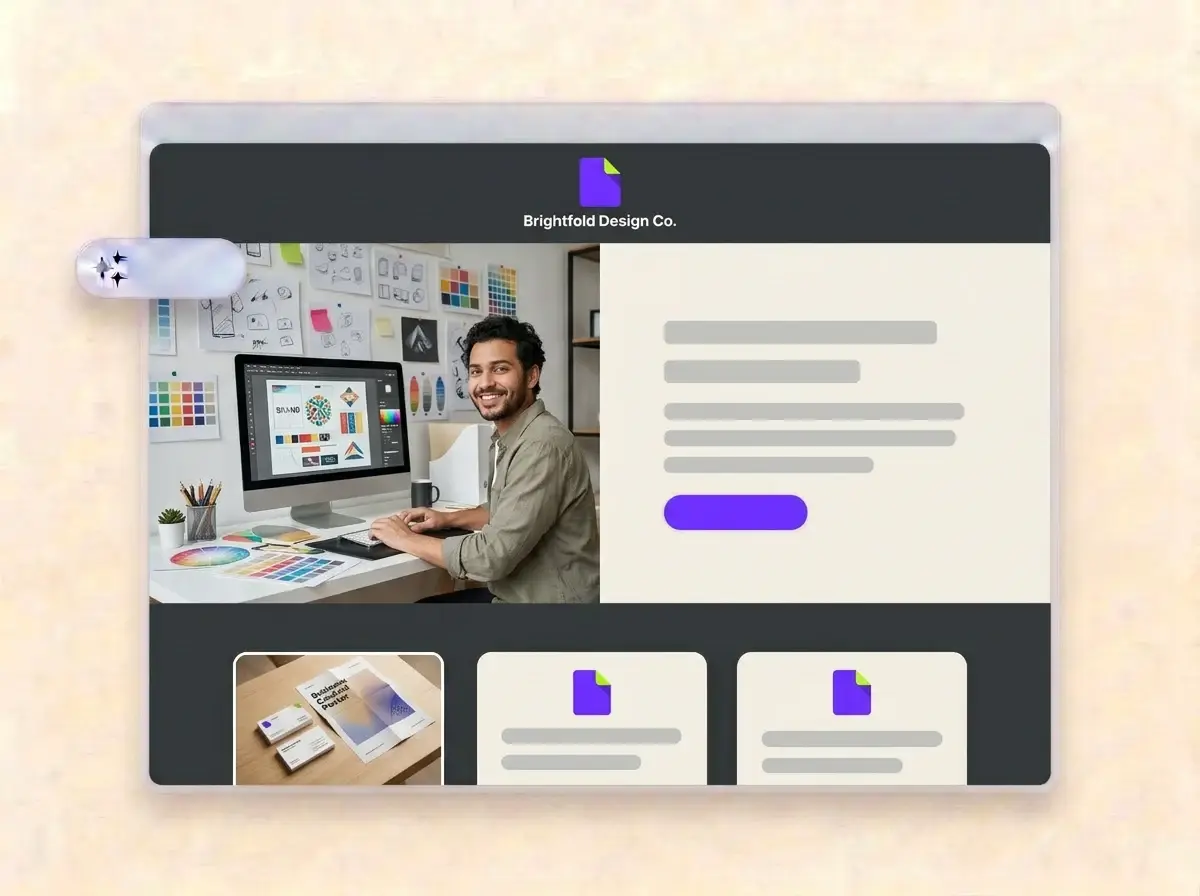
A minute or so later the studio has a website: your logo at the top, you at the desk in the hero, sections for selected work, the services you sell and how a project runs, and a contact form that collects new briefs.

Finished Brightfold Design Co. website built by LOGO.com from the uploaded logo, with a graphic designer working on brand layouts in the hero photo

Swap in your case studies, then publish

Replace the sample images with mockups and photos of real client work, write two lines on the problem behind each project, tweak the type and colors if you must, then press Publish. Put the link on your proposals and your social profiles.

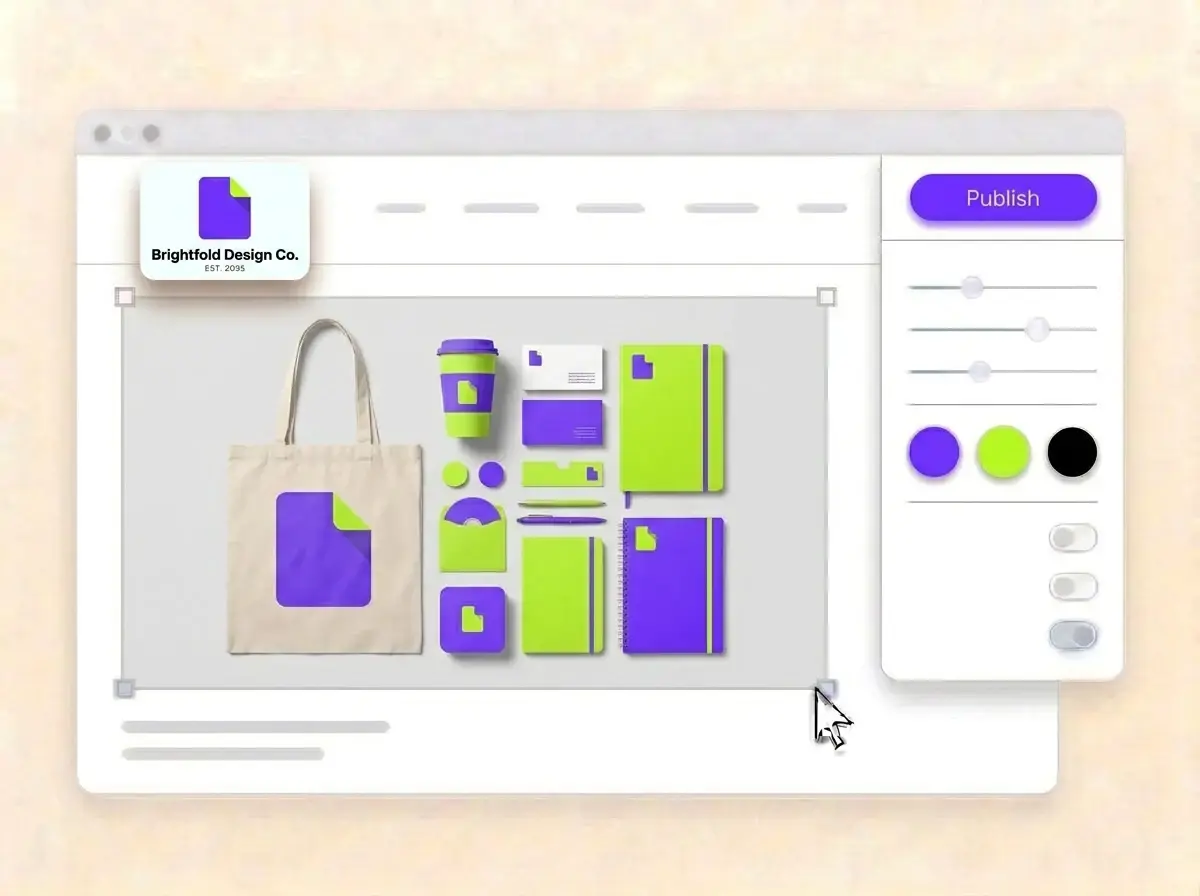
Editing the Brightfold Design Co. website with a violet and lime brand identity flat lay selected, the style panel open and the Publish button ready

What is a website builder for graphic designers?

A website builder for graphic designers is a tool that creates a complete studio website for a designer, from a freelancer to a small branding agency, without coding or a long redesign. A good graphic design website proves taste in the first scroll, explains the problem each project solved and makes it easy to send a brief. LOGO.com builds that site from the logo you designed for yourself, so it already follows your own identity rules.

  1. How your logo becomes a website

    LOGO.com picks up the colors, letterforms and tone of your logo, then sets a header, hero, About, Services, a contact form and links around it. Each section comes with copy written for a design studio, ready for you to edit until it sounds like your pitch.

  2. What clients judge in ten seconds

    A client hiring a designer judges the website itself as the first sample. They look for work in their sector, a short note on the thinking behind each piece and a sign you can run a project. Show fewer, stronger projects and one clear next step.

  3. Brand, web, illustration and packaging

    A brand designer sells an identity that holds together. A web designer sells a site that converts. An illustrator sells a style nobody else has, and a packaging designer sells shelf presence. According to LOGO.com data, graphic designers outnumbered web designers by about four to one among design businesses that set up on LOGO.com in the past 12 months.

  4. Your own domain on the proposal

    Brand themes lift their colors straight from your logo, and the dark, light and colorful styles each restyle the site in one click. When the link on your proposals should be your studio name, connect a custom domain you already own or buy one through LOGO.com on the Brand Plan.

What makes LOGO.com the best website builder for designers

1.Your identity is the brief

Upload your logo and the builder reads its colors, letterforms and mood, then lays out a complete studio website around it. No prompt writing, no theme shopping and no blank canvas staring back at you.

2.Colors you already approved

According to LOGO.com data, close to three in five of the accent colors web designers picked for their brand on LOGO.com in the past 12 months were blue, while graphic designers spread theirs across green, blue and purple. Whatever you chose, the site uses those exact shades.

3.Copy written for designers

Studio introductions, an About section about how you think and a welcome line that names the work you want more of. Rewrite every word if you like, since you will anyway.

4.Mockups, process and finished work

A brand board, a sketch from the first workshop, the final packaging on a shelf. Put your own images into the image sections and remove the samples.

5.Graphic design website templates

Rather pick a layout first? Choose a template and add your logo. Your colors, fonts and studio name slot in, so the first draft already reads as your work.

6.Nine section types

Welcome for your positioning line, About for your story, Services for identity, web or packaging work, Contact, Links to Behance and Dribbble, Promotion for open booking slots, Testimonial for client quotes, Call to Action and FAQ for timelines and rounds of changes. Or run a short link in bio page for your social profiles.

7.Best project first

Move a fresh launch to the top, or bring packaging work forward before pitching a food brand. Reorder sections by dragging and watch the preview update.

8.Seen first on a phone

Plenty of clients open your link from a message on their phone. A mobile friendly website matters there, so check the phone view and make sure your strongest project shows without scrolling.

9.Briefs instead of vague emails

A contact form gathers project inquiries in one inbox. Use the section text to ask for the deliverables, the deadline and the budget, so the first reply can include a real estimate.

10.A studio people can visit

Have a studio or shared space? Add the address with a live Google Map. Keep the same details on your Google Business Profile, which helps local SEO when someone searches for a designer nearby.

11.A link that is your name

Start on a yourname.hi.link address, then connect a domain you own or buy one inside LOGO.com on the Brand Plan, so the link in your email signature is the studio name.

12.No other logo on your work

The Brand Plan removes the LOGO.com watermark, so the only brand on the page is the one you designed.

13.Found for the work you do

Clients search for a service before a name, such as a packaging designer or a brand identity studio. Set the title and description Google shows, and choose the share image so your link looks designed when it is pasted into a chat.

14.See which pitch landed

Track visits after a portfolio review, a talk or a post that took off. Free sites keep seven days of visits, and the Brand Plan keeps thirty days, ninety days and all time, with a download.

15.Editorial, minimal or loud

Editorial, minimal, sunset, sage, neon, mocha: one pick and the whole site changes. According to LOGO.com data, serif fonts appeared on about one in seven graphic design logos created on LOGO.com in the past 12 months and on only about one in ten web design logos, and your own letterforms stay intact in every style.

16.Proposals in the same system

The same upload opens a brand kit with your colors, fonts, social templates and business cards, so proposals, posts and the website follow your own guidelines.

17.Never designed your own logo?

It happens to the best designers. Start in the free logo maker, refine the version you like, and the builder turns it into your design website.

18.Shipped today

One press of Publish puts the studio site online. No developer, no code and no more redesign that never leaves the drafts folder.

19.Rebranding yourself

Changing the studio identity? Rebuild the site from the new logo in one click, and visitors keep the old version until you publish the new one.

20.One subscription for your brand

The Brand Plan covers the website, your domain, logo files, the brand kit and 1,200+ branded templates, so your own brand finally gets the treatment you give clients.

21.An assistant for case study text

Ask the assistant in the editor to turn a long case study into three short paragraphs, cut design jargon or tighten your services list.

Start for free with a live design website.

Trusted by millions of small businesses.

Adrian Frese

"I am not a designer, but creating my brand identity through LOGO.com was delightfully easy and cost-effective. I am very pleased with the outcome, and I couldn't have achieved the same standard on my own. I highly recommend this to any start-up business looking to set up its brand identity or any established business looking to get its brand an upgrade!"

Adrian Frese

Albina Consulting

David Tuffy

"After forming an LLC, I didn't know where to go to create a logo and assets for my website. Then I found LOGO.com. They created a selection of logos for me to choose from in all the sizes I needed. In addition, LOGO.com provided me with a set of branding materials for my website and social media presence. The process is easy, fast, and requires no processional design experience."

David Tuffy

The Product Levers, LLC

Todd Salzsieder

"I have never attempted developing a logo or other marketing products, and am no expert at navigating new computer software. That being said, I not only found the software easy to navigate and learn, but the end product was more than I had hoped for. The help team at logo.com was highly responsive and willing to help with any questions I had in a clear and rapid manner. I am very pleased with the team at logo.com and the products I created. I highly recommend their service!"

Todd Salzsieder

Boise Behavioral Medicine PLLC

Marvin Younan

"LOGO.com is an amazing resource. It helped me create a professional-looking logo for my business that received more praise than logos I've paid designers to create for me in the past. The site is very easy to use, walks you through every step, and gives you control over the entire creation process."

Marvin Younan

Your Modern Lender

Graphic design website builder FAQs