Drop in your logo
Any PNG, JPG, SVG or WebP works. The builder reads the colors, the font and the feel of your logo, the same one on your menu, your sign and your takeout bags. No logo? Create a logo and come back in a few minutes.
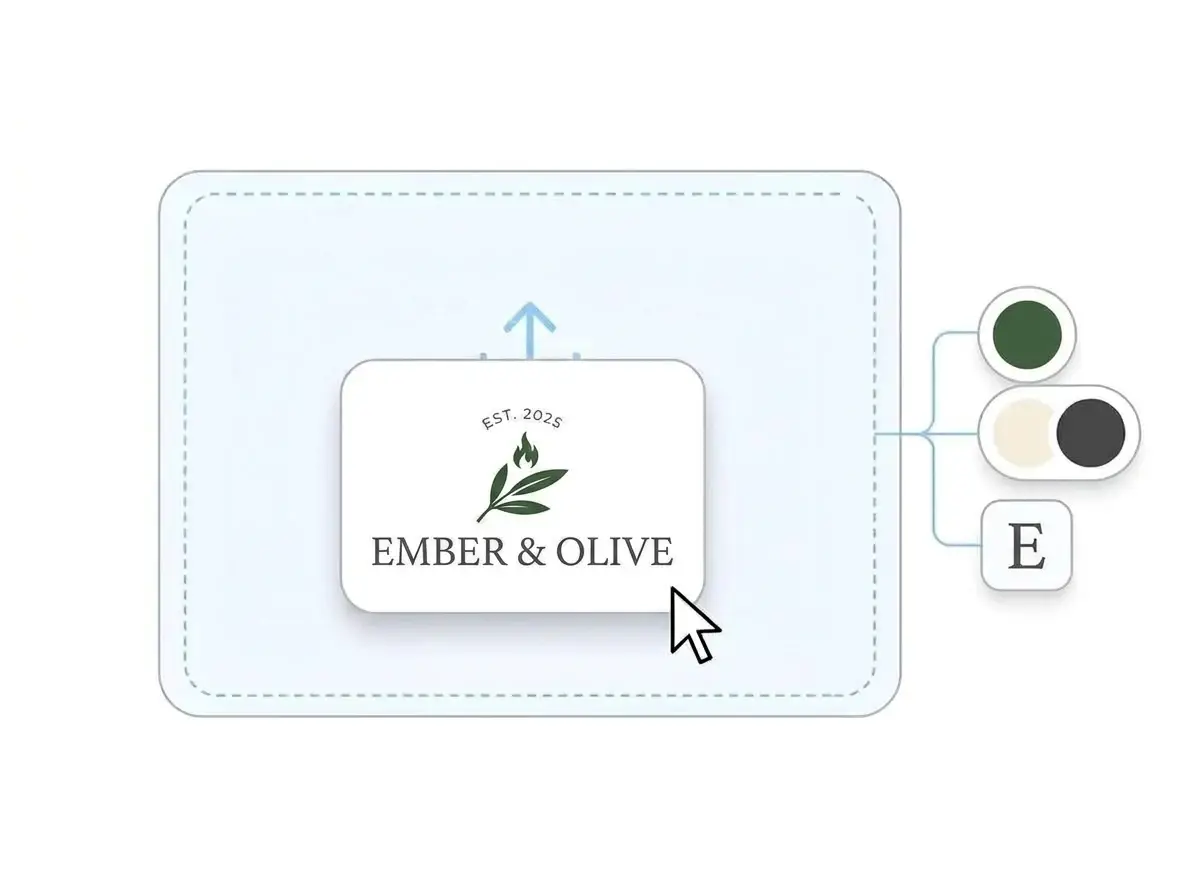
Your restaurant website comes back in your colors, your fonts and brand.
No logo yet? Create a logo, then turn it into your restaurant site.



Any PNG, JPG, SVG or WebP works. The builder reads the colors, the font and the feel of your logo, the same one on your menu, your sign and your takeout bags. No logo? Create a logo and come back in a few minutes.
In about a minute you get a full restaurant website: a header in your font, a hero with room for your signature dish, an About section, menu highlights, your address with a map and a contact form, all in your colors.
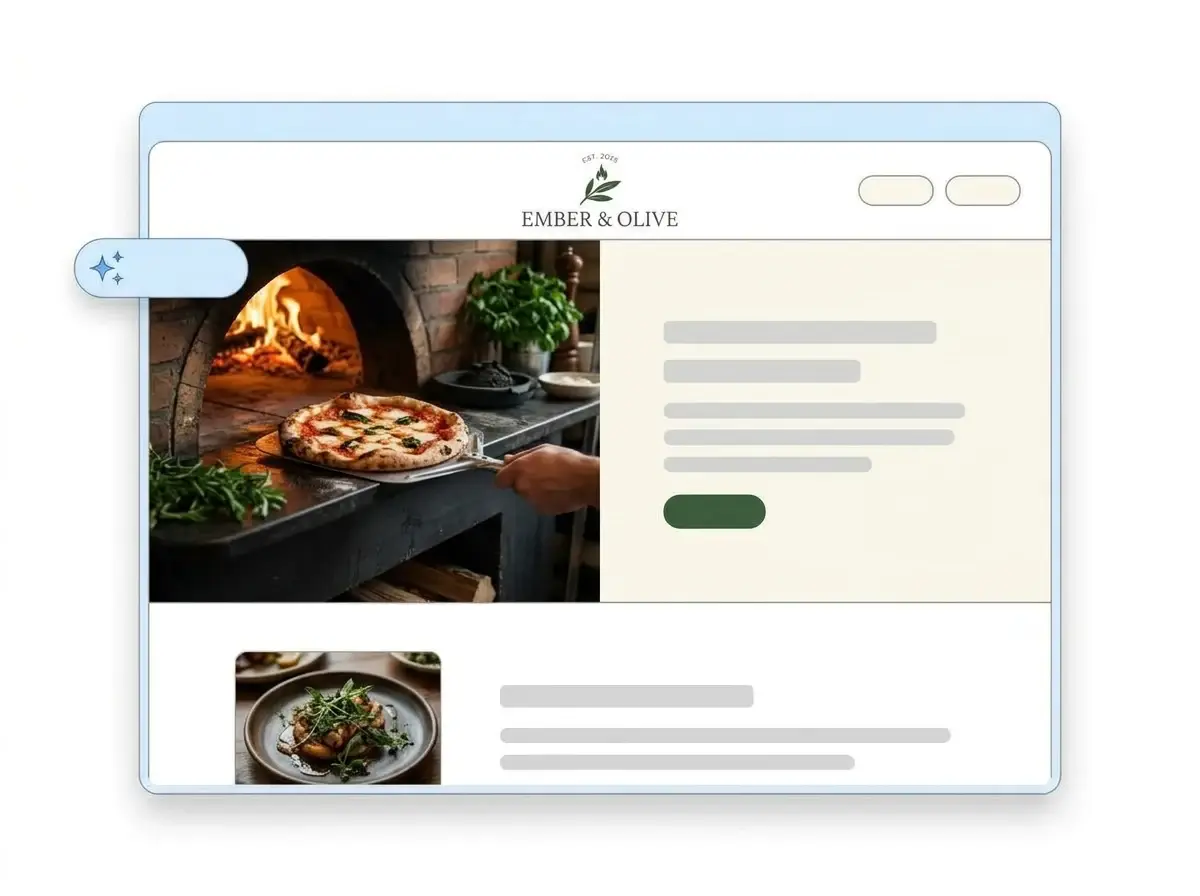
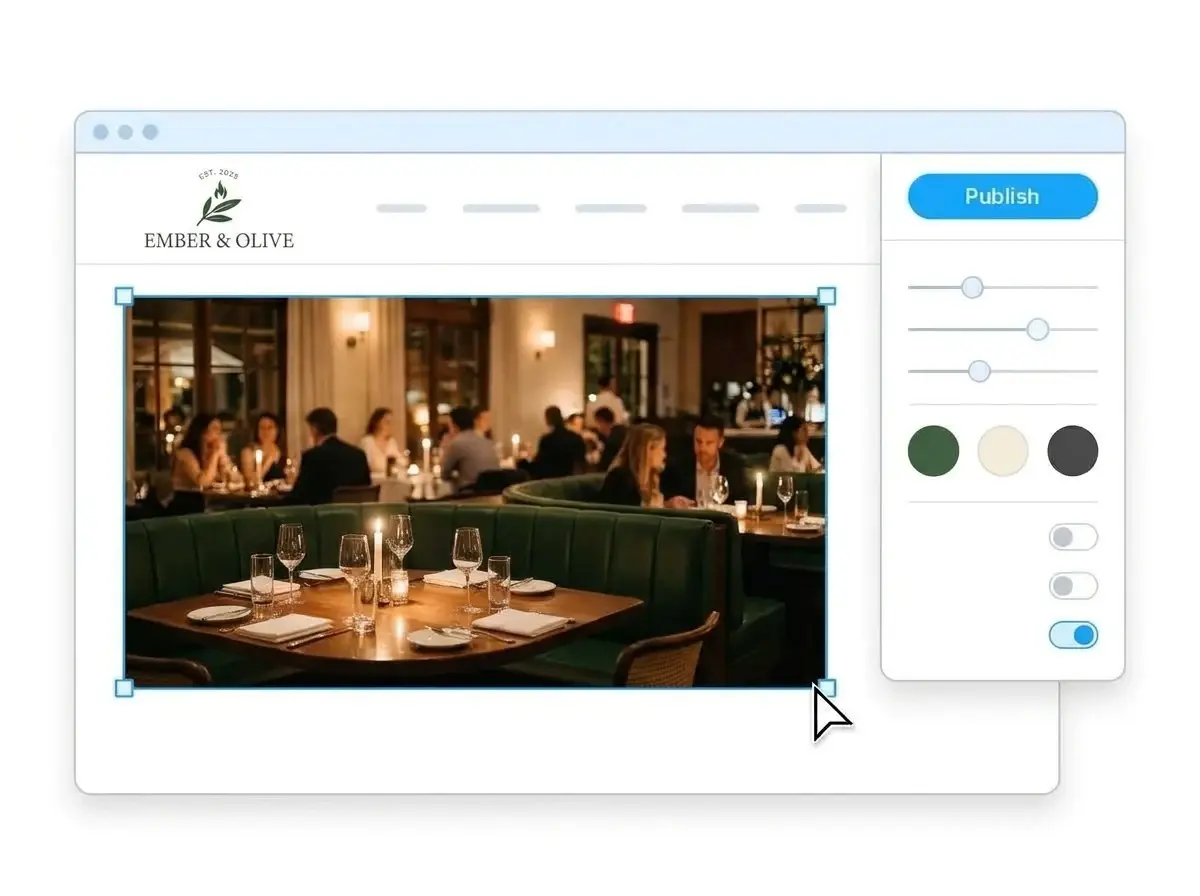
Swap the placeholder photos for your own food, paste in your hours and menu highlights, then hit Publish. Your site is live right away, and you can connect your own domain when you are ready.
Hover any card to see the full page
Pick a template, then spend a slow Tuesday making it look like your place.
The site builds itself to look and sound like your restaurant.
A restaurant website builder is a tool that builds a complete website for a restaurant, cafe, food truck or caterer around the things hungry people look for: what you serve, when you are open and where you are. Instead of a blank canvas and a website design to figure out, you get a finished site with menu highlights, hours, a map and a contact form, then change whatever you like. LOGO.com's version starts from your logo rather than a template, so the finished site already looks like your restaurant.
Any builder can hand you a template. LOGO.com starts from your logo instead: it reads your colors, font and style, then writes and lays out a full site to match, from the header and hero to your About section, menu highlights, address, map and contact form. It also writes for what you actually serve. According to LOGO.com data, 23% of restaurants that built a brand on LOGO.com in the past 12 months named their cuisine or style up front, with fast food, Mexican, pizza, seafood and Italian the most common.
Restaurant brands are built on the plate. According to LOGO.com data, 27% of the custom icon descriptions written by restaurant owners in the past 12 months asked for tableware such as a fork, knife or plate, 23% asked for a specific dish like a pizza slice, burger or taco, and 11% asked for steam, flame or a grill. That is the brand the builder carries into your restaurant's website design.
A restaurant website leads with the menu, the hours and the address. A cafe or coffee shop adds the morning rush essentials: an order ahead link, seasonal specials, the feel of the room. A food truck website needs this week's locations front and center. A caterer sells packages and takes inquiries. According to LOGO.com data, food trucks made up 14% of the food businesses that built a brand on LOGO.com in the past 12 months, cafes and coffee shops 18%, and caterers 6%. LOGO.com builds all four from the same logo.
According to LOGO.com data, restaurants picked a dark theme for their website 30% of the time in the past 12 months, well above the 19% across all LOGO.com sites, because food photography looks richer on a dark background. Pick dark, light or colorful with one click and the whole site restyles around your dishes. When you want your own web address, connect a custom domain you already own or register a new one inside LOGO.com on the Brand Plan.
Drop in the logo from your menu or your sign. The builder pulls your colors, your font and the overall feel, then lays out a complete restaurant website around it. No prompts to write, no template to pick.
Your site, your printed menu, your Instagram grid and the sign above the door all come from the same logo, so a guest who found you on Google sees the same restaurant when they walk in. According to LOGO.com data, white, black and gray made up 53% of the colors restaurants picked in the past 12 months, green was the most popular accent at 13%, and brown, orange, red and yellow together made up one in five, a palette the builder reads straight from your logo.
A welcome line, an About section that tells your story and dish descriptions written the way restaurant people talk, whether you run a taqueria, a sushi bar, a coffee shop or a catering company. Keep what sounds like you and change the rest in a click.
Put your signature dishes, prices and a short description in a section built for scanning on a phone, then link to your full menu or ordering platform for the rest.
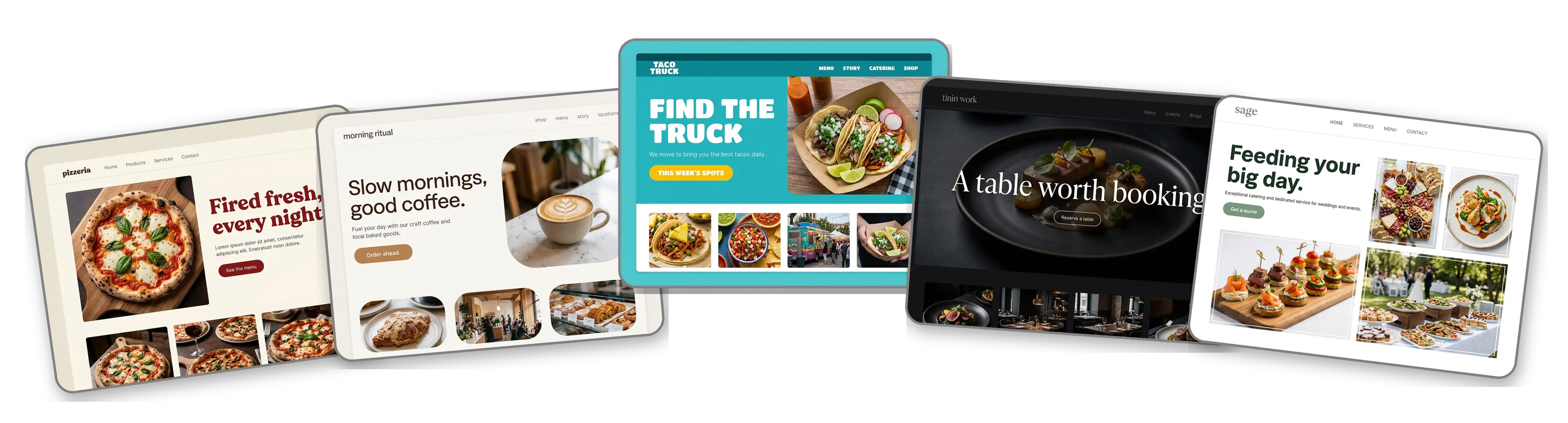
Rather start from a finished example? Pick from the restaurant website templates that get used most: pizzeria, cafe, food truck, fine dining or catering. One click swaps in your logo, colors and fonts, and the template stops looking like a template.
Nine section types cover a restaurant: Welcome for the hero, About for your story, Services for the menu, Contact, Links to your ordering and reservation platforms, Promotion for specials, Testimonial for reviews, Call to Action and FAQ. Use all nine or keep it to a single link in bio page for your Instagram profile.
Move the menu above your story, hide the catering section until you offer it, drop a review under your hero. Sections move by hand and the page updates as you go.
Most guests look you up on a phone, often while standing outside, so a mobile friendly website is not optional. The layout is built for a small screen first, and a phone and desktop toggle lets you check the menu reads well before you publish.
A contact form for reservation requests, private events and catering quotes, so every inquiry lands in your inbox instead of a voicemail. Already use an online booking system? Link to it in one tap.
Pin your restaurant on a Google Map so guests can open directions in Maps or Waze with one tap, and match the address on your Google Business Profile so local SEO works in your favor.
Start on a yourname.hi.link address, then move to a domain you already own or buy one inside LOGO.com on the Brand Plan, so guests find you at your restaurant's name.
The Brand Plan takes the LOGO.com watermark off your site, so the only brand a guest sees on your restaurant website is yours.
Set the title and description that show in Google, plus the preview image that appears when someone shares your link in a group chat deciding where to eat tonight.
See which dishes get clicked, where your visitors come from and whether they tap the map or the menu. The Brand Plan keeps the history longer and lets you download it.
Pick a look, editorial, minimal, sunset, sage, neon or mocha, and the whole site restyles around your food, so a candlelit dining room and a bright brunch spot each get the right feel.
The same upload also produces a brand kit with colors, fonts, social templates and business cards, so the menu board and the site match.
Open the free logo maker, choose a logo you like, and the restaurant website builder takes it from there.
One blue Publish button and your site is live before the dinner rush. No developer, no waiting.
New logo for the rebrand or a new template for the second location? Rebuild the site in a click. Nothing on the live site moves until you publish again.
One Brand Plan covers the restaurant website, the domain, the logo files, the brand kit and 1,200+ branded templates. Site, menu and business cards, one place, one subscription.
The AI does not stop at the first build. Ask the assistant to rewrite a dish description, shorten your story or redo a whole section in your restaurant's voice, right where you are working.

"I am not a designer, but creating my brand identity through LOGO.com was delightfully easy and cost-effective. I am very pleased with the outcome, and I couldn't have achieved the same standard on my own. I highly recommend this to any start-up business looking to set up its brand identity or any established business looking to get its brand an upgrade!"
Adrian Frese
Albina Consulting

"After forming an LLC, I didn't know where to go to create a logo and assets for my website. Then I found LOGO.com. They created a selection of logos for me to choose from in all the sizes I needed. In addition, LOGO.com provided me with a set of branding materials for my website and social media presence. The process is easy, fast, and requires no processional design experience."
David Tuffy
The Product Levers, LLC

"I have never attempted developing a logo or other marketing products, and am no expert at navigating new computer software. That being said, I not only found the software easy to navigate and learn, but the end product was more than I had hoped for. The help team at logo.com was highly responsive and willing to help with any questions I had in a clear and rapid manner. I am very pleased with the team at logo.com and the products I created. I highly recommend their service!"
Todd Salzsieder
Boise Behavioral Medicine PLLC

"LOGO.com is an amazing resource. It helped me create a professional-looking logo for my business that received more praise than logos I've paid designers to create for me in the past. The site is very easy to use, walks you through every step, and gives you control over the entire creation process."
Marvin Younan
Your Modern Lender
Upload your logo and the restaurant website builder takes it from there.