


Rental business website builder that builds itself

Your rental site comes back in your colors, your fonts and your brand.

No logo yet? Create a logo, then turn it into your rental site.

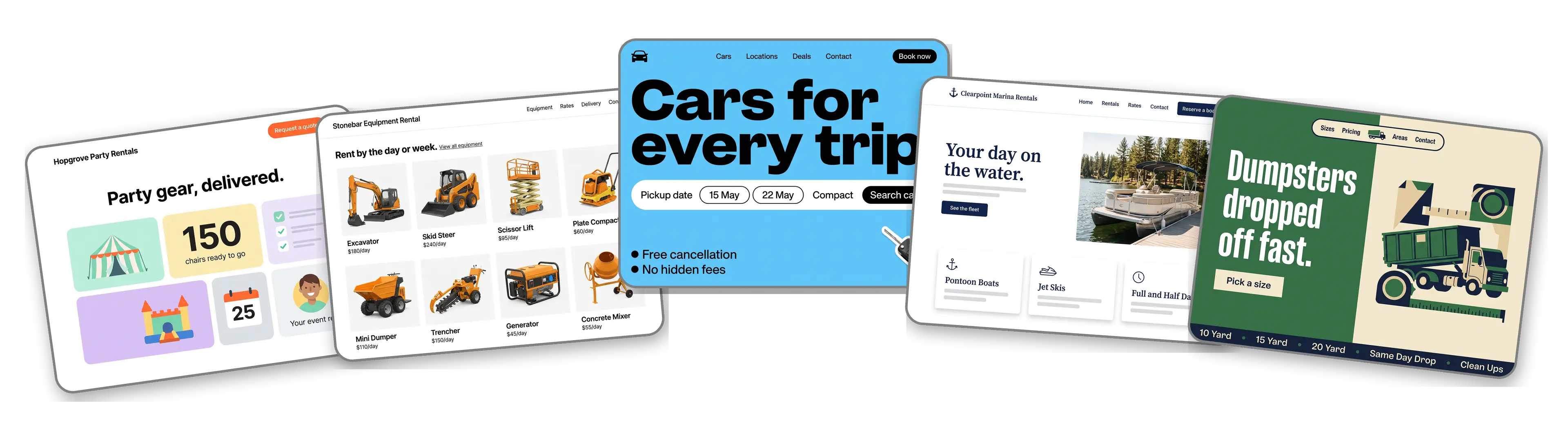
Five rental business websites built with LOGO.com from a logo upload: a party rental company, an equipment rental yard, a car rental office, a boat and jet ski rental and a dumpster rental service

Featured in

msnyahoobusiness insider

How to make a rental business website with LOGO.com in three steps.

Upload the logo on your trucks and tags

Use the file printed on your delivery truck, your inventory tags or your rental agreements: PNG, JPG, SVG or WebP. The builder reads its colors, its lettering and how rugged or playful it looks. Starting a rental company with no logo? Create a logo first, then upload it here.
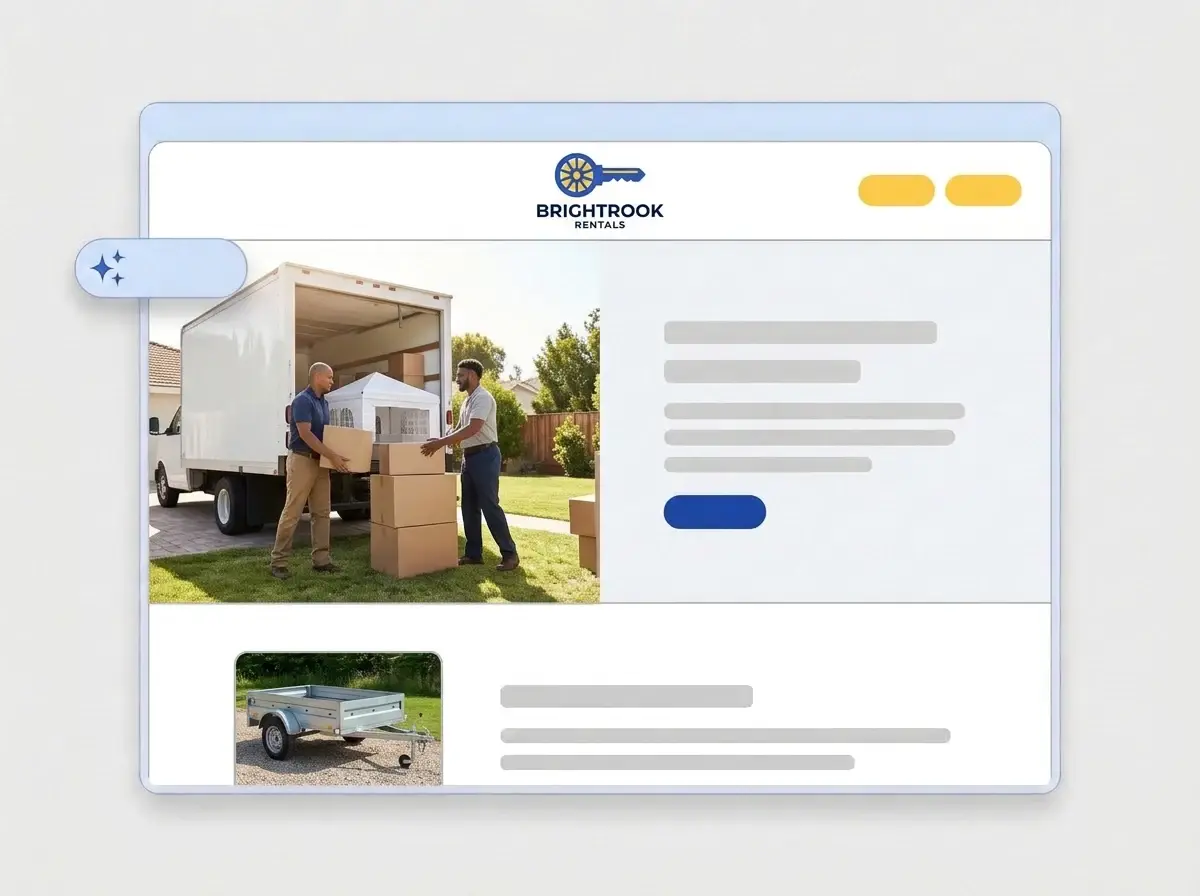
Brightrook Rentals logo, a key with a wheel shaped bow in royal blue and yellow, dropped into the LOGO.com upload box with its colors picked out

A rental site before the weekend rush

A minute or so later the company has a full website: your logo up top, a photo of your gear in use across the hero, an About section, your rental categories, a quote request form and your yard address, all in the colors on your trucks.

Finished Brightrook Rentals website built by LOGO.com from the uploaded logo, with a rental crew unloading a party tent in the hero and a trailer thumbnail

List your gear and rates, then publish

Swap the sample photos for shots of your own inventory, add daily and weekly rates, your delivery area and deposit terms, then press Publish. Put the link on your invoices, your yard sign and your Google listing that same day.

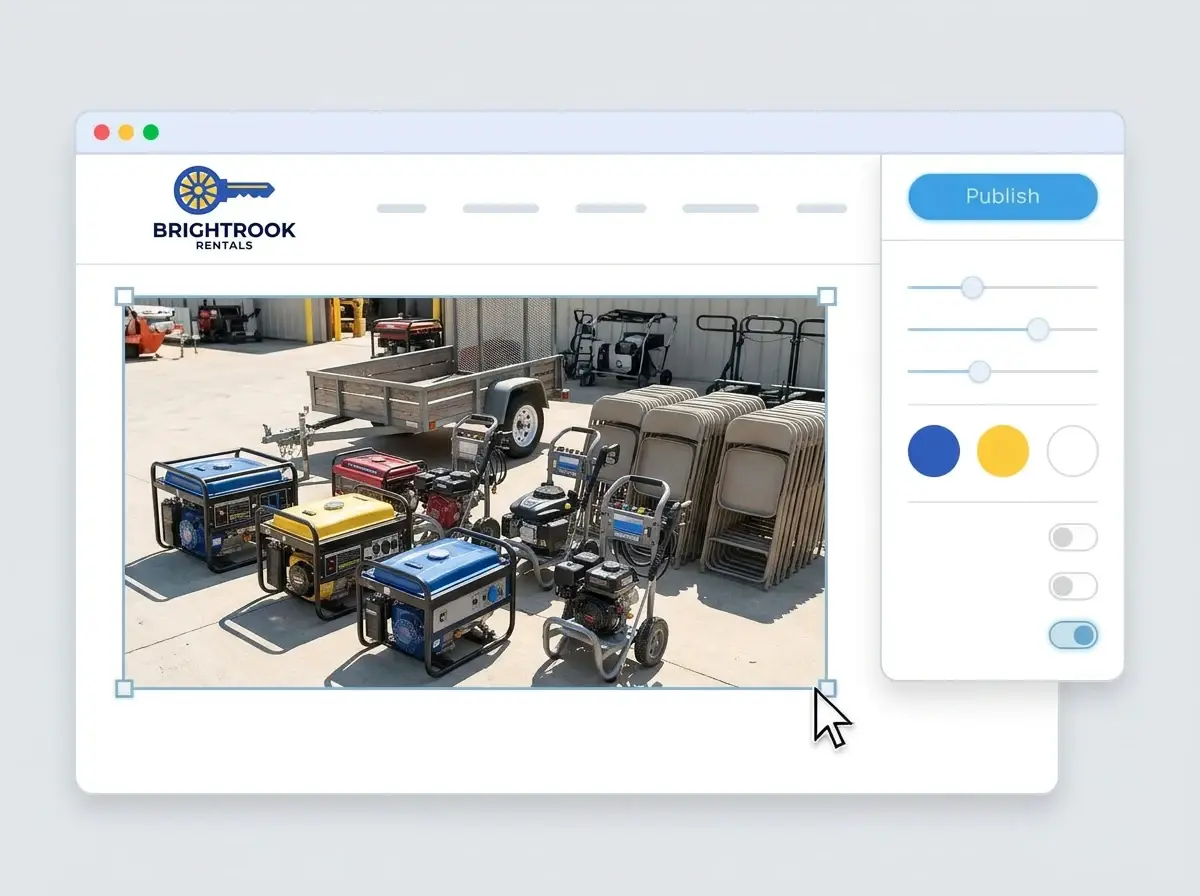
Editing the Brightrook Rentals website with a photo of rental equipment lined up in a yard selected, the style panel open and the Publish button ready

What is a rental business website builder?

A rental business website builder is a tool that creates a complete website for a company that rents out party gear, equipment, vehicles, boats or dumpsters, covering what a customer checks before calling: what you rent, what it costs per day, where you deliver, what the deposit is and how to reserve. You change a finished site rather than designing one. LOGO.com starts from your logo rather than a template, so the site matches your trucks and paperwork.

  1. How LOGO.com builds the site

    The builder reads the colors, font and feel of your logo and lays out a full site around them: header, hero, About, services, a contact form and your yard or pickup address. Each section comes with copy written for a rental company, ready for you to edit.

  2. Party, equipment, vehicle or boat rentals

    A party rental website leads with tents, tables and bounce houses. An equipment rental website lists machines by size and job. A car rental website shows the fleet and pickup times. According to LOGO.com data, vehicle rentals made up more than two in five of the rental businesses that named what they rent on LOGO.com in the past 12 months, while party and event rentals and equipment rentals came to about one in six each.

  3. Show the gear the way it gets used

    Customers rent what they can picture at their event or job site. Group items into image sections by category, put the daily rate in the caption and show a tent at a real backyard party or a lift on a real site.

  4. An address for your truck doors

    Brand themes borrow their colors from your logo, and a switch to a dark, light or colorful style changes every section in one move. For a short address that fits on a truck door or an inventory tag, connect a custom domain you already own or buy one inside LOGO.com with the Brand Plan.

What makes LOGO.com the best website builder for rental business

1.Your logo does the setup

Upload the logo from your trucks or your tags. The builder takes its colors, lettering and feel and lays out a complete rental website around them, with no prompt to write and no hotel style booking theme to strip back.

2.Colors as bold as your trucks

Customers spot your colors on trailers, tags and the sign at the yard gate. According to LOGO.com data, rental businesses on LOGO.com picked blue as an accent color more than twice as often as green in the past 12 months. Your own shades come straight over from your logo file.

3.Copy written for renters

A welcome line, an About section and plain descriptions of each rental category, drafted for someone planning a party, a move or a weekend project. Rewrite anything that does not sound like you on the phone.

4.Your inventory, not stock photos

People want to see the exact tent, trailer or lift they will get. Add photos of your own gear to image sections, sorted by category, so customers know what turns up.

5.Rental website templates

Prefer to start from a layout? Pick a template and swap in your logo. Your colors, fonts and company name fill the placeholders, so it looks like your yard from the first click.

6.Nine section types

Welcome for your promise, About for your company, Services for each rental category and its rates, Contact, Links to your booking and payment tools, Promotion for an off season deal, Testimonial for customer reviews, Call to Action and FAQ for deposits, damage and delivery. Or keep it to a single link in bio page to pin on Facebook and Instagram.

7.Put the season up front

Move party tents to the top before wedding season, push snow gear up in winter and hide categories when everything is booked out. Drag sections into a new order and the preview catches up instantly.

8.Checked on a phone mid project

Renters often look you up on a phone in the middle of a job or while planning an event. A mobile friendly website matters here, so check the phone view and keep your phone number and quote button near the top.

9.Quote requests in one inbox

A contact form gives customers one place to ask about dates, delivery and what they need, so requests stop arriving as missed calls, texts and DMs scattered across your phone.

10.Directions to the yard

Show your yard or pickup counter on a live Google Map so customers find the right gate. Keep your company name, address and phone number the same as your Google Business Profile, because matching details help local SEO show you to renters nearby.

11.An address for every invoice

Start on a yourname.hi.link address, then connect a domain you own or buy one inside LOGO.com on the Brand Plan, so the address on your trucks and invoices is your company name.

12.Just your company name

With the Brand Plan the LOGO.com watermark comes off, so renters see your company name and logo and nothing else.

13.Found by renters nearby

People search for party rentals, equipment rentals or a dumpster by town. Write the title and description Google shows, and choose the preview image that appears when a customer shares your link.

14.See the busy weeks coming

Watch visits climb before holiday weekends, graduation season and spring cleanups. Free sites keep seven days of stats, and the Brand Plan keeps thirty days, ninety days and all time, with a download for planning your fleet.

15.Rugged, bright or clean

Editorial, minimal, sunset, sage, neon, mocha: choose a style and the whole site follows, from a heavy equipment yard to a pastel party rental shop. Your logo keeps its own font whichever style you pick.

16.Tags, flyers and posts that match

The same upload opens a brand kit with your colors, fonts, social templates and business cards, so price sheets, flyers and your social posts all match the site.

17.No logo for the company yet

Make one in the free logo maker, pick the version you would paint on a truck door, and the builder turns it into your rental site.

18.Live before the next delivery

One press of the blue Publish button and the company is online. No developer, no code and no afternoon lost between drop offs and pickups.

19.New fleet, new logo, same site

Added a new category, merged with another yard or refreshed the logo? Rebuild the site from the new file in a single click, and customers see the current site until you publish.

20.One plan for the company brand

The Brand Plan covers the rental website, your domain, your logo files, the brand kit and 1,200+ branded templates, so the site, the price sheets and the social posts share one subscription.

21.An assistant for clear terms

The AI keeps helping after the build. Ask the assistant in the editor to simplify your deposit rules, shorten a category description or rewrite delivery terms so they are easy to follow.

Start for free with a live rental website.

Trusted by millions of small businesses.

Adrian Frese

"I am not a designer, but creating my brand identity through LOGO.com was delightfully easy and cost-effective. I am very pleased with the outcome, and I couldn't have achieved the same standard on my own. I highly recommend this to any start-up business looking to set up its brand identity or any established business looking to get its brand an upgrade!"

Adrian Frese

Albina Consulting

David Tuffy

"After forming an LLC, I didn't know where to go to create a logo and assets for my website. Then I found LOGO.com. They created a selection of logos for me to choose from in all the sizes I needed. In addition, LOGO.com provided me with a set of branding materials for my website and social media presence. The process is easy, fast, and requires no processional design experience."

David Tuffy

The Product Levers, LLC

Todd Salzsieder

"I have never attempted developing a logo or other marketing products, and am no expert at navigating new computer software. That being said, I not only found the software easy to navigate and learn, but the end product was more than I had hoped for. The help team at logo.com was highly responsive and willing to help with any questions I had in a clear and rapid manner. I am very pleased with the team at logo.com and the products I created. I highly recommend their service!"

Todd Salzsieder

Boise Behavioral Medicine PLLC

Marvin Younan

"LOGO.com is an amazing resource. It helped me create a professional-looking logo for my business that received more praise than logos I've paid designers to create for me in the past. The site is very easy to use, walks you through every step, and gives you control over the entire creation process."

Marvin Younan

Your Modern Lender

Rental business website builder FAQs