


Campaign website builder that builds itself

Your campaign website comes back in your colors, fonts and brand.

No logo yet? Create a logo, then turn it into your campaign site.

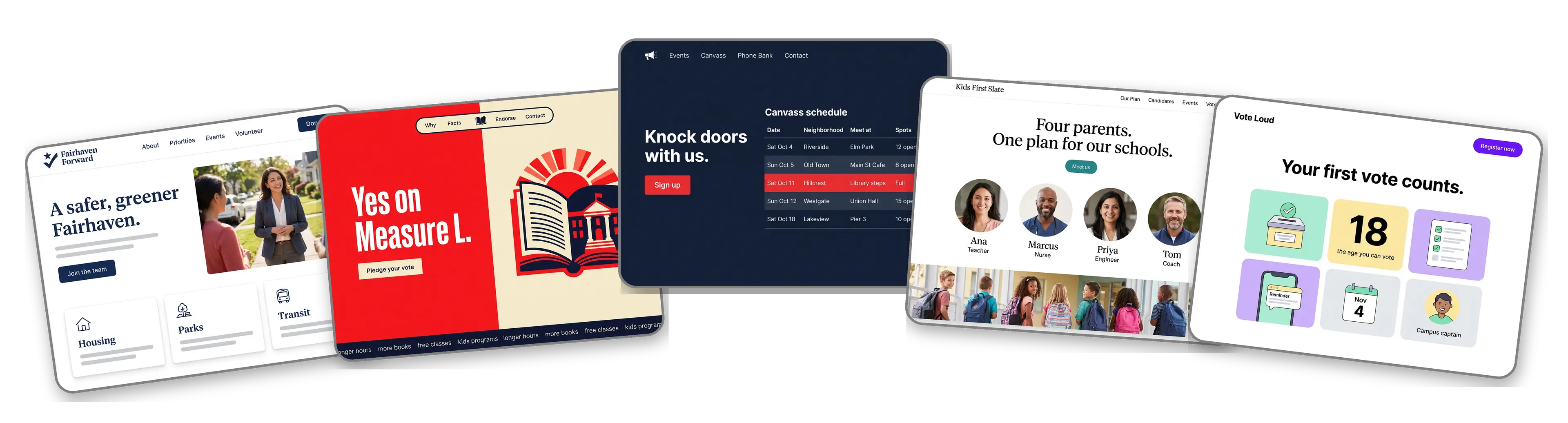
Five campaign websites built with LOGO.com from a logo upload: a city council candidate, a ballot measure for public libraries, a state house volunteer hub with a canvass schedule, a school board slate and a youth voter registration drive

Featured in

msnyahoobusiness insider

How to make a campaign website with LOGO.com in three steps.

Upload the logo on your yard signs

Use the file your printer has for the yard signs, buttons and door hangers. PNG, JPG, SVG or WebP are fine, and the builder lifts the colors and lettering from it. Still filing paperwork with no logo? Make one free and print signs that match the site.
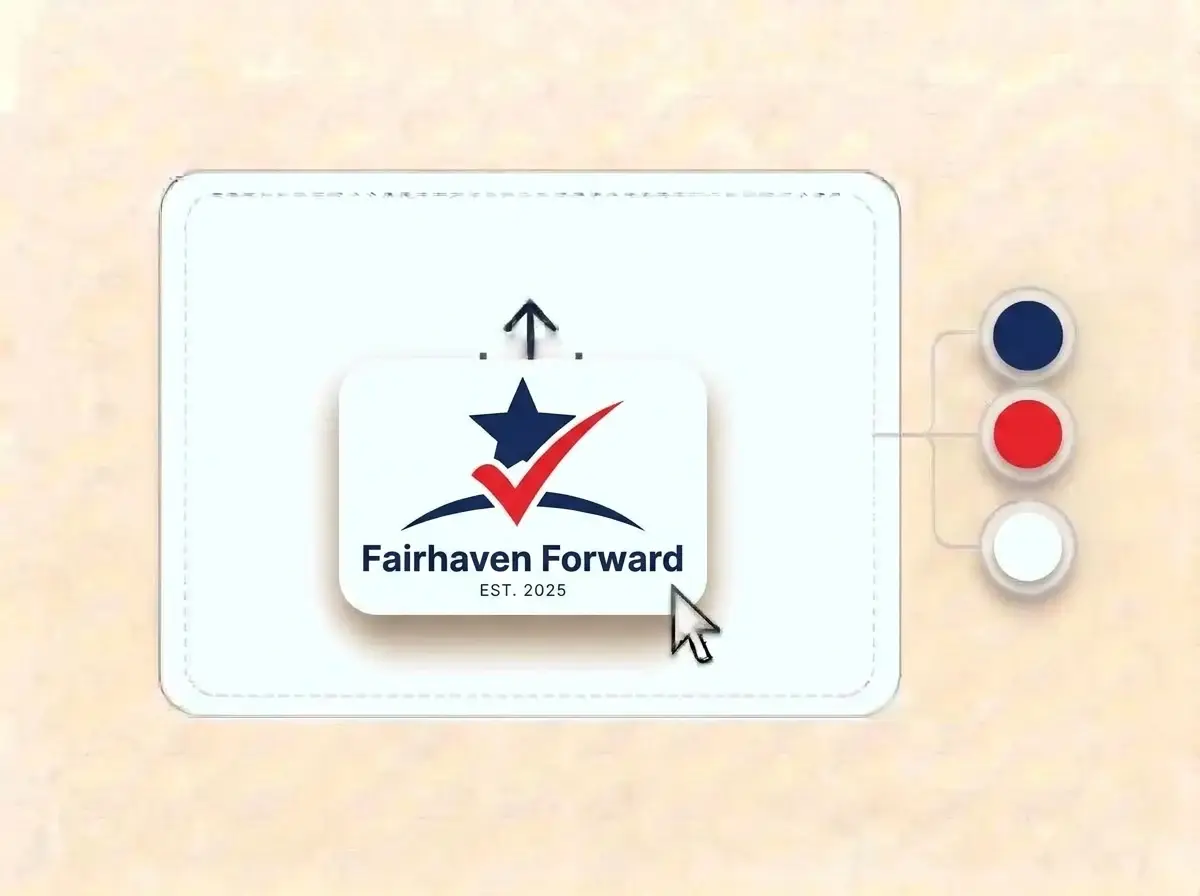
Fairhaven Forward campaign logo, a navy star rising over a red checkmark on a white card, dropped into the LOGO.com upload box with its colors split into swatches

A campaign site by the end of the meeting

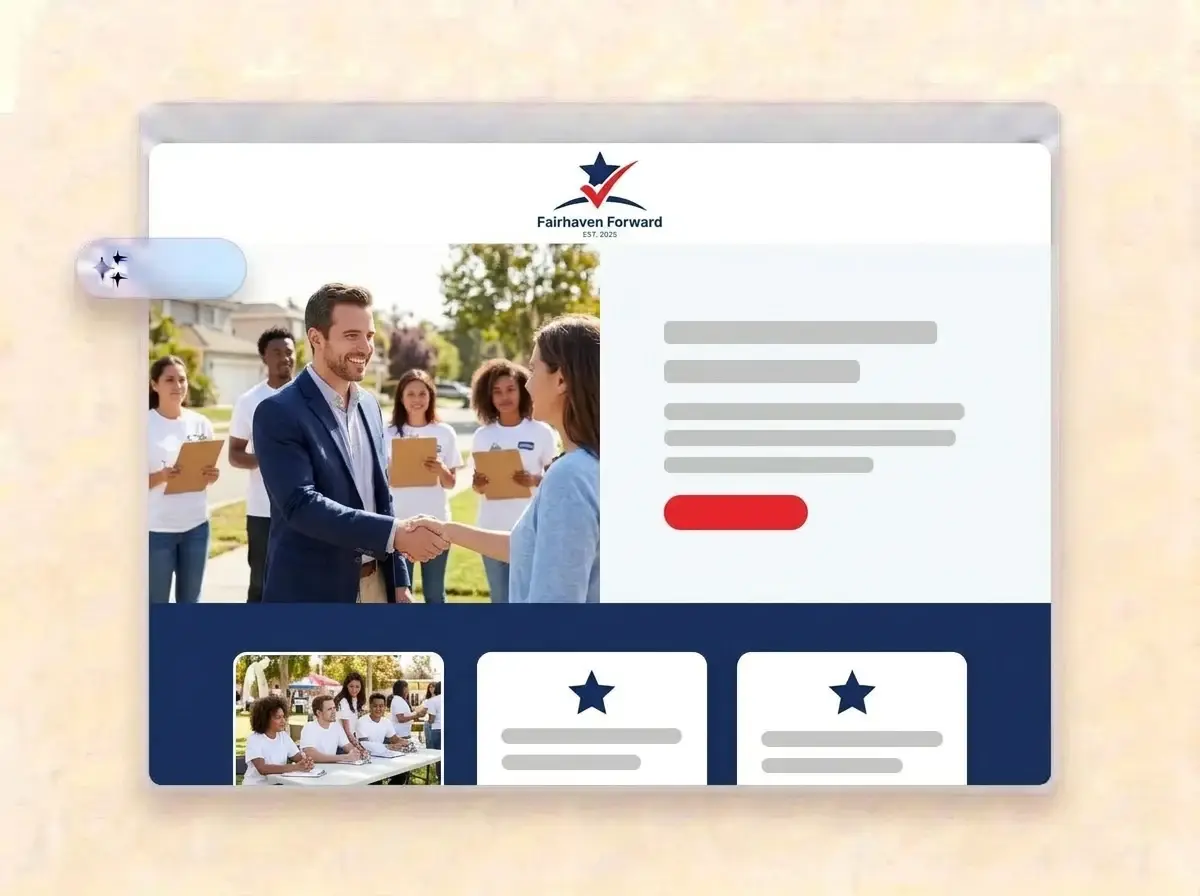
About a minute later the campaign is online: your logo on top, the candidate with voters in the hero, sections for your story, your priorities and upcoming events, and a form where supporters raise a hand to volunteer.

Finished Fairhaven Forward campaign website built by LOGO.com from the uploaded logo, with a candidate greeting neighbors in the hero photo

Add your priorities and launch

Replace the sample photos with pictures from the trail, write three priorities in plain words, add the next town hall and press Publish. Print the link on every door hanger and mailer that goes out.

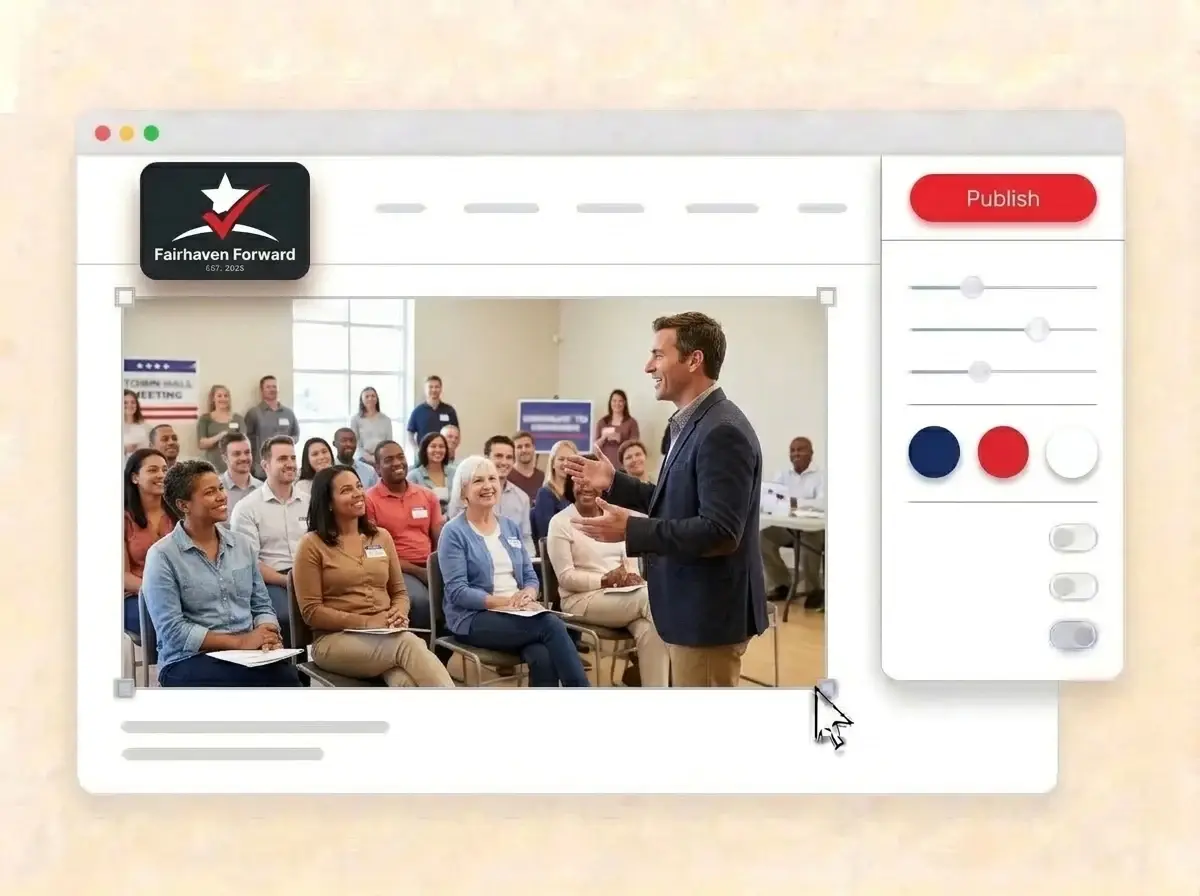
Editing the Fairhaven Forward website with a town hall photo selected, the style panel open and the red Publish button ready

What is a campaign website builder?

A campaign website builder is a tool that gives a candidate, a slate or a ballot measure a public website with the story, the priorities, events and ways to help, without hiring a developer. A good political campaign website answers the voter question of who you are and what you will do in under a minute. LOGO.com builds that site from your campaign logo, so it matches the signs voters already see.

  1. How the campaign logo becomes a site

    LOGO.com reads the colors, lettering and tone of your campaign logo, then places a header, hero, About, Services, a contact form and links around it. Each section comes with copy written for a campaign, ready for your team to edit and approve.

  2. What undecided voters look for

    An undecided voter opens a campaign site for three answers: who the candidate is, where they stand on the issues that matter locally and when they can meet them. Put a short bio, three priorities and the next event above everything else.

  3. Candidates, parties, slates and measures

    A first time candidate needs trust fast. A party needs one look across many races. A school board slate needs four faces on one page, and a ballot measure needs a clear yes or no. According to LOGO.com data, political party was the single most common label among political brands built on LOGO.com in the past 12 months, at close to half of the main political labels.

  4. A web address voters can remember

    Brand themes take their colors from your logo, and the dark, light and colorful styles restyle the site in one click. When the link on the yard sign should be your name or your race, connect a custom domain you own or buy one through LOGO.com on the Brand Plan.

What makes LOGO.com the best website builder for campaigns

1.Your logo sets the tone

Upload the campaign logo and the builder reads its colors, lettering and spirit, then lays out a complete campaign website around it. No theme hunting while the filing deadline ticks down.

2.Colors from the yard sign

According to LOGO.com data, nearly six in ten colors chosen for political brands on LOGO.com in the past 12 months were white, black or gray, with blue then red leading the accents. Whatever your signs use, the website uses the exact same shades.

3.Copy written for a race

A welcome line that says what you are running for, an About section on why you decided to run and priorities in plain words. Your team edits every line before anything goes live.

4.Pictures from the trail

The kitchen table meeting, the farmers market booth, the first night of door knocking. Put your own photos in the image sections and remove the samples.

5.Campaign website templates

Prefer to choose a layout first? Pick a template and add your logo. Your colors, fonts and candidate name drop in, so the draft already feels like the campaign.

6.Nine section types

Welcome for the slogan, About for the candidate story, Services for your priorities, Contact, Links to donation and social pages, Promotion for the next rally or debate, Testimonial for endorsements, Call to Action and FAQ for voting dates and polling questions. Or run a short link in bio page for campaign social accounts.

7.Lead with what matters this week

Debate on Thursday? Move the priorities section up. Early voting opens? Put the voting info first. Drag sections into place and the preview updates as you go.

8.Read on a phone at the door

Voters open a campaign link on a phone, often straight from a text or a door hanger code. A mobile friendly website matters there, so check the phone view and keep the priorities and the volunteer button high on the page.

9.Volunteers in one inbox

The contact form collects every offer to help in one place. Use the section text to ask what people can do, from knocking doors to hosting a sign, so the field team can follow up the same day.

10.A field office people can visit

Opening a campaign office? Add the address with a live Google Map. Keep the same details on your Google Business Profile, which supports local SEO when someone nearby searches for the office.

11.A link that fits on a yard sign

Start on a yourname.hi.link address, then connect a domain you own or buy one inside LOGO.com on the Brand Plan, so the address printed on signs and mailers is short and yours.

12.One name on the page

The Brand Plan removes the LOGO.com watermark, so voters see only the campaign brand.

13.Found when voters look you up

Voters search a candidate name the night before they vote, or the race and the town. Set the title and description Google shows, and pick the share image that appears when supporters post the link.

14.See what moved people

Watch visits rise after a debate, a mailer drop or a local news story. Free sites show the past week, while the Brand Plan covers thirty days, ninety days and all time, with a file your field team can download.

15.Formal or grassroots

Editorial, minimal, sunset, sage, neon, mocha: one pick changes the whole look. According to LOGO.com data, sans serif fonts appeared on more than two in three political party logos created on LOGO.com in the past 12 months, above the rate for logos overall, and your lettering stays the same in every style.

16.Mailers and posts that match

The same upload opens a brand kit with your colors, fonts, social templates and business cards, so walk cards, social posts and the website look like one campaign.

17.Running without a logo?

Many first time candidates start with a name in plain type. Open the free logo maker, pick a mark that reads well on a yard sign from across the street, and the builder turns it into your campaign website.

18.Live before the first forum

One press of Publish and the campaign is online. No developer, no code and no waiting while the calendar runs short.

19.New race, same supporters

Running for a new office or refreshing the brand for the general? Rebuild from the new logo in one click, and visitors keep the current site until you publish.

20.One plan for the whole campaign brand

The Brand Plan covers the website, the domain, logo files, the brand kit and 1,200+ branded templates, so the sign, the mailer and the site share one look.

21.Help with the stump speech

Ask the assistant in the editor to trim a long bio, turn a policy paper into three short paragraphs or write a warmer volunteer call.

Start for free with a live campaign website.

Trusted by millions of small businesses.

Adrian Frese

"I am not a designer, but creating my brand identity through LOGO.com was delightfully easy and cost-effective. I am very pleased with the outcome, and I couldn't have achieved the same standard on my own. I highly recommend this to any start-up business looking to set up its brand identity or any established business looking to get its brand an upgrade!"

Adrian Frese

Albina Consulting

David Tuffy

"After forming an LLC, I didn't know where to go to create a logo and assets for my website. Then I found LOGO.com. They created a selection of logos for me to choose from in all the sizes I needed. In addition, LOGO.com provided me with a set of branding materials for my website and social media presence. The process is easy, fast, and requires no processional design experience."

David Tuffy

The Product Levers, LLC

Todd Salzsieder

"I have never attempted developing a logo or other marketing products, and am no expert at navigating new computer software. That being said, I not only found the software easy to navigate and learn, but the end product was more than I had hoped for. The help team at logo.com was highly responsive and willing to help with any questions I had in a clear and rapid manner. I am very pleased with the team at logo.com and the products I created. I highly recommend their service!"

Todd Salzsieder

Boise Behavioral Medicine PLLC

Marvin Younan

"LOGO.com is an amazing resource. It helped me create a professional-looking logo for my business that received more praise than logos I've paid designers to create for me in the past. The site is very easy to use, walks you through every step, and gives you control over the entire creation process."

Marvin Younan

Your Modern Lender

Campaign website builder FAQs