


Podcast website builder that builds itself

Your podcast site comes back in your colors, your fonts and brand.

No logo yet? Create a logo, then turn it into your podcast site.

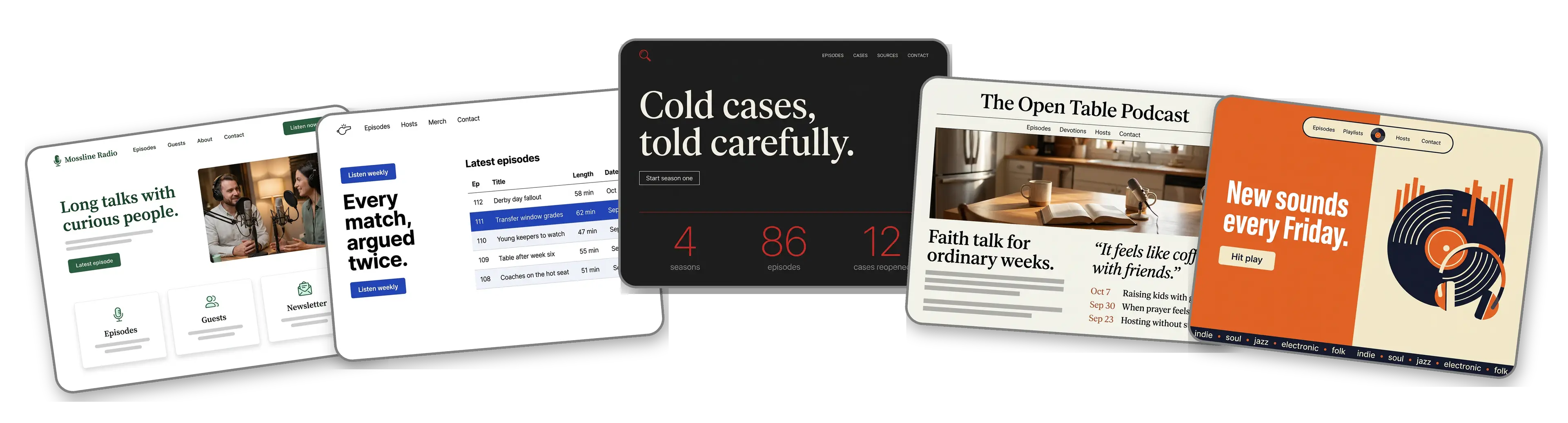
Five podcast websites built with LOGO.com from a logo upload: an interview show, a sports podcast, a true crime podcast, a faith and family podcast and a music discovery podcast

Featured in

msnyahoobusiness insider

How to make a podcast website with LOGO.com in three steps.

Upload the logo from your cover art

Use the same file that sits on your show artwork in every listening app: PNG, JPG, SVG or WebP. The builder pulls out its colors and lettering and judges whether the show reads as late night chat or a serious documentary. Still recording under a working title? Make one free and bring it here.
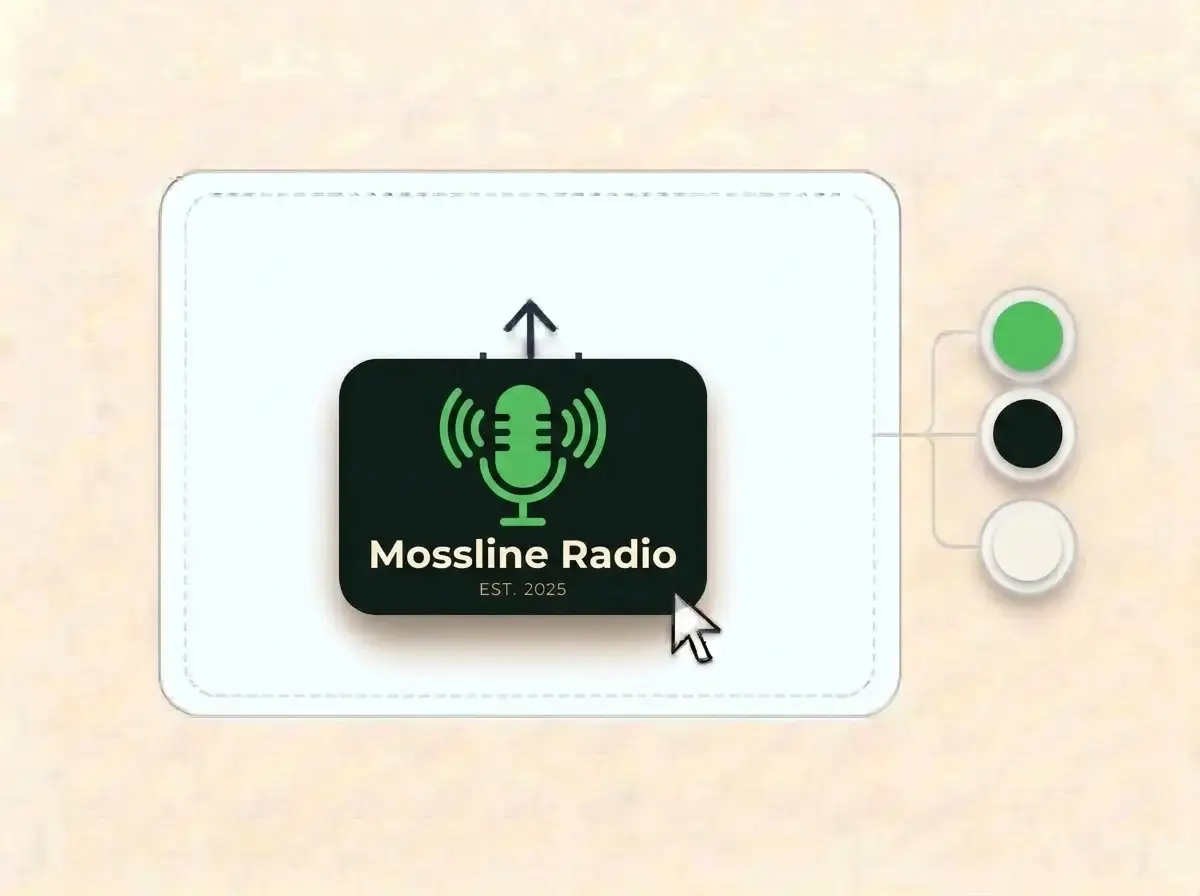
Mossline Radio logo, a bright green microphone drawn with sound wave lines on a near black card, dropped into the LOGO.com upload box with its colors picked out

A home for the show, not a feed

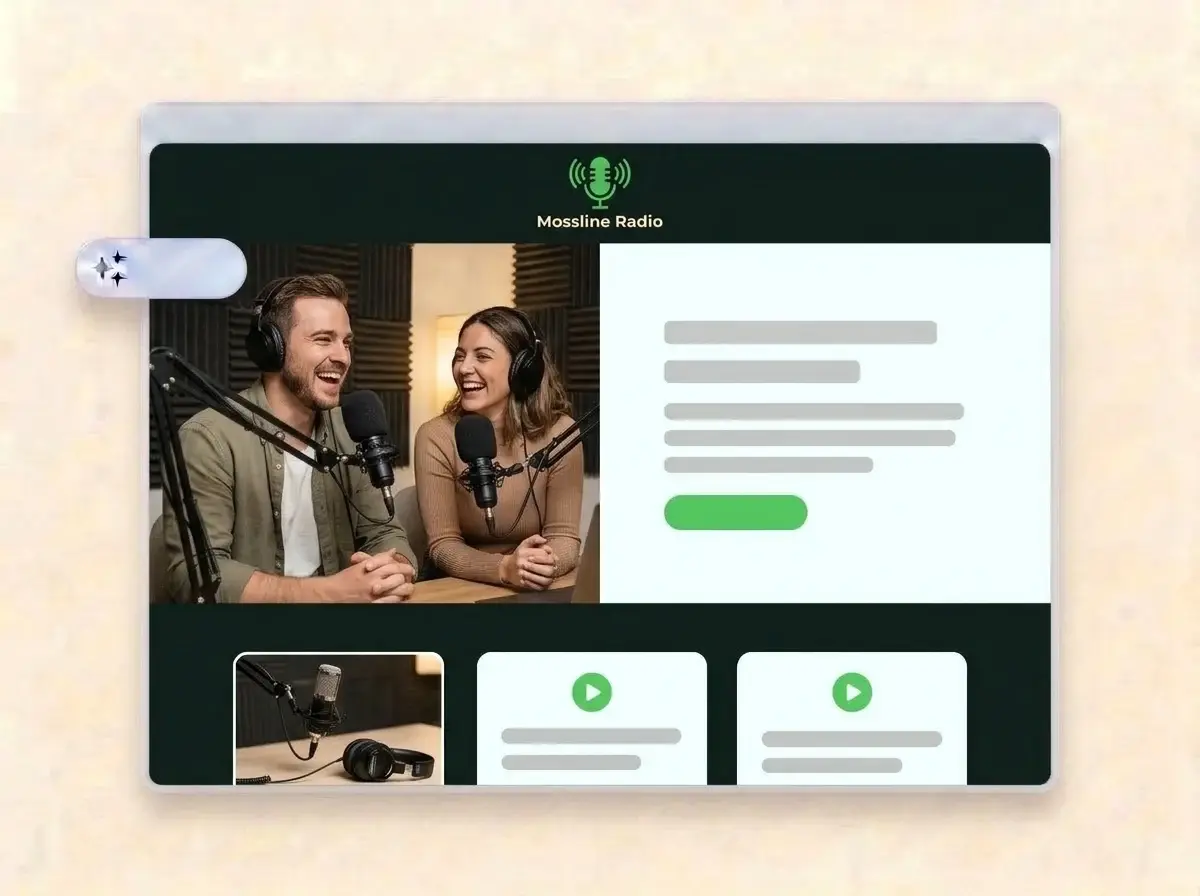
About a minute later the podcast has its own website: your logo up top, the hosts at their microphones in the hero, sections for the latest episode, the people behind the show and where to listen, plus a contact form for guest pitches and sponsor questions.

Finished Mossline Radio website built by LOGO.com from the uploaded logo, with two hosts laughing into studio microphones in the hero photo

Add episodes, then publish

Swap the sample photos for studio shots and guest portraits, write a line about the latest episodes, add buttons for each listening app, then press Publish. Read the address out at the end of every episode.

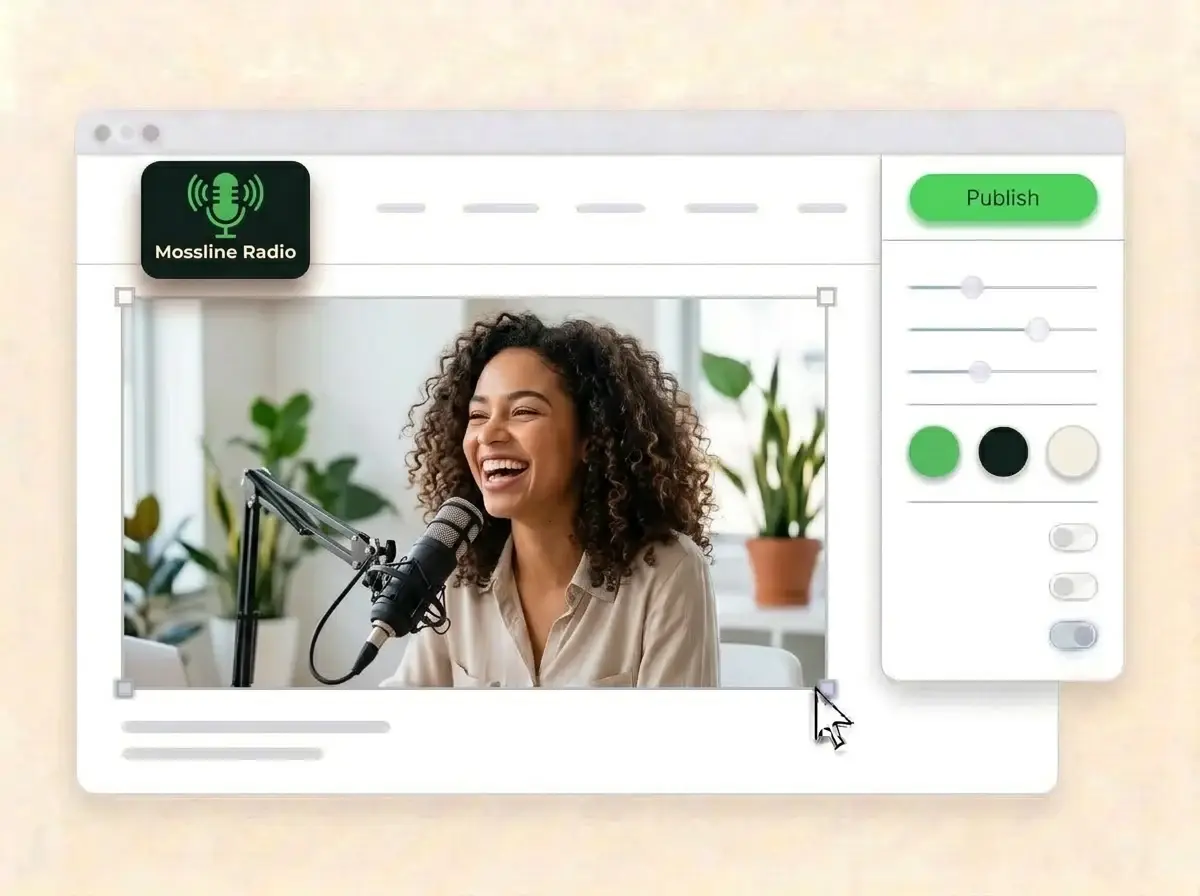
Editing the Mossline Radio website with a photo of a guest laughing into a microphone selected, the style panel open and the Publish button ready

What is a podcast website builder?

A podcast website builder is a tool that creates a complete website for a show, from a solo commute podcast to a weekly panel with guests and sponsors. A podcast website gives the show a home that no single app controls: who hosts it, what each episode covers, where to listen and how to get in touch. LOGO.com makes that site from your show logo, not from a stock layout.

  1. How your logo becomes a website

    LOGO.com takes the colors, lettering and energy of your logo, then builds a header, hero, About, Services, a contact form and links around it. Each section comes with copy written for a podcast, ready for you to edit until it sounds like your intro.

  2. What listeners and guests look for

    A new listener wants to know what the show is about and which episode to start with. A potential guest wants to see who you have already had on. A sponsor wants to know who listens. One page that answers all three does more than a bio in each app.

  3. Interviews, sports, faith and true crime

    An interview show sells the guests. A sports podcast sells the hot takes after every match. A faith podcast sells a weekly companion, and a true crime show sells careful storytelling. According to LOGO.com data, more than four in five podcasts set up on LOGO.com in the past 12 months used the plain label podcast, and among those that named a topic, sports came up most, ahead of music, Christian shows and crime.

  4. An address you can say out loud

    Brand themes take every color from your logo, and a dark, light or colorful style restyles the whole site in one click. When you want an address that is easy to say at the end of an episode, connect a custom domain you already own or buy one through LOGO.com on the Brand Plan.

What makes LOGO.com the best website builder for podcasts

1.Your artwork sets the scene

Upload your logo and the builder reads its colors, lettering and mood, then produces a full podcast website around it. No prompt to write and no theme to pick before you can share a link.

2.Colors that match the cover

According to LOGO.com data, close to three in five of the colors podcasts picked for their brand on LOGO.com in the past 12 months were white, black or gray, with green the top accent. Whatever your artwork uses, the site takes the same shades.

3.Copy written for podcasters

A show description, an About section that introduces the hosts and a welcome line that says what each episode delivers. Rewrite anything that does not sound like your opening monologue.

4.Studio shots and guest portraits

Hosts at the mic, a guest mid laugh, the setup in your spare room. Load your own photos into the image sections and drop the sample ones.

5.Podcast website templates

Rather start from a layout? Pick a template and add your logo. Your colors, fonts and show name drop in, so the first version already feels like your feed.

6.Nine section types

Welcome for the show pitch, About for the hosts, Services for sponsorship and guest slots, Contact, Links to every listening app, Promotion for a live taping, Testimonial for listener reviews, Call to Action and FAQ for how to be a guest. Or keep a link in bio page for your episode clips on social.

7.Latest episode first

Push the newest episode or a big guest to the top, then move the season trailer up when a new run starts. Reorder by dragging and the live preview keeps up.

8.Built for thumbs

Plenty of listeners look a show up on a phone between episodes. A mobile friendly website matters there, so check the phone view and keep the listen buttons on the first screen.

9.Guest pitches in one place

A contact form gathers guest pitches, sponsor inquiries and listener mail in one inbox. Use the section text to ask guests for their topic and a recent interview link.

10.Taping in person?

Recording live or running a studio? Add the address with a live Google Map. Keep it matching your Google Business Profile, which helps local SEO when people look for the venue.

11.An address worth reading out

Start on a yourname.hi.link address, then connect a domain you own or buy one inside LOGO.com on the Brand Plan, so the address in your outro is the show name.

12.Only your show on screen

The Brand Plan removes the LOGO.com watermark, so a sponsor checking you out sees your podcast brand and nothing else.

13.Found by topic, not only by title

People search for a subject before they search for a show. Set the title and description Google displays, and choose the preview image that appears when a listener shares an episode link.

14.Proof for your next sponsor

See how many people visit after a big episode or a guest share. The free plan counts seven days of visitors, and the Brand Plan stretches that to thirty days, ninety days and all time, with a file you can download.

15.Late night, studio or newsroom

Editorial, minimal, sunset, sage, neon, mocha: pick one style and every section changes. Your show lettering stays exactly the same in each look.

16.Clips and site in the same look

The same upload opens a brand kit with your colors, fonts, social templates and business cards, so episode clips, promo posts and the website all match the cover art.

17.No artwork yet?

Design a logo in the free logo maker, choose the version that reads at thumbnail size in a listening app, and the builder turns it into your podcast website.

18.Live before the next upload

Press Publish once and the podcast site is online. No developer, no code and no gap between recording days.

19.New season, new look

Rebranding for season three? Rebuild the site from the new artwork in one click, and visitors keep seeing the current site until you hit Publish.

20.One subscription for the show

The Brand Plan covers the website, your domain, logo files, the brand kit and 1,200+ branded templates, so artwork, promo posts and the site sit on one plan.

21.An assistant for show notes

Ask the assistant in the editor to tighten an episode summary, shorten a host bio or make the guest pitch instructions clearer.

Start for free with a live podcast website.

Trusted by millions of small businesses.

Adrian Frese

"I am not a designer, but creating my brand identity through LOGO.com was delightfully easy and cost-effective. I am very pleased with the outcome, and I couldn't have achieved the same standard on my own. I highly recommend this to any start-up business looking to set up its brand identity or any established business looking to get its brand an upgrade!"

Adrian Frese

Albina Consulting

David Tuffy

"After forming an LLC, I didn't know where to go to create a logo and assets for my website. Then I found LOGO.com. They created a selection of logos for me to choose from in all the sizes I needed. In addition, LOGO.com provided me with a set of branding materials for my website and social media presence. The process is easy, fast, and requires no processional design experience."

David Tuffy

The Product Levers, LLC

Todd Salzsieder

"I have never attempted developing a logo or other marketing products, and am no expert at navigating new computer software. That being said, I not only found the software easy to navigate and learn, but the end product was more than I had hoped for. The help team at logo.com was highly responsive and willing to help with any questions I had in a clear and rapid manner. I am very pleased with the team at logo.com and the products I created. I highly recommend their service!"

Todd Salzsieder

Boise Behavioral Medicine PLLC

Marvin Younan

"LOGO.com is an amazing resource. It helped me create a professional-looking logo for my business that received more praise than logos I've paid designers to create for me in the past. The site is very easy to use, walks you through every step, and gives you control over the entire creation process."

Marvin Younan

Your Modern Lender

Podcast website builder FAQs