


Electrician website builder that builds itself

Your electrician site comes back in your colors, your fonts and brand.

No logo yet? Create a logo, then turn it into your electrician site.

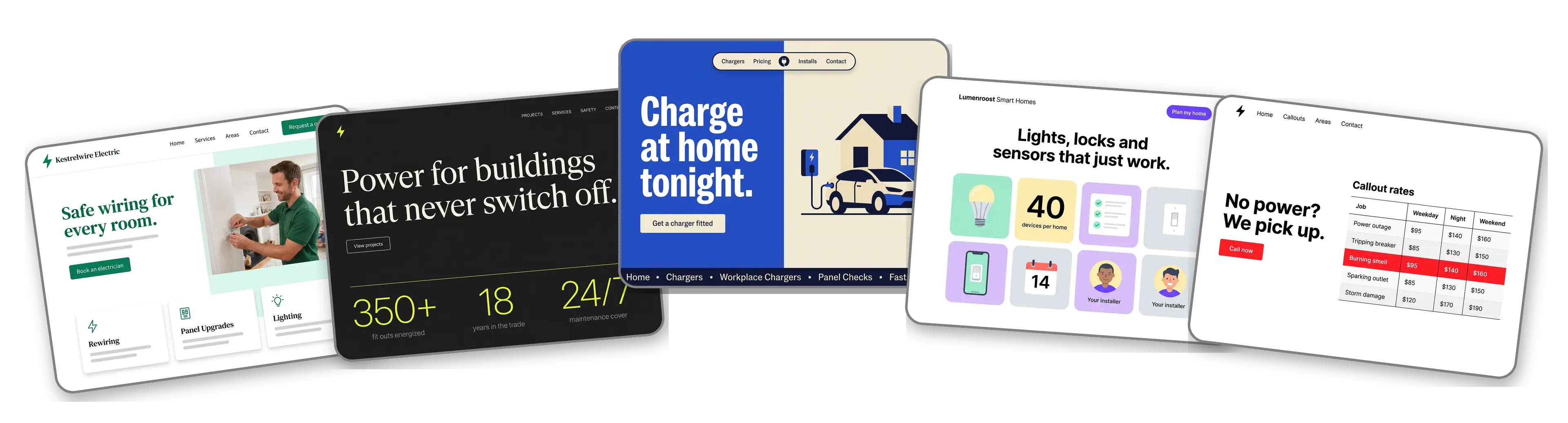
Five electrical business websites built with LOGO.com from a logo upload: a residential electrician, a commercial electrical contractor, an EV charger installer, a smart home and lighting installer and an emergency electrician

Featured in

msnyahoobusiness insider

How to make an electrician website with LOGO.com in three steps.

Start with the logo on your van

Use the same file printed on your work shirts and estimate forms: PNG, JPG, SVG or WebP. The builder reads its colors and lettering and decides whether the company comes across as a careful home specialist or a heavy commercial outfit. Only have a business name and a license number so far? Make one free and bring it back here.
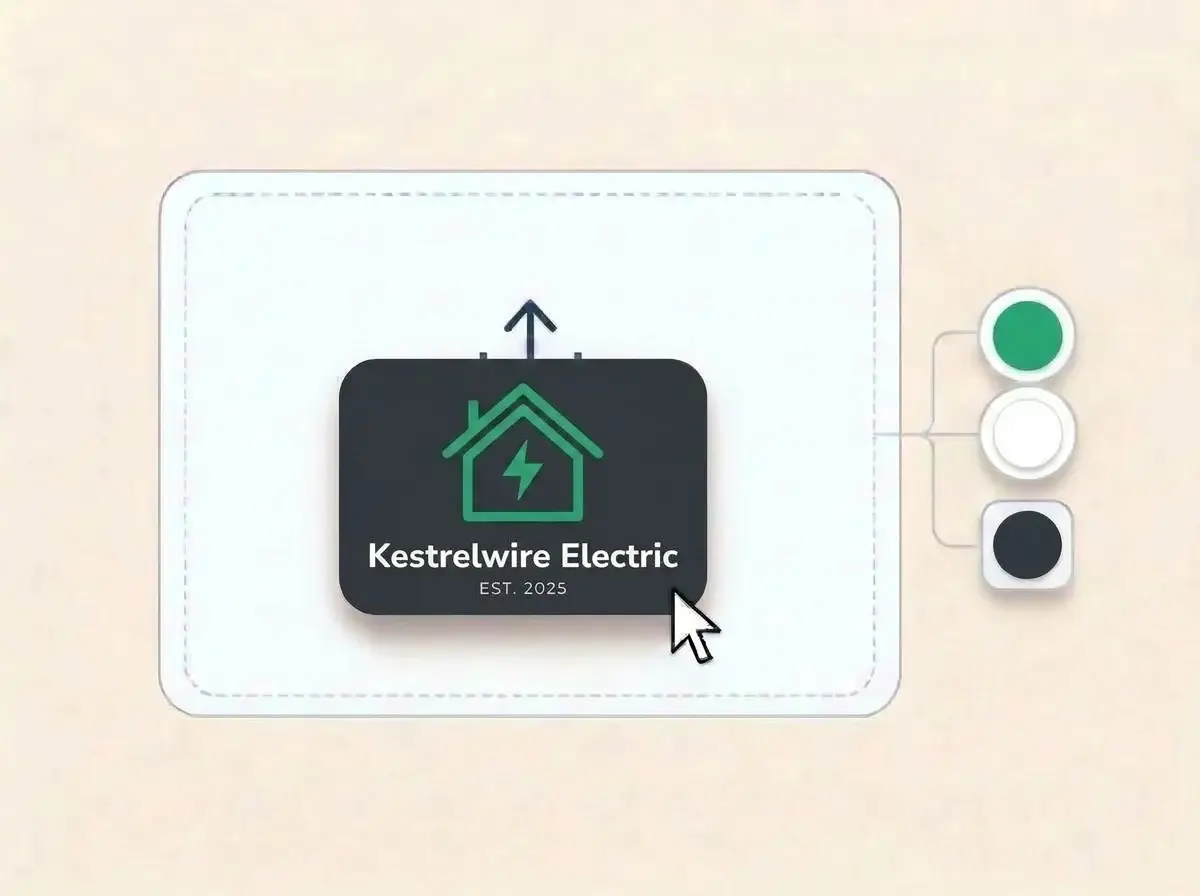
Kestrelwire Electric logo, an emerald green house outline with a lightning bolt inside on a charcoal card, dropped into the LOGO.com upload box with its colors picked out

The site wires itself up

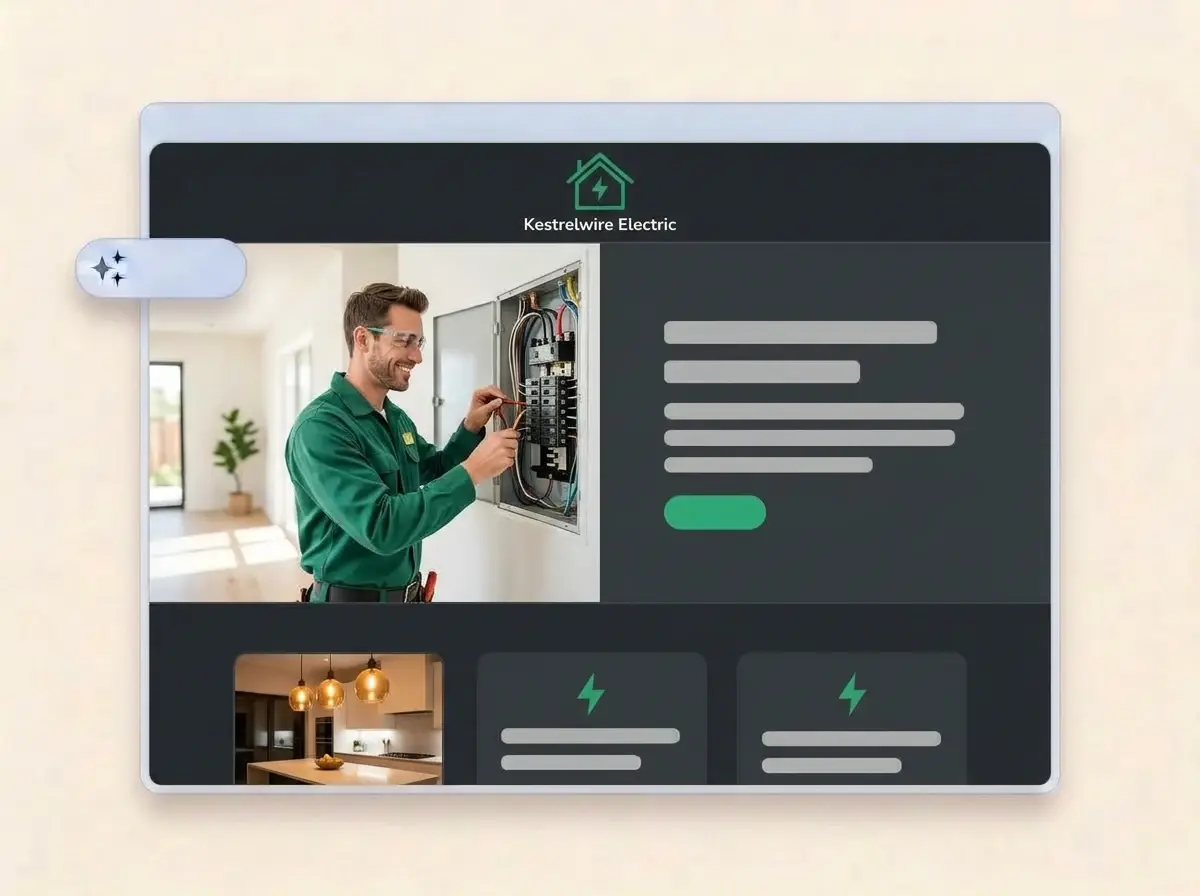
Within about a minute the company has a working website: logo across the top, an electrician at a panel in the hero, sections for the jobs you take and the area you cover, and a contact form so a homeowner can describe the flickering lights before you call back.

Finished Kestrelwire Electric website built by LOGO.com from the uploaded logo, with an electrician wiring a breaker panel in the hero and a kitchen lighting thumbnail

Add your installs, then go live

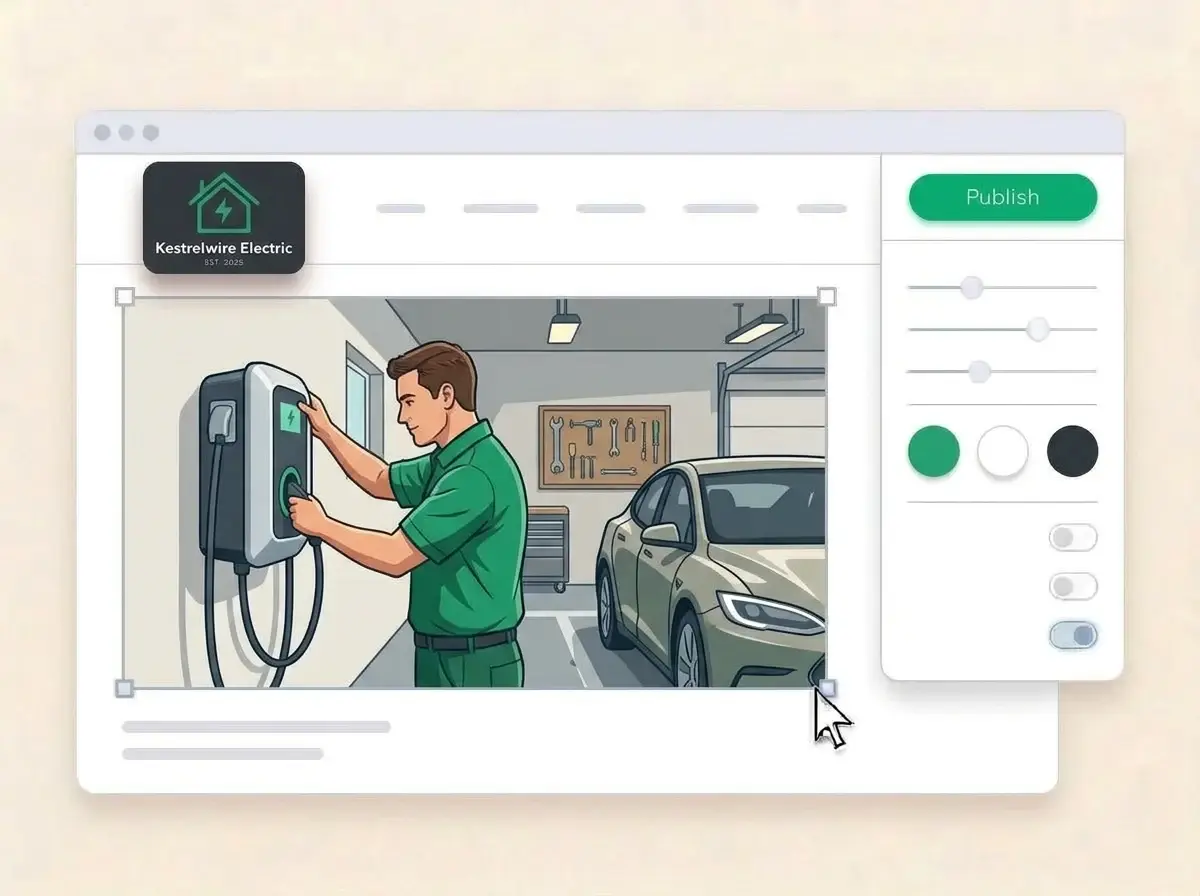
Swap the sample pictures for panels you upgraded and lights you hung, type in your license number and the towns you drive to, then press Publish. Put the address on your estimates, invoices and the sticker you leave inside the breaker box door.

Editing the Kestrelwire Electric website with a photo of an electrician mounting an EV charger on a garage wall selected, the style panel open and the Publish button ready

What is an electrician website builder?

An electrician website builder is a tool that creates a complete website for an electrical business, from a one van residential electrician to a commercial contractor with several crews. The site answers what a customer needs before letting someone near their wiring: the work you do, the area you cover, proof you are licensed and insured, photos of finished jobs and a quick way to call. LOGO.com builds that site from your logo instead of a stock template.

  1. What the builder does with your logo

    LOGO.com reads the colors, lettering and mood of your logo, then lays out a header, hero, About, Services, a contact form and links around it. The copy in each section is written for an electrical business and stays fully editable, so you can make it sound like you on a service call.

  2. The trust questions customers ask first

    Letting a stranger open the breaker panel is a big ask. Before they call, homeowners look for a license number, proof of insurance, years in the trade and photos of tidy work. Put those near the top and keep the phone number one tap away.

  3. Residential, commercial and EV work

    A residential electrician sells safety and clean finishes. A commercial contractor sells uptime and code compliance. An EV charger installer sells a car that is charged every morning. According to LOGO.com data, businesses in the trade that picked an industry label on LOGO.com in the past 12 months chose plain electrician about 35 times as often as electrical contractor, which is a good hint to lead with the plain word your customers type into a search bar.

  4. A web address you can say on the phone

    Brand themes pull their colors from your logo, and switching to a dark, light or colorful style repaints the whole site in one click. When you want an address that is easy to read out to a customer, connect a custom domain you already own or buy one through LOGO.com on the Brand Plan.

What makes LOGO.com the best website builder for electricians

1.One upload, whole website

Drop in your logo and the builder reads its colors, lettering and tone, then assembles a full electrician website around it. No design brief, no theme hunting, no evenings lost after a long day on site.

2.Colors with a reason behind them

Green has quietly become the color of the trade. According to LOGO.com data, green made up 49% of the accent colors electricians picked for their logos on LOGO.com in the past 12 months, against about three in ten across all palettes, with blue second and yellow near the bottom. Your site still takes its exact shades from your own logo.

3.Copy written for the trade

Service descriptions, an About section on who arrives at the door and a welcome line that gets to the point. Edit anything that sounds more polished than you do when you explain a panel upgrade.

4.Show the work behind the walls

A neat new panel, recessed lights in a finished basement, a charger on a garage wall. Add your own install photos to image sections and remove the samples.

5.Electrician website templates

Prefer to start from a layout you can see? Pick a template and add your logo. Your colors, fonts and company name drop in, so the first draft already looks like your business.

6.Nine section types

Welcome for the main promise, About for the owner and the crew, Services for what you wire, Contact, Links to reviews and socials, Promotion for a panel inspection deal, Testimonial for customer quotes, Call to Action and FAQ for permit and pricing questions. A single link in bio page also works for the QR code on your estimates.

7.Put the busy season first

Lead with generator hookups before storm season, holiday lighting in late fall and EV chargers when the new car rebates land. Drag sections into the order you want and the preview updates as you go.

8.Ready for a phone in a dark kitchen

Electrical calls usually start on a phone, sometimes from a room with the power out. A mobile friendly website matters there, so check the phone view and keep the number and the contact form on the first screen.

9.Job requests that do not get lost

A contact form gathers new work in one inbox instead of missed calls and texts you answer at a red light. Use the section text to ask for what helps you price the job, such as the age of the panel or photos of the problem.

10.Your shop on the map

Add your shop address with a live Google Map and list the towns you serve in plain words. Match the details on your Google Business Profile word for word, because consistent listings help local SEO.

11.An address that matches the van

Start on a yourname.hi.link address, then connect a domain you own or buy one inside LOGO.com on the Brand Plan, so the web address on your van door reads like your company name.

12.Only your name on the site

The Brand Plan removes the LOGO.com watermark, so customers see your company, your license and your logo, with nothing else competing for attention.

13.Found when the breaker trips

People search for an electrician plus their town the moment something goes dark. Set the title and description Google shows for your site and pick the preview image that appears when a neighbor shares your link.

14.See which mailers brought calls

Check whether visits rise after a postcard drop or a new van wrap. Free sites show seven days of visitor stats, and the Brand Plan shows thirty days, ninety days and all time, with a download.

15.Industrial, clean or bright

Editorial, minimal, sunset, sage, neon, mocha: pick a style and the whole site follows, from a heavy duty commercial look to a calm residential one. Whatever style you land on, the lettering in your logo stays exactly as drawn.

16.Estimates and invoices that match

The same upload opens a brand kit with your colors, fonts, social templates and business cards, so the quote you email, the shirt you wear and the website feel like one company.

17.No logo yet? Start there

Design one in the free logo maker, choose a version that reads well on a van door and a hard hat sticker, and the builder turns it into your electrician website.

18.Live before the next callout

Press the blue Publish button once and the website is online. No developer, no code and no waiting for a cousin who does websites.

19.New name, same customers

Taking over the business from a retiring master electrician, or adding solar to the name? Rebuild the site from the new logo in one click, and visitors keep seeing the old version until you publish.

20.The whole brand on one plan

The Brand Plan covers the website, your domain, logo files, the brand kit and 1,200+ branded templates, so the van, the estimates and the site sit on one subscription.

21.Help with the wording

Ask the assistant in the editor to shorten a service description, explain a panel upgrade in plain words or turn a long list of jobs you handle into three clear lines.

Start for free with a live electrician website.

Trusted by millions of small businesses.

Adrian Frese

"I am not a designer, but creating my brand identity through LOGO.com was delightfully easy and cost-effective. I am very pleased with the outcome, and I couldn't have achieved the same standard on my own. I highly recommend this to any start-up business looking to set up its brand identity or any established business looking to get its brand an upgrade!"

Adrian Frese

Albina Consulting

David Tuffy

"After forming an LLC, I didn't know where to go to create a logo and assets for my website. Then I found LOGO.com. They created a selection of logos for me to choose from in all the sizes I needed. In addition, LOGO.com provided me with a set of branding materials for my website and social media presence. The process is easy, fast, and requires no processional design experience."

David Tuffy

The Product Levers, LLC

Todd Salzsieder

"I have never attempted developing a logo or other marketing products, and am no expert at navigating new computer software. That being said, I not only found the software easy to navigate and learn, but the end product was more than I had hoped for. The help team at logo.com was highly responsive and willing to help with any questions I had in a clear and rapid manner. I am very pleased with the team at logo.com and the products I created. I highly recommend their service!"

Todd Salzsieder

Boise Behavioral Medicine PLLC

Marvin Younan

"LOGO.com is an amazing resource. It helped me create a professional-looking logo for my business that received more praise than logos I've paid designers to create for me in the past. The site is very easy to use, walks you through every step, and gives you control over the entire creation process."

Marvin Younan

Your Modern Lender

Electrician website builder FAQs