


Self storage website builder that builds itself

Your storage website comes back in your colors, your fonts and brand.

No logo yet? Create a logo, then turn it into your storage site.

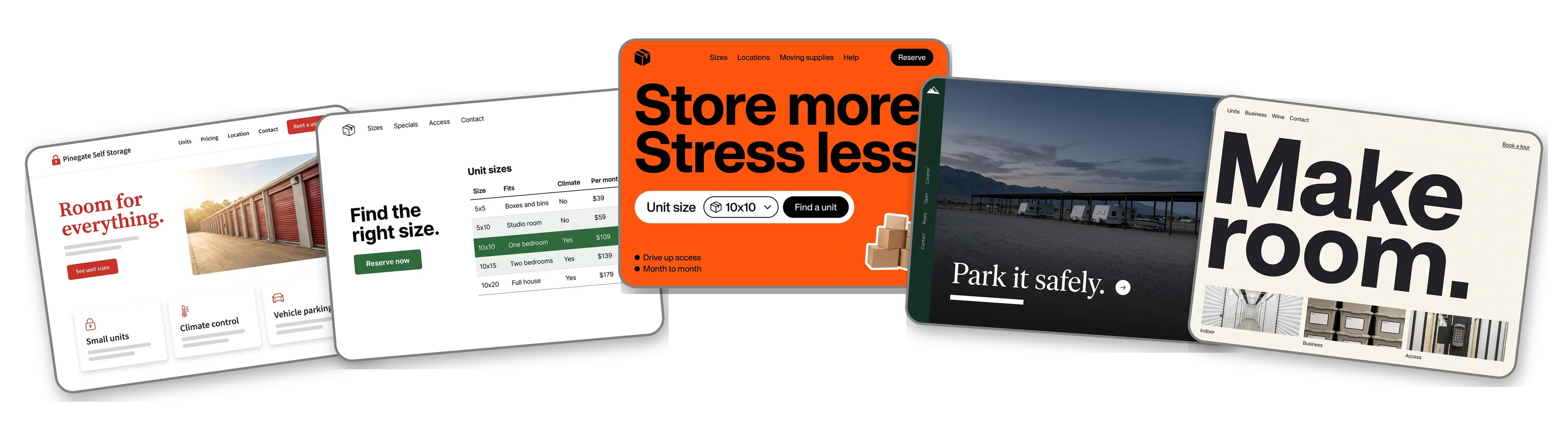
Five self storage websites built with LOGO.com from a logo upload: a family owned facility, a unit size and price table, a unit size finder, an RV and boat storage yard and a climate controlled storage brand

Featured in

msnyahoobusiness insider

How to make a self storage website with LOGO.com in three steps.

Upload the logo from your gate sign

Use the file printed on the roadside sign, the office window or the lease paperwork. Any PNG, JPG, SVG or WebP file works, and its colors and lettering become the starting point. Running on a painted name above the office door? Make one free to start.
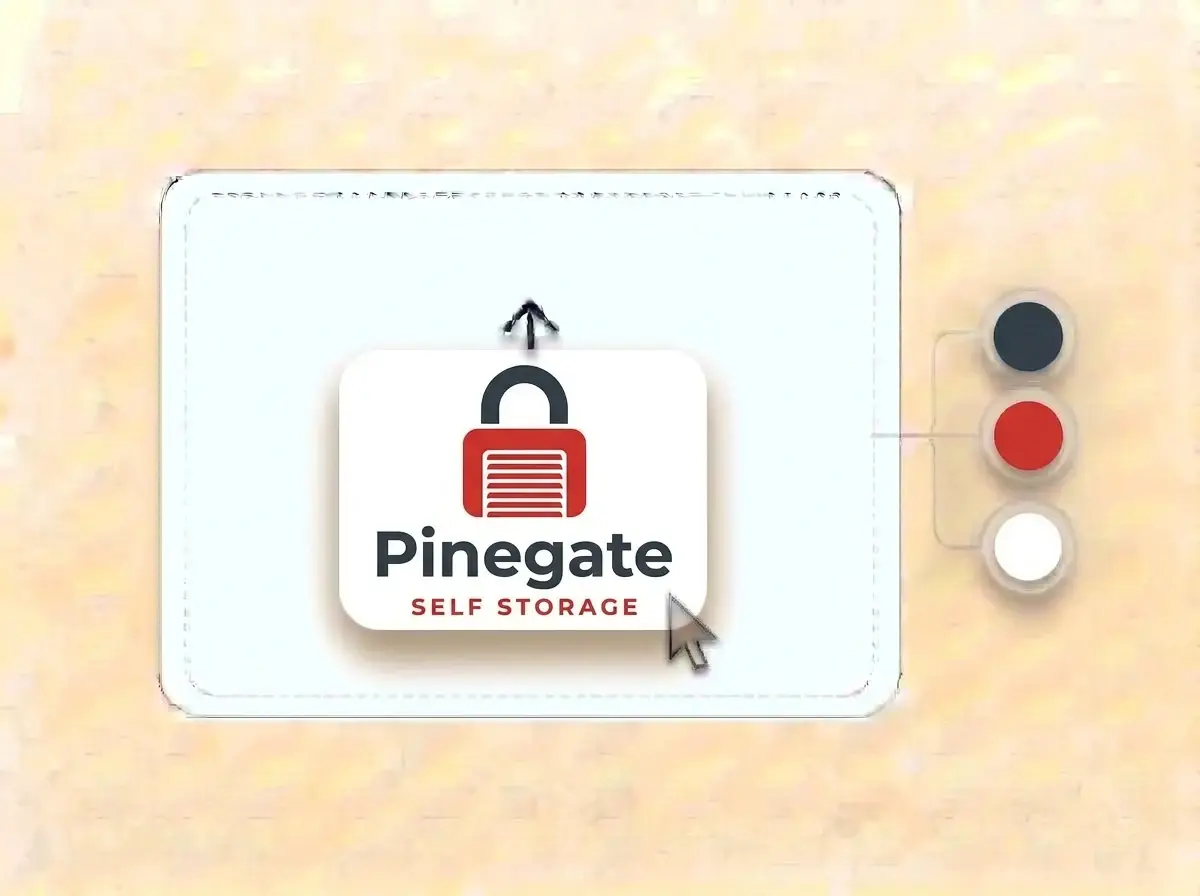
Pinegate Self Storage logo, a charcoal padlock with a red roll up door for a body on a white card, dropped into the LOGO.com upload box with its colors split into swatches

A storage facility site in about a minute

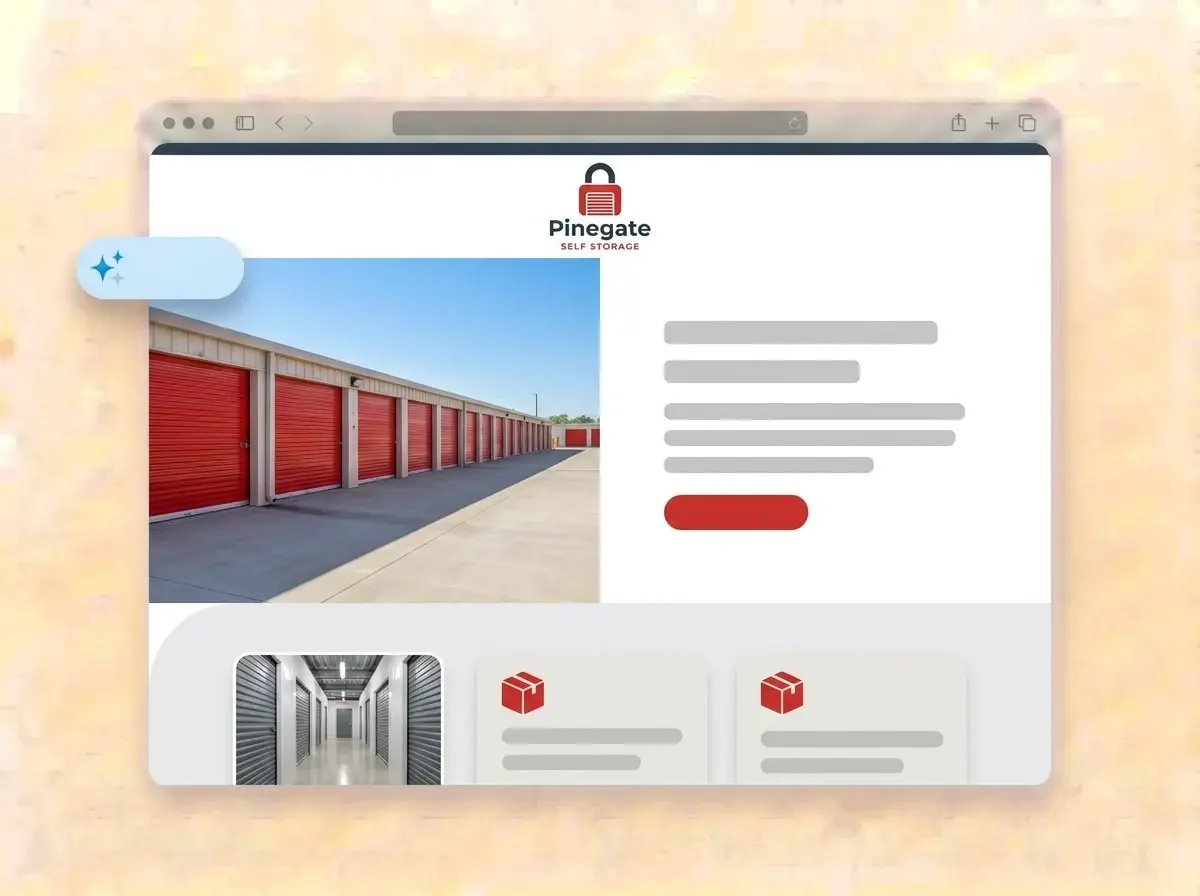
A minute or so later the facility has a website: your logo at the top, a row of units in the hero, sections for unit sizes, climate controlled space and parking, a few lines about the owners and a form for availability questions.

Finished Pinegate Self Storage website built by LOGO.com from the uploaded logo, with a sunny row of red roll up storage doors in the hero photo

Add sizes, prices and hours, then publish

Replace the sample photos with your own buildings, type the sizes and monthly rates you offer, add gate hours, point the Rent button at your rental software and press Publish. The next renter can find you right away.

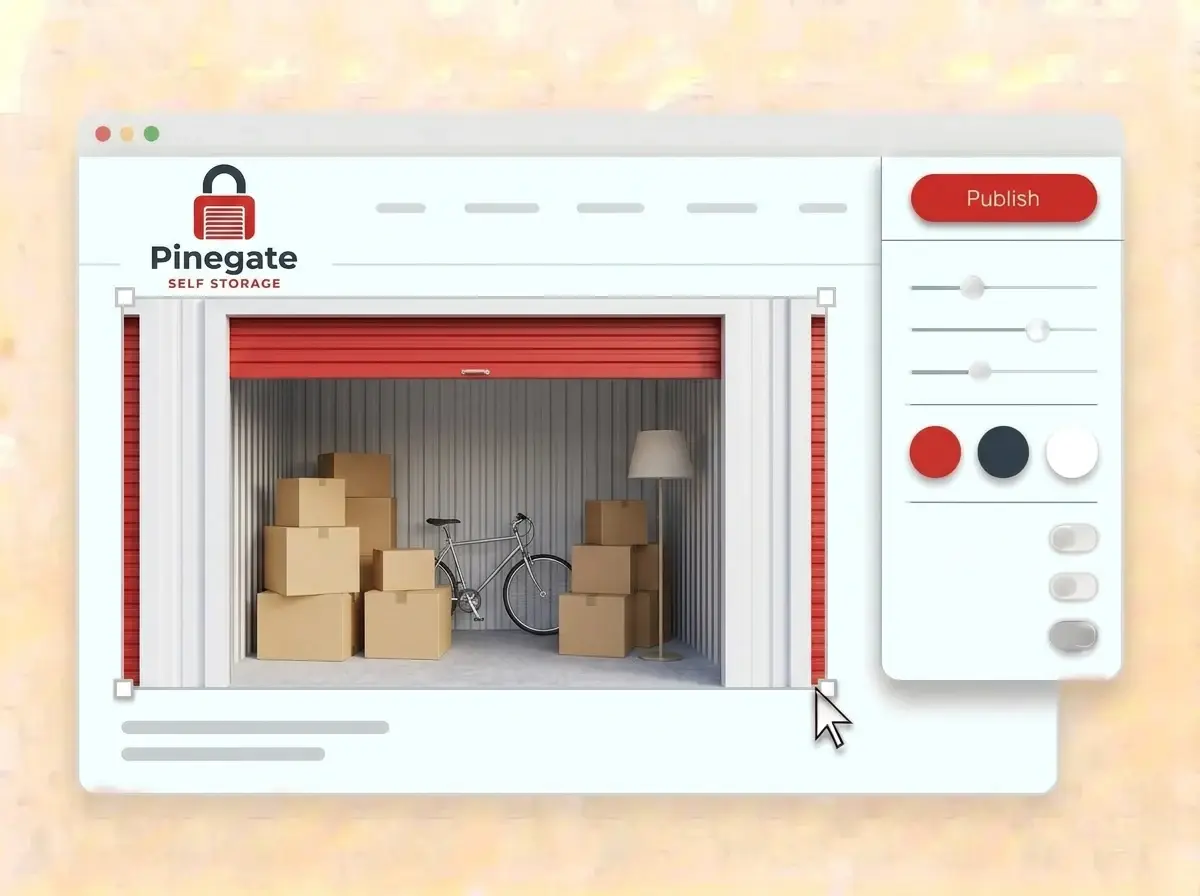
Editing the Pinegate website with a photo of an open storage unit full of moving boxes selected, the style panel open and the red Publish button ready

What is a self storage website builder?

A self storage website builder is a tool that gives a storage facility a finished site with unit sizes, monthly rates, access hours, directions and a way to ask about availability, without code. Renters usually decide on size, price and distance, so the page that shows those three fastest tends to win. LOGO.com builds that site from your logo, so it matches the sign at your gate.

  1. From the gate sign to the homepage

    LOGO.com reads the colors, lettering and tone of your logo and builds a header, a hero, About, Services, a contact form and links around them. Each section comes with copy written for storage operators, ready to edit until it reads like your manager at the counter.

  2. Answer the three renter questions

    Will my stuff fit, what does it cost and when can I get in. Put a size guide with prices near the top, list gate and office hours in plain words and add a photo of a unit with a familiar object inside for scale.

  3. Self storage, facilities and vehicle yards

    A self storage business rents drive up and indoor units by the month. A larger facility might add climate control, boxes and truck rental, and a vehicle yard parks campers and boats. According to LOGO.com data, self storage beat storage facility as the label operators chose on LOGO.com in the past 12 months, by about seven businesses to five.

  4. An address for the sign out front

    Brand themes pull their palette from your logo, and the dark, light and colorful styles reset the whole site in one click. When the web address on the gate sign should match the facility name, connect a custom domain you own or buy one through LOGO.com on the Brand Plan.

What makes LOGO.com the best website builder for self storage

1.Built from the logo on your gate

Upload your logo and the builder studies its colors, lettering and style, then arranges a complete storage website around it. No digging through themes made for hotels.

2.Colors as bold as your doors

According to LOGO.com data, red was the accent color storage operators picked most often for their logos in the past 12 months. Whatever you chose, the website uses the exact shade from your file, so doors, sign and site match.

3.Copy written for renters

A welcome line, a short note on who owns the place and clear descriptions of drive up units, climate controlled space, parking and boxes for sale. Edit any word before going live.

4.Photos renters can trust

The front gate, a clean hallway, an empty ten by ten with a tape measure across the door. Add your own photos to the image sections and remove the samples, so nothing feels staged.

5.Self storage website templates

Prefer to start from a style? Pick a template and add your logo. Your colors, fonts and name fall into place, so the first draft already looks like your facility.

6.Nine section types

Welcome for your headline and hours, About for the owners, Services for unit types, Contact, Links to online rental and reviews, Promotion for a first month special, Testimonial for long term tenants, Call to Action and FAQ for what you can and cannot store. Or keep a short link in bio page for your Google and Facebook profiles.

7.Lead with the move in special

Running a first month deal before the college move out rush? Drag that section to the top, and the preview updates as you go.

8.Easy to read in a moving truck

Renters often search from a phone in the middle of a move. A mobile friendly website keeps sizes, prices, hours and directions a thumb away, so check the phone view before publishing.

9.Availability questions in one inbox

The contact form gathers questions about open units, business storage and vehicle parking in one place. Use the section text to say how fast the office replies and when to call.

10.Directions straight to the gate

Add your address with a live Google Map so renters pull into the right entrance. Match the details on your Google Business Profile, which helps local SEO when someone searches for storage near them.

11.A domain that fits on the sign

Begin on a yourname.hi.link address, then connect a domain you already own or buy one inside LOGO.com on the Brand Plan, so the sign, the lease and the site all carry one name.

12.Your facility, no one else

The Brand Plan removes the LOGO.com watermark, so renters only see your storage business.

13.Show up for the size people need

People search for climate controlled storage, boat storage or a ten by ten near a new apartment. Write the title and description Google shows, and choose the image that appears when someone shares your page.

14.Track which promo filled units

See visits after a mailer, a moving company referral or a campus flyer. Stats cover seven days on the free plan, while the Brand Plan shows thirty days, ninety days and all time, ready to download.

15.Industrial, clean or friendly

Editorial, minimal, sunset, sage, neon, mocha: one click resets the mood of every page. The logo colors and lettering hold steady in each option.

16.Signs and flyers that match

The same upload opens a brand kit with your colors, fonts, social templates and business cards, so the gate sign, the lease folder and the website look like one facility.

17.No logo on the sign yet?

Plenty of facilities run on a plain name and a phone number. Try ideas in the free logo maker, choose a mark that reads from the road, and the builder turns it into your storage website.

18.Online before the weekend rush

Press Publish and the storage site is live. No developer, no code and no time away from the front desk.

19.Bought the facility next door?

Rebranding after an acquisition or an expansion? Rebuild from the new logo in one click, and renters see the current site until you choose to publish.

20.One plan for every renter touchpoint

The Brand Plan covers the website, the domain, logo files, the brand kit and 1,200+ branded templates, so signs, flyers and the site stay consistent.

21.Help with the fine print

Ask the assistant in the editor to shorten a long list of storage rules, explain climate control in plain words or write a friendly note about what to bring on move in day.

Start for free with a live self storage website.

Trusted by millions of small businesses.

Adrian Frese

"I am not a designer, but creating my brand identity through LOGO.com was delightfully easy and cost-effective. I am very pleased with the outcome, and I couldn't have achieved the same standard on my own. I highly recommend this to any start-up business looking to set up its brand identity or any established business looking to get its brand an upgrade!"

Adrian Frese

Albina Consulting

David Tuffy

"After forming an LLC, I didn't know where to go to create a logo and assets for my website. Then I found LOGO.com. They created a selection of logos for me to choose from in all the sizes I needed. In addition, LOGO.com provided me with a set of branding materials for my website and social media presence. The process is easy, fast, and requires no processional design experience."

David Tuffy

The Product Levers, LLC

Todd Salzsieder

"I have never attempted developing a logo or other marketing products, and am no expert at navigating new computer software. That being said, I not only found the software easy to navigate and learn, but the end product was more than I had hoped for. The help team at logo.com was highly responsive and willing to help with any questions I had in a clear and rapid manner. I am very pleased with the team at logo.com and the products I created. I highly recommend their service!"

Todd Salzsieder

Boise Behavioral Medicine PLLC

Marvin Younan

"LOGO.com is an amazing resource. It helped me create a professional-looking logo for my business that received more praise than logos I've paid designers to create for me in the past. The site is very easy to use, walks you through every step, and gives you control over the entire creation process."

Marvin Younan

Your Modern Lender

Self storage website builder FAQs