


Recruitment website builder that builds itself

Your recruitment website comes back in your colors, fonts and brand.

No logo yet? Create a logo, then turn it into your recruitment site.

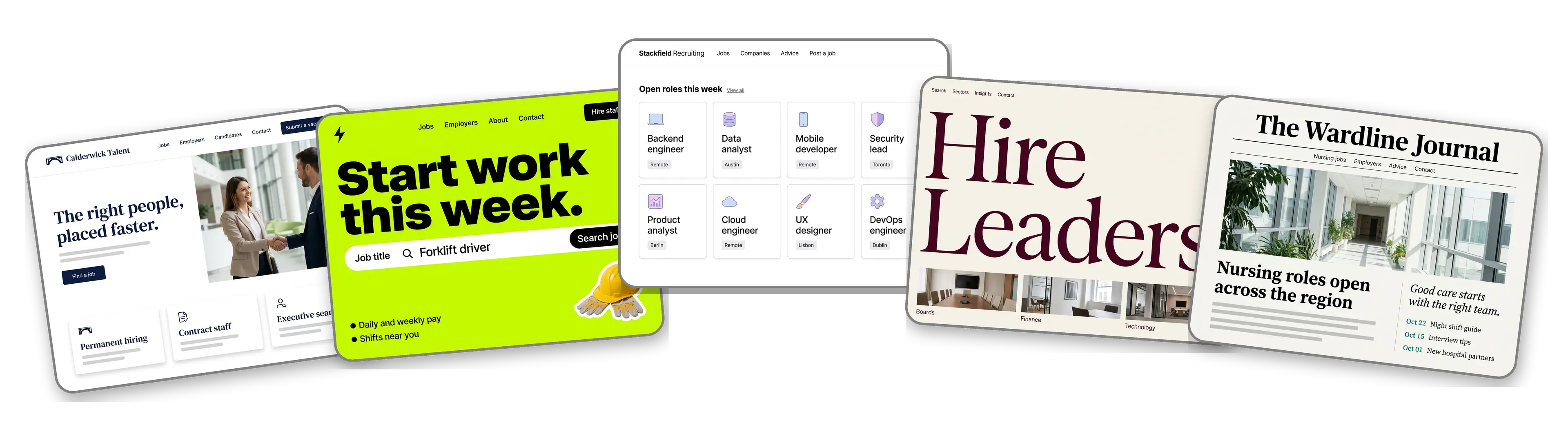
Five recruitment websites built with LOGO.com from a logo upload: a recruitment agency, a warehouse staffing agency, a tech recruitment job board, an executive search firm and a healthcare recruitment agency

Featured in

msnyahoobusiness insider

How to make a recruitment website with LOGO.com in three steps.

Upload the logo clients see on your proposals

Use the file from your terms of business, your LinkedIn banner or your email signature. PNG, JPG, SVG and WebP all work, and its colors and lettering shape every section of the site. Just set up as an independent recruiter with no mark yet? Make one free before your first client meeting.
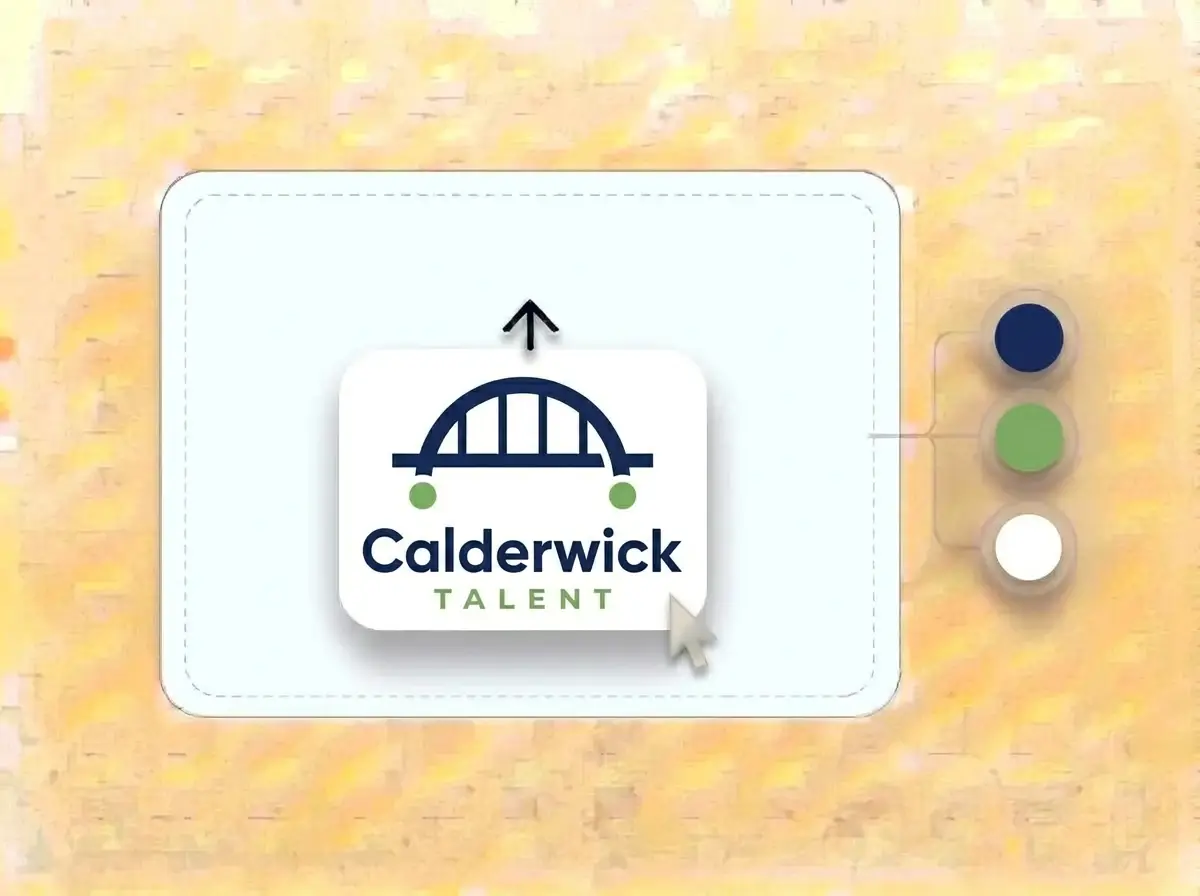
Calderwick Talent logo, a navy arch bridge joining two green dots, on a white card dropped into the LOGO.com upload box with its colors pulled out as swatches

An agency website within a minute

Roughly a minute later the first version appears: your logo in the header, a hero that speaks to employers and candidates, sections for the sectors you cover and the team, a contact form and a spot to link your open roles.

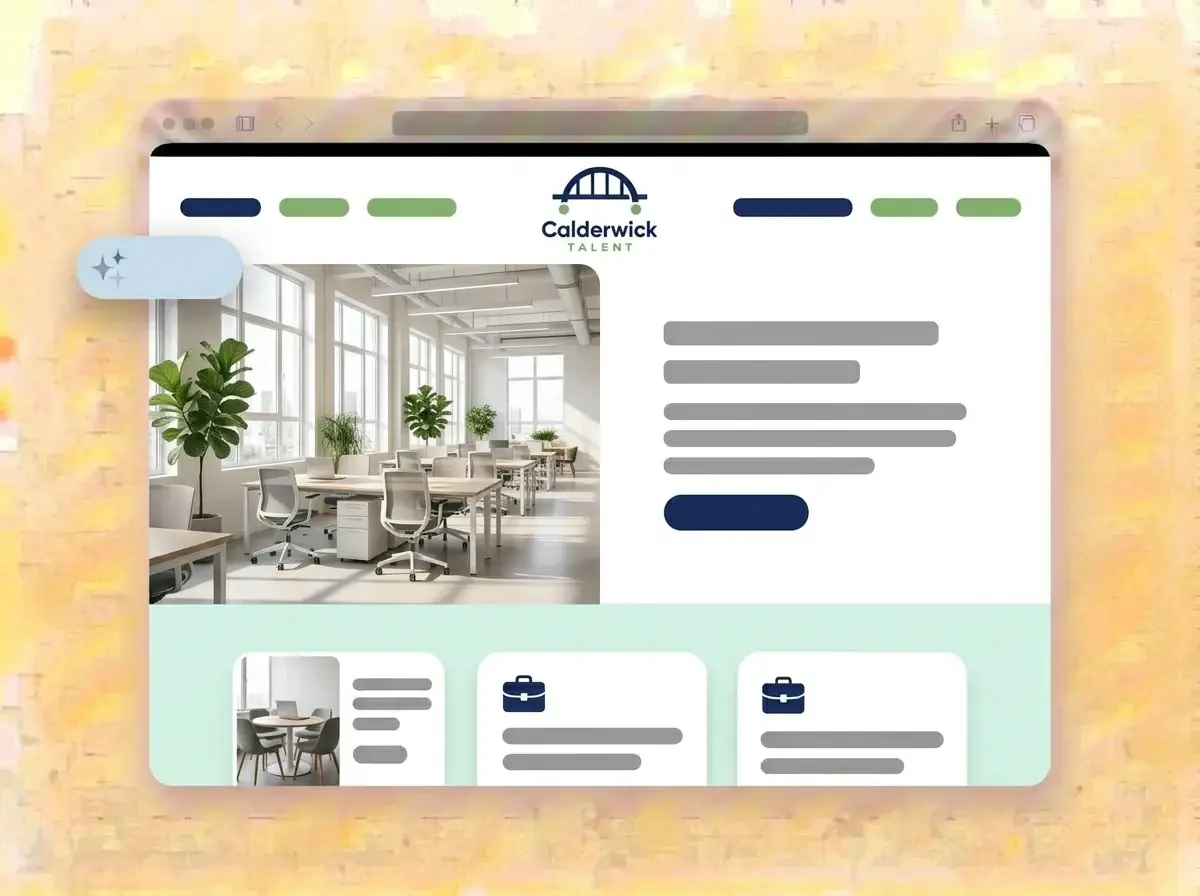
Finished Calderwick Talent recruitment website built by LOGO.com from the uploaded logo, with a bright open plan office in the hero photo

Point it at your roles and publish

Add photos of your consultants, name your specialist sectors, link the Jobs button to your job board and press Publish. A hiring manager who gets your cold email can now check you are real before replying.

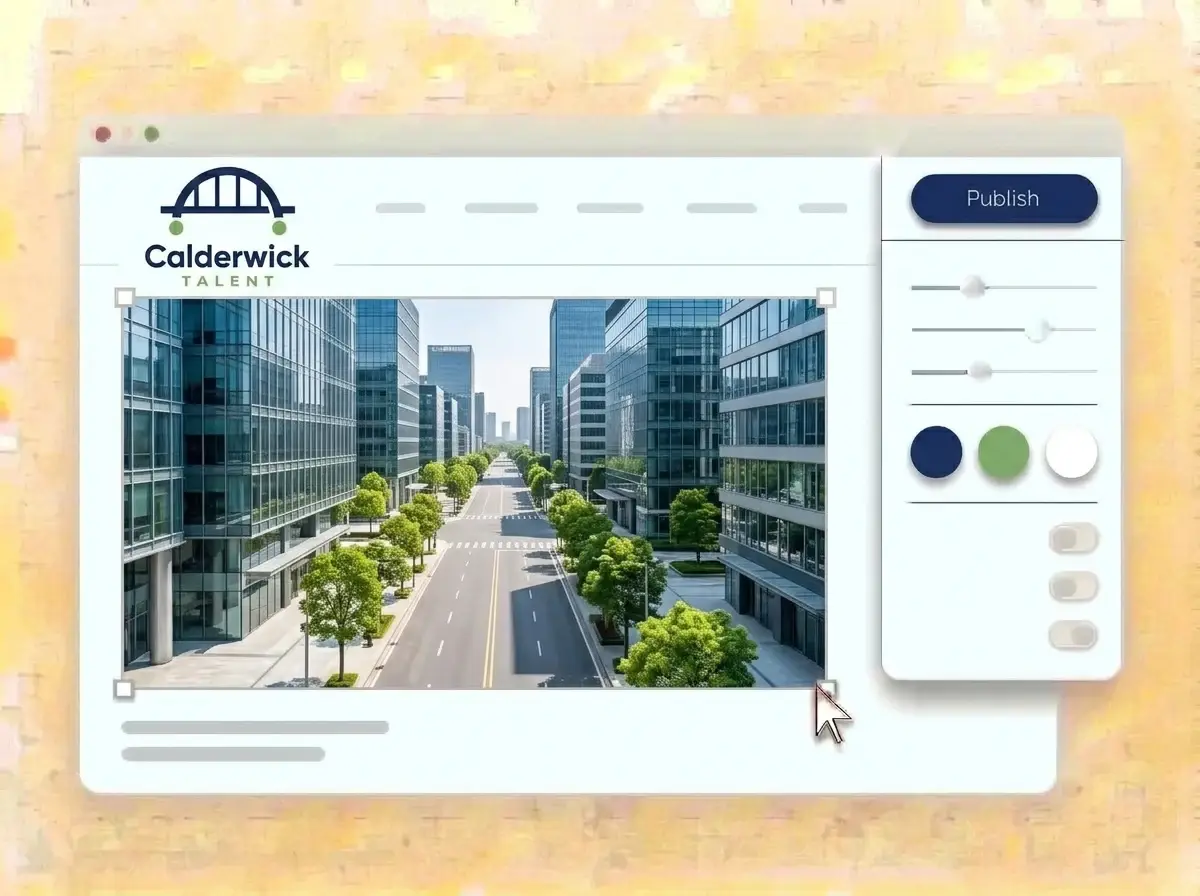
Editing the Calderwick Talent website with a sunny city office street photo selected, the style panel open and the navy Publish button ready

What is a recruitment website builder?

A recruitment website builder is a tool that makes a website for a recruitment or staffing agency, with the sectors you cover, a page for employers, a page for candidates, your team and a contact form, without code. A recruitment agency website mostly has to prove you are credible and specialist. LOGO.com builds the site from your agency logo instead of a template, so it matches your proposals and job ads from the first draft.

  1. From agency logo to homepage

    LOGO.com reads the colors, lettering and tone of your logo and builds a header, a hero, About, Services, a contact form and links around it. Each section starts with copy written for recruiters, ready for you to sharpen with your own sector knowledge.

  2. Two audiences, one site

    Employers want proof that you understand their sector and can fill roles fast. Candidates want to know which jobs you place and whether you will call back. Give each audience its own section and its own button, and neither has to dig.

  3. Recruiters, staffing firms and executive search

    A permanent recruitment agency sells sector expertise, a staffing firm sells speed and reliable shifts, and an executive search firm sells discretion and a short list. According to LOGO.com data, nearly two in three of the recruitment and staffing businesses that set their industry on LOGO.com in the past 12 months described themselves as recruiters rather than staffing agencies.

  4. An address that matches your email

    Brand themes take their palette from your logo, while dark, light and colorful styles reset every section at once. When the website should share a name with your business email, connect a custom domain you own or purchase one in LOGO.com on the Brand Plan.

What makes LOGO.com the best website builder for recruiters

1.Starts from the logo on your proposals

Upload your logo and the builder reads its colors, lettering and style, then builds a full recruitment site around them. According to LOGO.com data, 75% of the font choices on recruitment and staffing logos made on LOGO.com in the past 12 months were sans serif, against about two in three across all logos, and your site keeps whichever you chose.

2.Colors that look established

According to LOGO.com data, green and blue were almost exactly tied as the accent colors recruitment and staffing businesses picked most for their logos on LOGO.com in the past 12 months. Whatever shades sit in your logo, the site uses those exact ones.

3.Copy written for both sides of the desk

A confident welcome, a short story about the agency, plain descriptions of permanent, contract and temporary hiring, and a clear line for candidates on what happens after they get in touch. Edit any sentence before it goes live.

4.Faces people can put to the name

Clients and candidates want to know who will call them. Add photos of your consultants and your office, and remove every sample image before you publish.

5.Website templates in your agency colors

Rather pick a layout first? Choose a template and add your logo. Your colors, fonts and agency name take over, so the draft already looks like your firm.

6.Nine section types

Welcome for your promise, About for the agency story, Services for permanent, contract and temporary hiring, Contact, Links to your job board and LinkedIn, Promotion for a hiring event, Testimonial for client and candidate words, Call to Action for vacancy calls and FAQ for fees and process. Or keep a short link in bio page for the profiles where you post roles.

7.Push urgent roles to the top

Hiring day, a new client or a sector you just started covering? Drag that section to the top and the preview picks up the new order straight away.

8.Easy to read on the commute

Candidates often check a recruiter on a phone between shifts or on the way to work. A mobile friendly website keeps your roles link and contact form one tap away, so check the phone preview before you publish.

9.Vacancies and inquiries in one inbox

The contact form gathers vacancy briefs from employers and questions from candidates in one place. Use the section text to say what details help, such as role, location and start date.

10.Found by local employers

Add your office address with a live Google Map for walk in candidates. Keep the same details on your Google Business Profile, which helps local SEO when a business nearby looks for a staffing agency.

11.A domain that matches your inbox

Start on a yourname.hi.link address, then connect a domain you already own or purchase one in LOGO.com on the Brand Plan, so business email, proposals and the website share one name.

12.Just your agency on the page

The Brand Plan removes the LOGO.com watermark, so clients and candidates see your agency and nothing else.

13.Control your search listing

Write the title and description that show in Google, and pick the image that appears when a candidate shares your page with a friend looking for work.

14.See what drove the visits

Check traffic after a job fair, a LinkedIn campaign or a new client launch. Free sites keep seven days of stats, and the Brand Plan opens thirty day, ninety day and all time history to download.

15.Sharp, warm or bold

Pick editorial, minimal, sunset, sage, neon or mocha and the whole site changes mood with one click. Your logo colors and lettering stay fixed, so the agency always looks like itself.

16.Job ads and site that match

The same upload opens a brand kit with your colors, fonts, social templates and business cards, so job ads, hiring posts and the website look like one agency.

17.Going independent without a logo?

Many recruiters leave an agency with a name, a network and nothing else. Try marks in the free logo maker, keep one that still reads on a LinkedIn banner, and the builder turns it into your recruitment website.

18.Live before your next call

Press Publish and the site is up. No developer, no code and no evening lost after a day of interviews.

19.Room for a new desk or brand

Opening a new desk, a second office or rebranding? Rebuild the site from a new logo in one click, while visitors keep seeing the current version until you hit Publish.

20.One plan for site and sales materials

The Brand Plan covers the website, the domain, logo files, the brand kit and 1,200+ branded templates, so proposals, job ads and the site stay consistent.

21.Help writing for two audiences

Ask the assistant in the editor to tighten a long agency story, rewrite a services section for hiring managers or write a friendly note for candidates.

Start for free with a live recruitment website.

Trusted by millions of small businesses.

Adrian Frese

"I am not a designer, but creating my brand identity through LOGO.com was delightfully easy and cost-effective. I am very pleased with the outcome, and I couldn't have achieved the same standard on my own. I highly recommend this to any start-up business looking to set up its brand identity or any established business looking to get its brand an upgrade!"

Adrian Frese

Albina Consulting

David Tuffy

"After forming an LLC, I didn't know where to go to create a logo and assets for my website. Then I found LOGO.com. They created a selection of logos for me to choose from in all the sizes I needed. In addition, LOGO.com provided me with a set of branding materials for my website and social media presence. The process is easy, fast, and requires no processional design experience."

David Tuffy

The Product Levers, LLC

Todd Salzsieder

"I have never attempted developing a logo or other marketing products, and am no expert at navigating new computer software. That being said, I not only found the software easy to navigate and learn, but the end product was more than I had hoped for. The help team at logo.com was highly responsive and willing to help with any questions I had in a clear and rapid manner. I am very pleased with the team at logo.com and the products I created. I highly recommend their service!"

Todd Salzsieder

Boise Behavioral Medicine PLLC

Marvin Younan

"LOGO.com is an amazing resource. It helped me create a professional-looking logo for my business that received more praise than logos I've paid designers to create for me in the past. The site is very easy to use, walks you through every step, and gives you control over the entire creation process."

Marvin Younan

Your Modern Lender

Recruitment website builder FAQs