WebP to PNG
Upload your WebP image
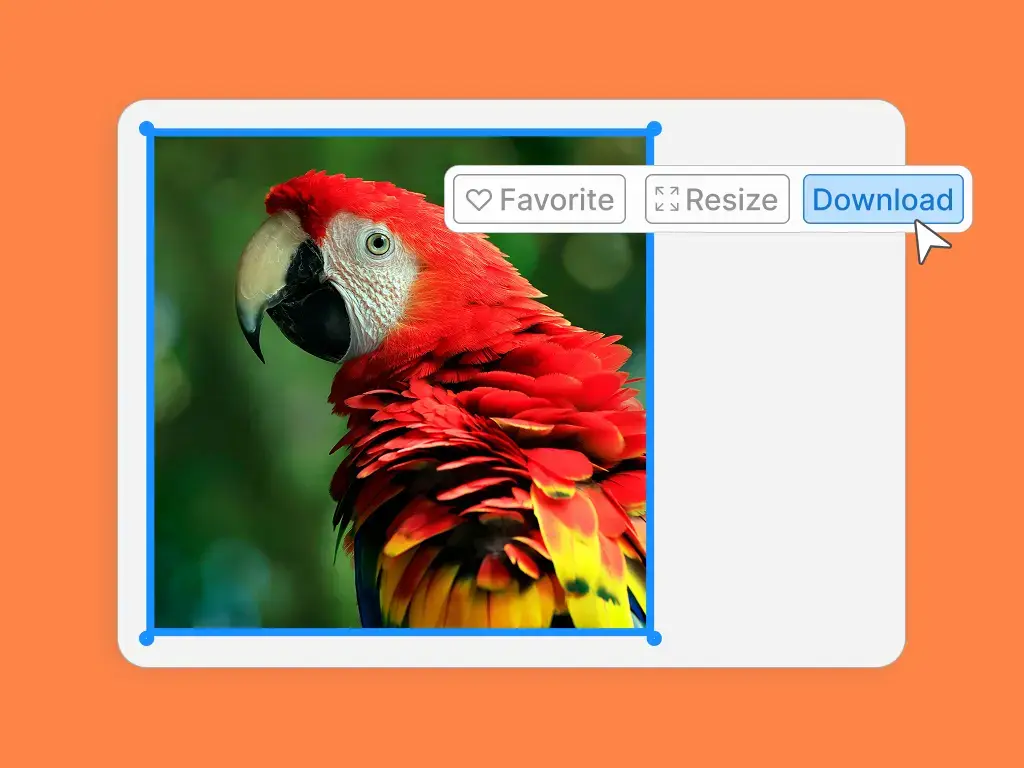
After uploading your image, simply select the download button in the design editor.

WebP to PNG
After uploading your image, simply select the download button in the design editor.
WebP to PNG
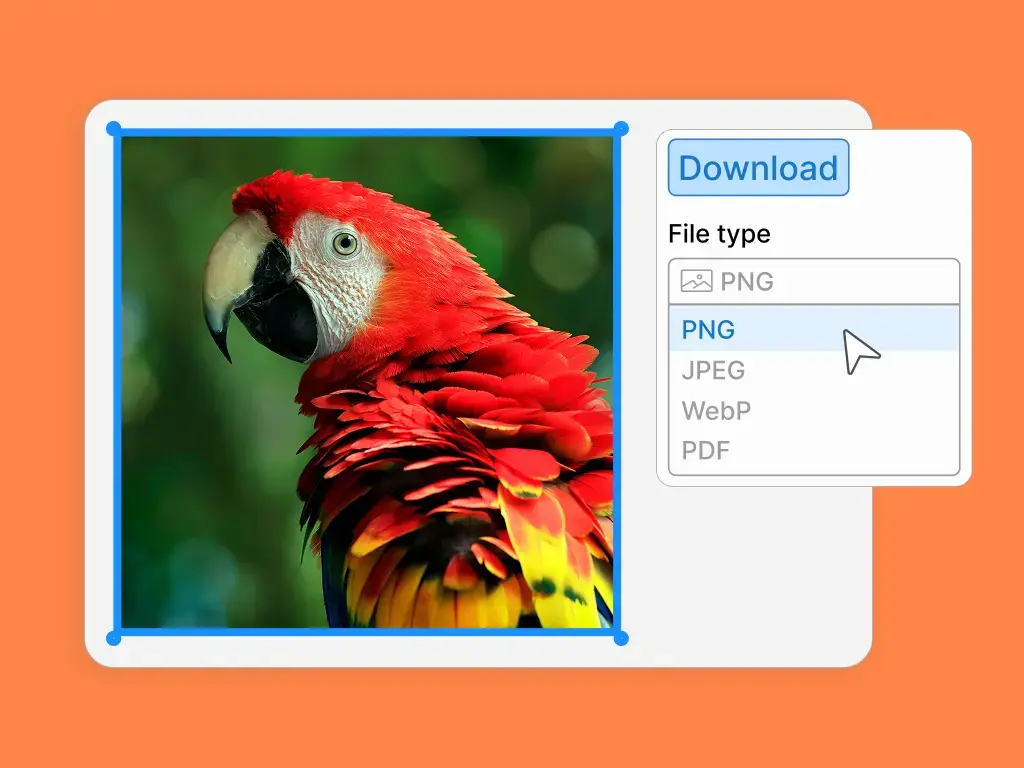
Select the ‘PNG’ option and click the ‘Download’ button and to instantly convert your file.
Drop your high-quality PNG image into thousands of ready-to-use templates. Customize a design for social media posts, websites, and more!

Some design programs, especially older versions, can't open the newer WebP format. When you convert your image to PNG, you create a version that’s compatible with almost any application, ensuring you can always access and edit your visuals. If you choose to use LOGO.com's design hub, our editor is compatible with WebP files.
You might have a great WebP image, but some websites or content management systems have strict upload rules and don't accept the format. PNG is a universally accepted file type, so converting your image allows you to upload it anywhere without any issues.
When you share a WebP file directly with a friend or colleague, they might not have the right software to view it. By converting it to PNG first, you can be sure that anyone you send it to will be able to open, view, and use the image easily.
Sometimes a WebP file with a transparent background doesn’t display correctly in certain apps or browsers. PNG is famous for its reliable, high-quality transparency, making it the perfect format when you need to place your image on different colored backgrounds.
If you plan to print your image, you need the best quality possible. PNG is a lossless format, which means it doesn't lose any quality when saved, making it a more reliable and widely supported choice for printing projects.
Not all quick-edit tools or basic photo viewers can handle WebP files. If you need to make a fast crop or a simple adjustment, converting to PNG lets you use virtually any image editor available, even the simple ones built into your computer.