Image Resizer
Upload your image
Simply select your photo and click the 'Resize' button in the editor toolbar to see your options.
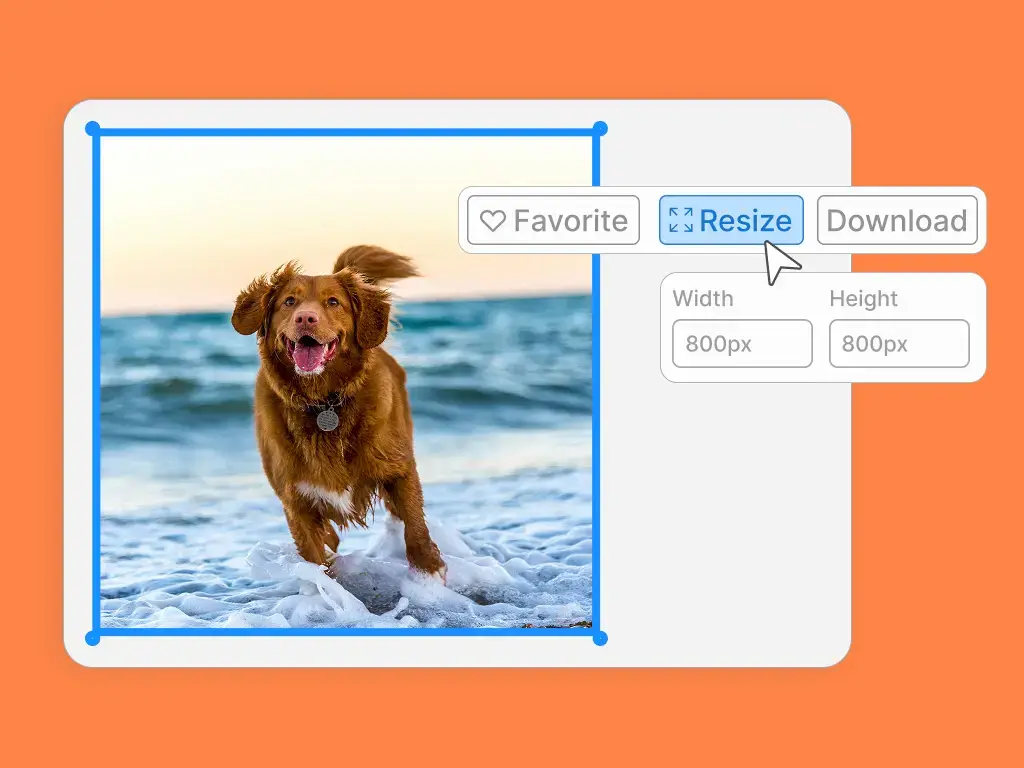
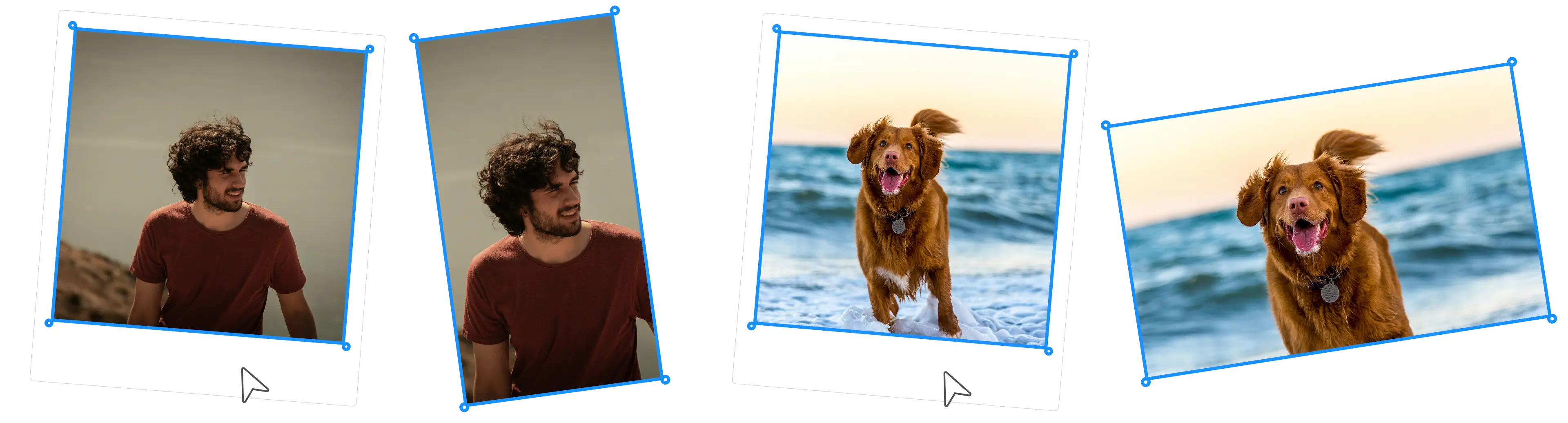
Image Resizer
Simply select your photo and click the 'Resize' button in the editor toolbar to see your options.
Image Resizer
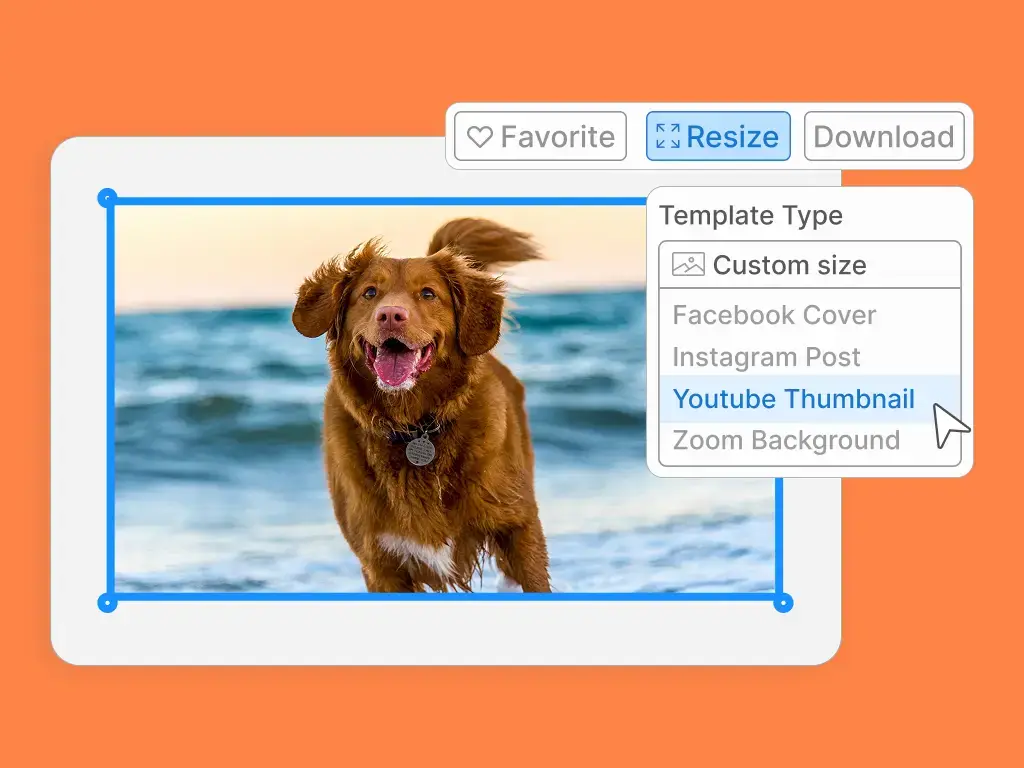
Choose from pre-set template sizes like Instagram Post or YouTube Thumbnail, or enter custom dimensions to get the exact fit you need.
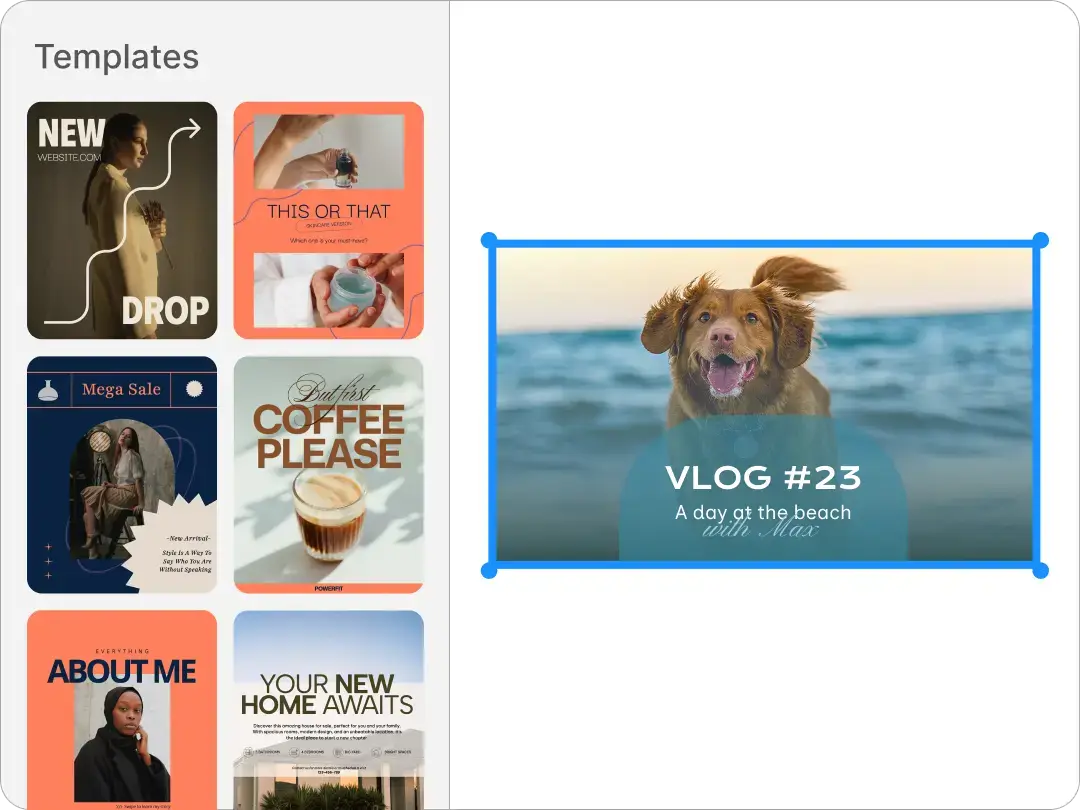
Drop your beautiful resized photo into thousands of ready-to-use templates. Customize a design for social media, posters, and more!
Sometimes an image isn't the right size for where you want to use it. A photo might be too large for a website or too small for a printout. Our free tool lets you easily change the height and width to get the exact size you need. This makes sure your photo looks its best wherever you use it.
Every social media platform has a different recommended image size. An Instagram post might be a square, while a Facebook cover photo is a wide rectangle. With our tool, you can choose from a list of common template sizes, including those for social media. This makes it easy to resize an image for Facebook, Instagram, and more without guessing the dimensions.
Large photos take up a lot of space on your computer or phone. This can slow down your devices and make them feel full. Resizing your images to a smaller size can save valuable storage. It helps keep your photo library organized and your devices running smoothly.
Large images are often the reason a website loads slowly. Visitors might get tired of waiting and leave your page. When you resize your images to a smaller file size, your website will load much quicker. This helps keep your visitors on the page and gives them a better experience.
Whether you're making a YouTube video or a blog post, you often need to create a thumbnail or banner image. Our tool has pre-set sizes for these projects, so you don't have to start from scratch. This makes it simple to create the perfect header image for your content in just a few clicks.
Emails with large, high-resolution images can be slow to send and might not load correctly for the recipient. If you want to share a photo via email, it's best to resize it first. This ensures that your email sends quickly and that the person you're sending it to can open and view the image without any issues.