JPG to PNG
Upload your JPG image
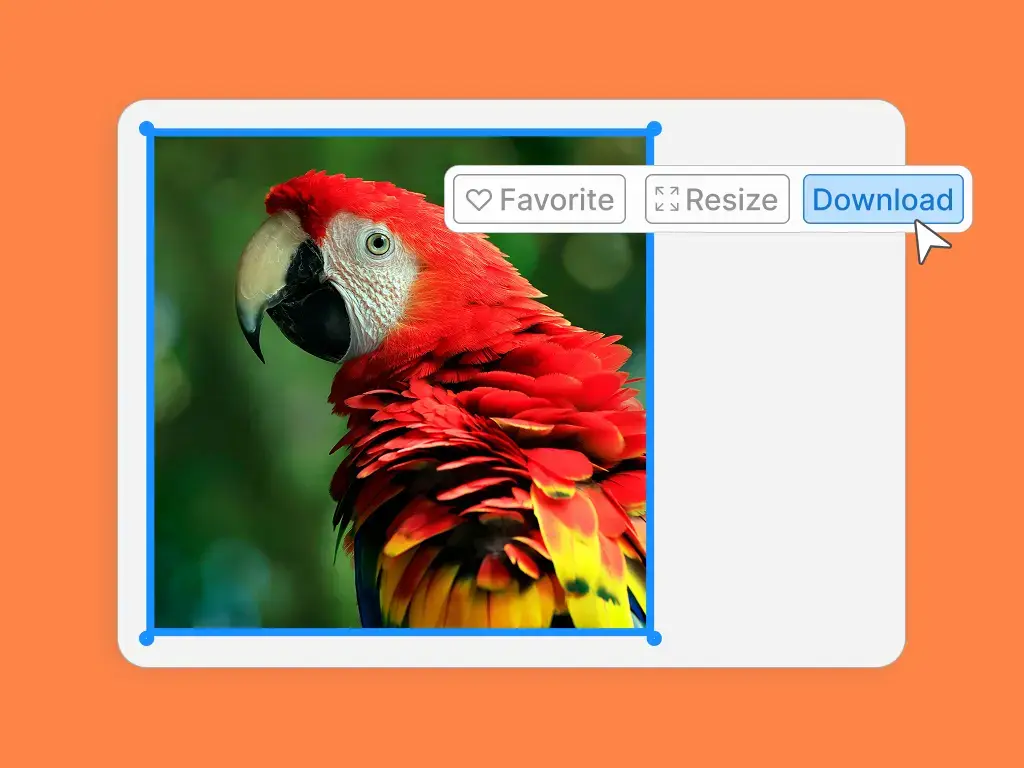
After uploading your image, simply select the download button in the design editor.

JPG to PNG
After uploading your image, simply select the download button in the design editor.
WebP to PNG
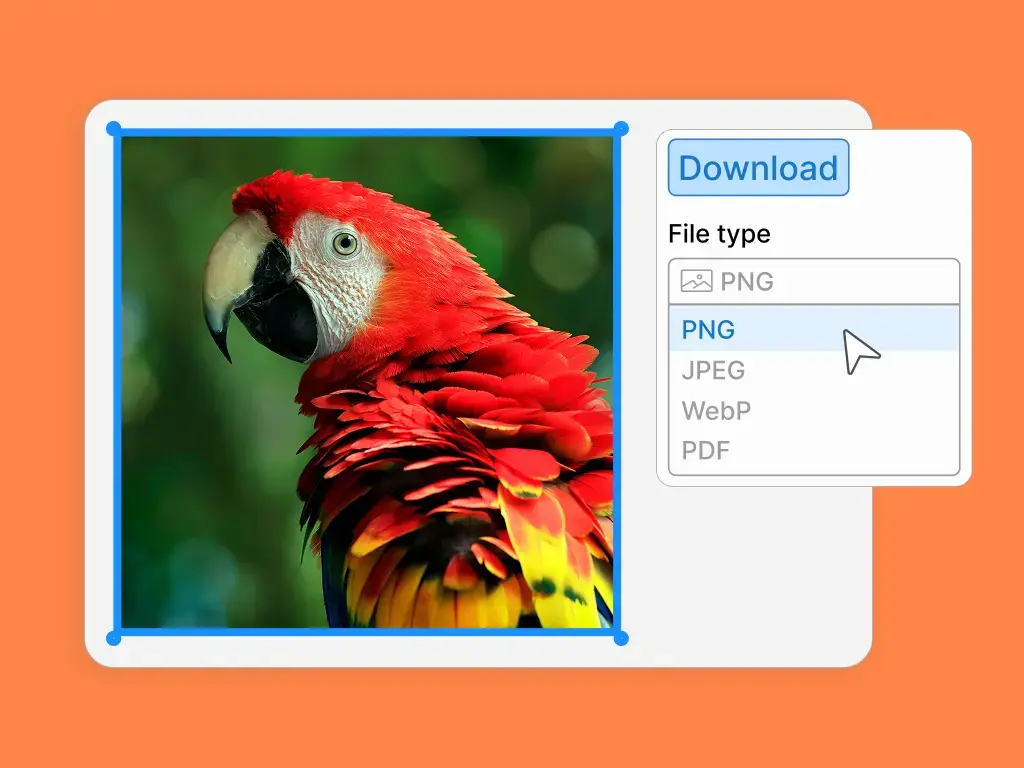
Select the ‘PNG’ option and click the ‘Download’ button and to instantly convert your file.
Drop your high-quality PNG image into thousands of ready-to-use templates. Customize a design for social media posts, websites, and more!

Your background might be too busy or messy. When you change the photo to PNG, you can make the background transparent. This helps you place your main image on a clean background, making your subject pop.
You need your logo to look clean and professional everywhere you use it. When you save a logo as a JPG, it can lose its quality and look blurry. Converting it to a PNG file gives you a sharp, clean image that works well on websites, posters, and business cards.
PNG files are great for websites because they keep their quality without being too large. This helps your website load faster for visitors. It also ensures your images and icons look crisp and professional on any device.
Sometimes you want to use an image without a background, like a sticker or an icon. A JPG file always has a background, even if it's white. A PNG file allows you to have a transparent background, so you can place the image on any color or pattern you want.
Text can sometimes look blurry or fuzzy in a JPG image. When you save an image with text as a PNG, the letters stay sharp and easy to read. This is perfect for things like flyers, social media posts, or banners where the text is important.
Sometimes the colors in a photo don't work well together. When you convert your image to a PNG, it can help the colors look more accurate and clear. This ensures that your photos appear exactly as you intended, with vibrant and true-to-life colors.