Background Remover
Start with Effects
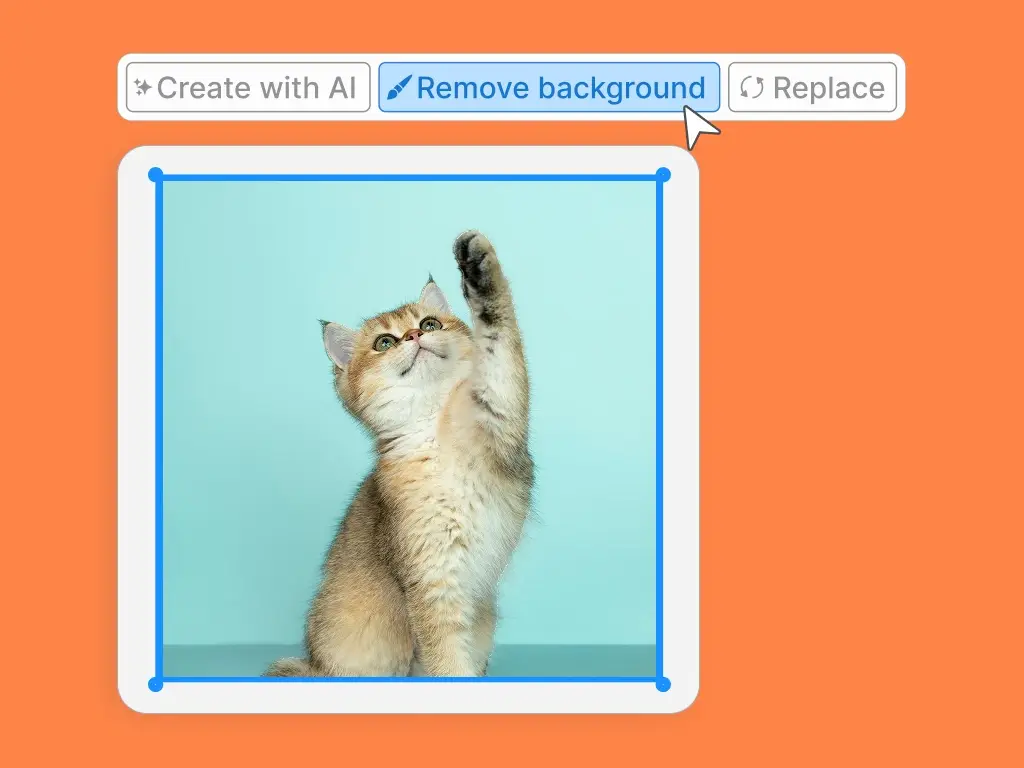
After uploading your photo, simply select it and click the 'Remove background' button in the editor toolbar.
Background Remover
After uploading your photo, simply select it and click the 'Remove background' button in the editor toolbar.
Background Remover
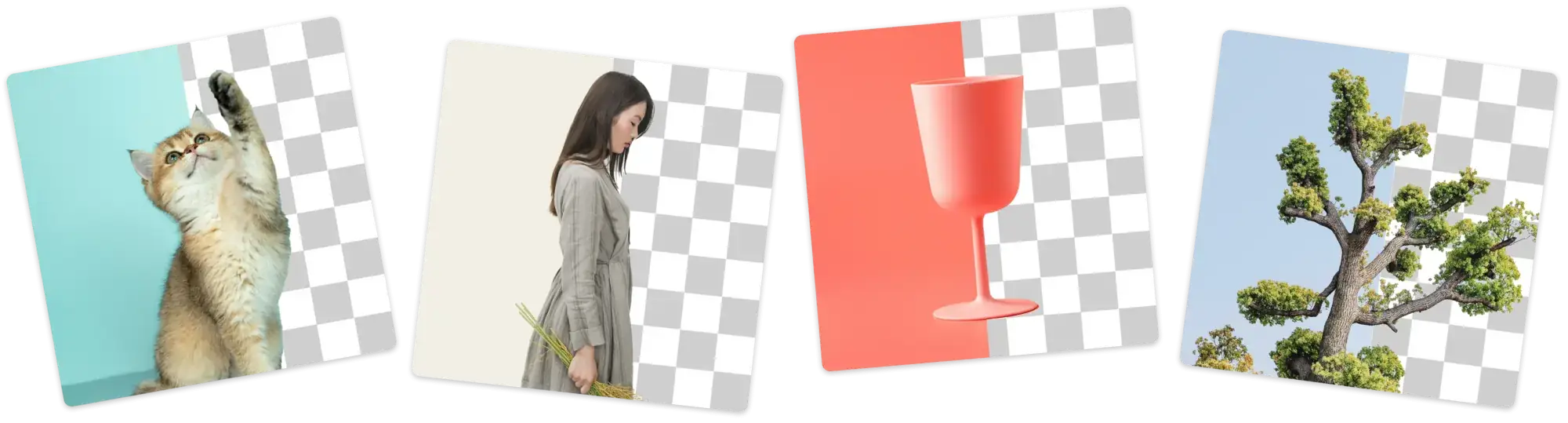
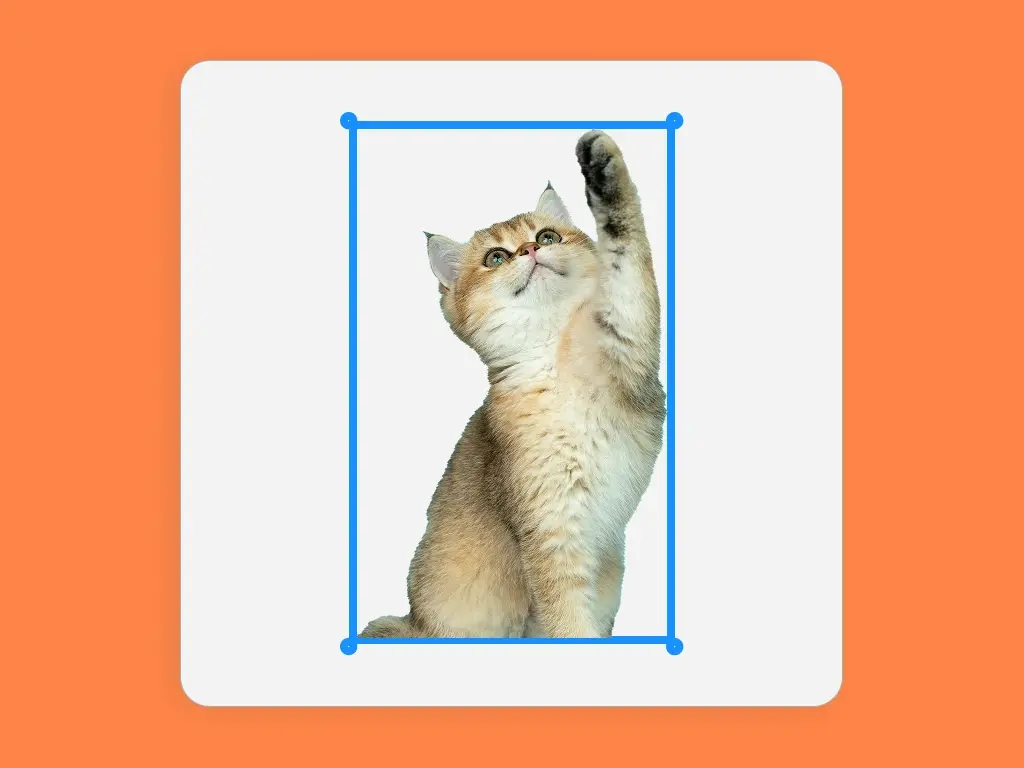
Get an effortless cutout in one click. Our AI automatically finds and removes the background for you, no manual selection required.
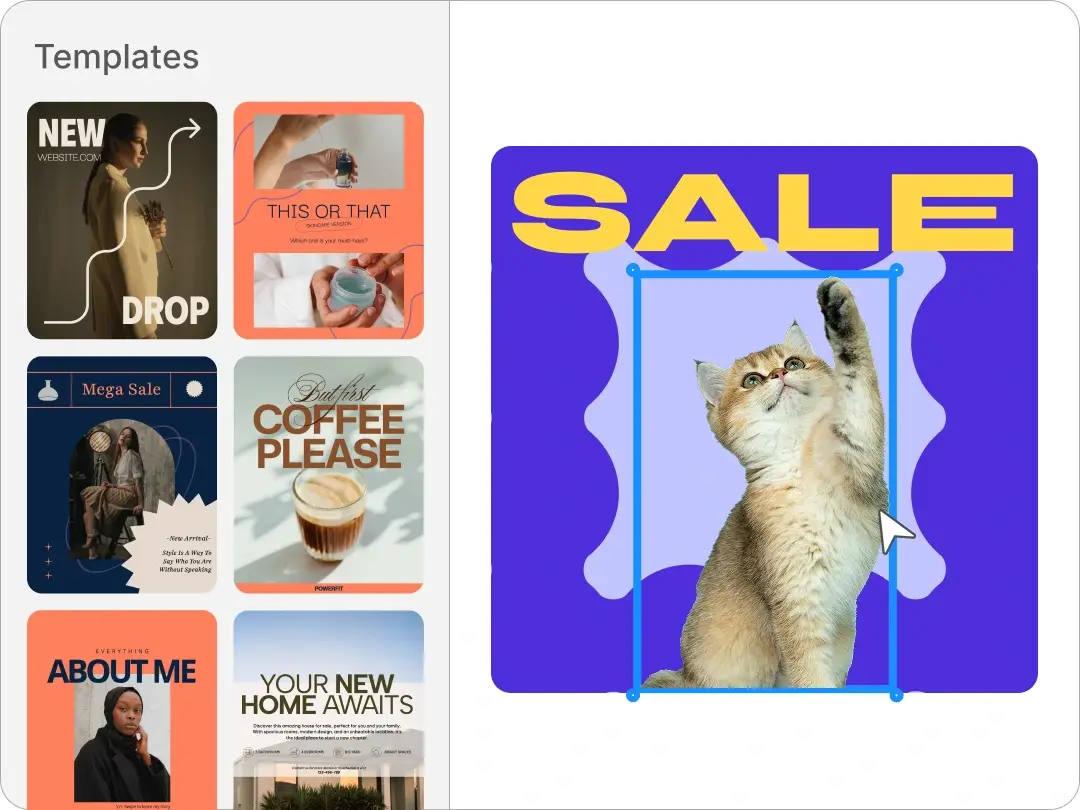
Drop your stunning transparent photo into thousands of ready-to-use templates. Customize a design for social media, product mockups, and more!
Sometimes the background of a product photo is distracting or doesn't match your website's style. Removing the background lets your product shine, giving your e-commerce store a clean and professional look that helps customers focus on what you're selling.
You might have a great photo of yourself, but the background is too busy or unprofessional for a resume or profile picture. By removing the background, you can place your headshot on a simple color or use it seamlessly in any professional document.
Often, a logo is saved with a solid color background, which makes it hard to use in different designs. Using a background remover isolates the logo, so you can easily place your transparent graphic on websites, presentation slides, or merchandise.
Want to place yourself in a new location or create a fun meme? Removing the background from a photo lets you cut out a person, pet, or object and drop it into a new scene, making your social media content more creative and eye-catching.
When you try to combine multiple photos, their different backgrounds can clash and look messy. Removing the background from each image allows you to layer them together smoothly, creating a beautiful and seamless collage for any creative project.
Placing a standard photo onto a colored presentation slide often leaves an ugly white box around the subject. A transparent image blends perfectly into your slide design, making your presentation look more polished and professional.