Text Editor
Start with your image
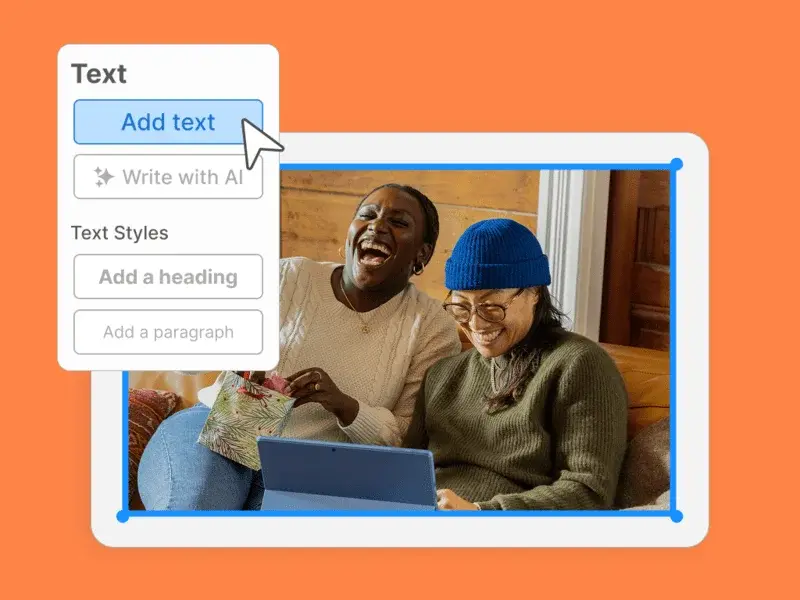
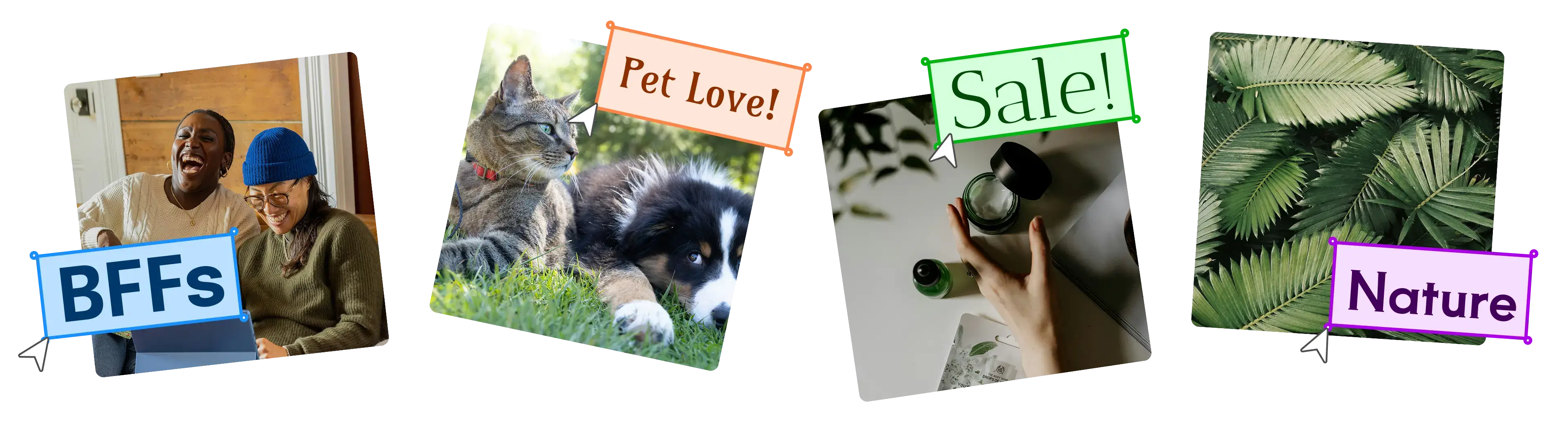
Upload your photo to the editor by clicking to select a file from your device. After your image appears, find and click the 'Add text' button in the editor toolbar.
Text Editor
Upload your photo to the editor by clicking to select a file from your device. After your image appears, find and click the 'Add text' button in the editor toolbar.
Text Editor
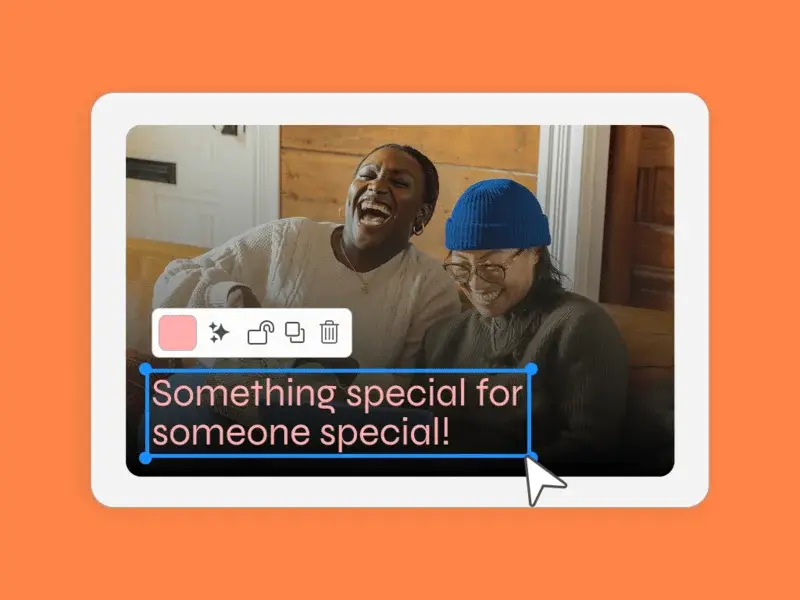
You can then type your message and use the intuitive controls to customize the font, size, and color until it's perfect.
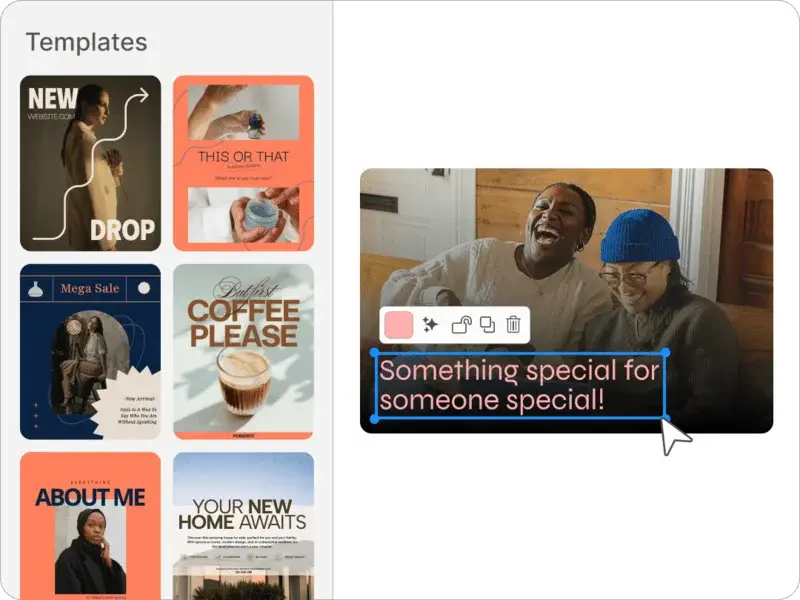
Once your design is complete, your creation is now ready to download or drop your new creation into thousands of ready-to-use templates to customize a design for social media, posters, and more.
Sometimes a picture needs a caption to go viral. Adding text directly to your image makes it instantly shareable on platforms like Instagram, Facebook, and Pinterest. This helps you communicate a clear message and grab your audience's attention right away, even before they read your post's description.
Memes are a huge part of online culture, and text is what makes them work. When you add a clever caption or punchline to a funny photo, you can instantly turn it into a meme to share with friends. It's a quick and easy way to get a laugh and participate in a trend.
If your photo contains a lot of visual information, adding text can help guide the viewer's eye. For example, you can label a specific product in an e-commerce photo or point out a location on a travel picture. This ensures that important details don't get lost and helps your audience understand the image's context.
Adding text isn't just for fun—it can also make your photos look more professional. You can use text to add a watermark to protect your work, or use it to create a title for a photo album or a blog header. This small detail can elevate your image and make it look more polished and intentional.
Sometimes, an image is only a small part of a bigger story. Adding text allows you to combine the visual with the narrative, creating a more complete experience for the viewer. Whether it's a quote, a date, or a personal message, text can transform a static photo into a mini-story.
Beyond just being functional, text can be a beautiful design element in itself. You can experiment with different fonts, colors, and layouts to make the words a central part of your image's aesthetic. This is perfect for creating inspirational quote graphics, event invitations, or artistic posters.