AI Logo Design for Small Businesses in 2026
AI logo design has matured fast. See what tools like LOGO.com actually deliver for a real business, where AI shines, and where you still need a human.
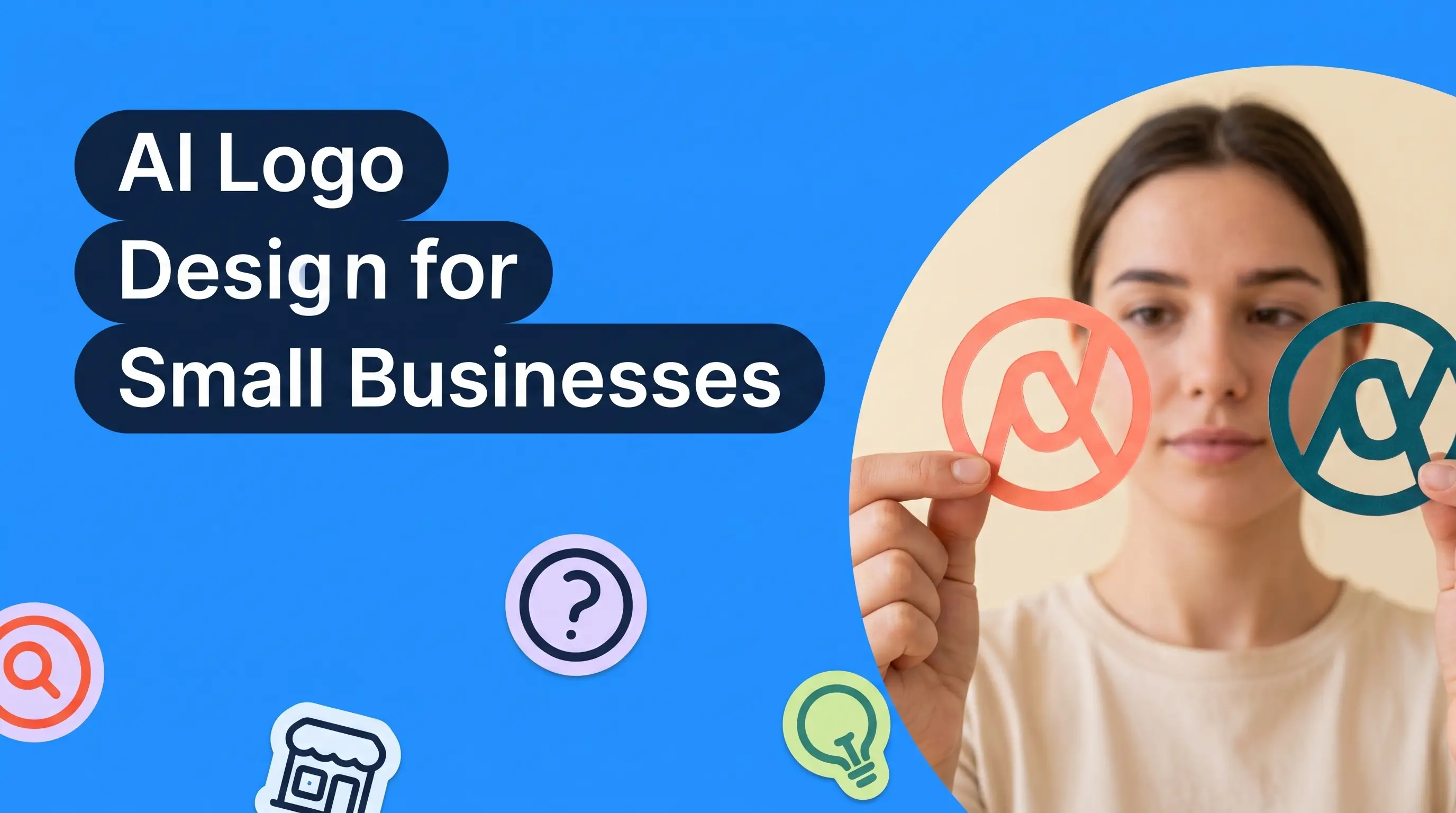
Yes, AI logo design has crossed the line into work real businesses can use, but only when you feed the AI the right inputs and treat it as a fast first draft rather than a finished designer. Modern platforms like LOGO.com combine curated font libraries, brand color palettes, and human vetted templates so the output looks intentional. For a solo founder or early stage brand, that is often exactly what you need to launch. According to LOGO.com data, more than 26,000 new logos were created on the platform in the last 30 days, which tells you real founders are using these tools, not treating them as toys.
What "usable" really means for AI logo design
Usable is a slippery word. If you are running a real business, a logo has to work in more places than a Pinterest board. It sits on your website header, your invoice, your Instagram profile, your product packaging, and eventually the printed side of a delivery truck. So when you ask whether an AI logo is usable, you are asking whether it holds up across every one of those surfaces. That is a higher bar than looking pretty on a landing page.
An AI logo counts as usable if it does four things well. It scales cleanly from a favicon at 16 pixels to a billboard at 16 feet. It reads instantly, without any second guessing about what your business does. It uses fonts and colors that feel deliberate rather than pulled from a stock template. And it stays consistent when you export it to different formats like SVG, PNG, or a light and dark version.
Older AI logo tools stumbled on that first test. They produced icons that pixelated the moment you shrank them, or ones so intricate they looked muddy at small sizes. The current generation of AI logo platforms fixes this by generating vector output from the start and letting you preview your logo in the actual contexts you plan to use it. That single shift is why the answer is closer to yes today than it was even 18 months ago.
Where AI logos hold up in real businesses
AI logos hold up well for a specific band of businesses. Solo founders launching a new venture. Freelancers who need a mark on their invoices tomorrow. Ecommerce sellers standing up a Shopify store this weekend. Local service businesses that want a professional look on their vehicles and shirts without spending three months in a design revision loop.
For all of these, an AI logo platform gives you three things a freelance designer struggles to match. Speed, since you can generate hundreds of directions in an evening. Cost, since the tools start around thirty dollars a year and scale up from there. And iteration, since you can refresh a color or swap a font in seconds when you decide the first version was too corporate or too playful.
The businesses that get the most value from AI logos are the ones treating their logo as one part of a broader brand kit, not the entire brand. A logo that gets the tone right and reads clearly is enough to launch. You can layer in richer brand assets later once your business has traction and a real budget to spend on a designer.
Where AI logos still fall short
There are still places where AI logos struggle, and pretending otherwise wastes your money. Highly conceptual identities are the biggest gap. If your brand story hinges on a specific visual metaphor, like a coffee brand that wants to riff on the shape of a bean and a mountain and a sunrise all at once, an AI is going to give you either the literal version or three separate ideas mashed together. The nuance a human designer brings to a concept like that is still hard to automate.
Custom illustration is the second gap. AI can produce icons and symbols in a wide range of styles, but if you want a hand drawn mascot with a distinct personality, you are usually better off hiring an illustrator. The AI version tends to look almost right, which is worse than looking clearly different. Almost right sits in an uncanny space customers can feel even when they cannot name it.
Trademark risk is the third area to watch. AI tools generate output based on patterns they have learned from existing brands, and while modern platforms filter out obvious lookalikes, you still need to run your final logo through a trademark check before you print it on ten thousand pieces of packaging. This is not unique to AI logos, since freelance designers can accidentally copy a mark too, but it is a step some new founders forget to take.
How to feed the AI the right inputs
The single biggest predictor of whether you will get a usable AI logo is what you type into the prompt. Vague inputs give you vague outputs. If you tell an AI to make a logo for a bakery, you will get a rounded serif in warm brown, and so will the fifty thousand other bakeries doing the same thing.
Instead, describe the business in the terms you actually use with customers. If you are a bakery, are you a family run cafe in a coastal town or a modern patisserie inside a co working space downtown? Are your customers coming for sourdough and sandwiches, or wedding cakes and macarons? Every specific detail sharpens the output.
Bring your color preferences and typographic taste into the input too. If you know your brand voice is quiet and confident, say so, so the AI does not default to a loud yellow and a bold script. If you have three or four brands you admire, name them, so the AI can use those as reference points rather than pulling from every logo it has ever seen.
The best AI logo platforms bake this input structure right into the flow. You answer short prompts about industry, style preference, colors, and mood, and the AI translates that into a smaller set of curated results rather than an infinite feed of maybe good options. That guided approach is why platforms like LOGO.com produce cleaner first passes than freeform generative tools.
The role of human vetting in modern AI logo platforms
There is a myth that AI logo tools are purely generative, spitting out fresh vector art on the fly from nothing. That is not how most of the good platforms work. Behind the scenes, the AI is choosing among human designed templates, adjusting typography, and applying color logic that a designer wrote. It is closer to a stylist arranging pieces from a curated closet than a painter with a blank canvas.
That matters for quality. When you use a platform that starts from human vetted templates, every output has already passed a design bar before you see it. You are not choosing between five options that all look uncanny. You are choosing between five options that a designer would recognize as intentional work, with the AI handling the personalization on top.
This blend is why the honest answer to the original question has changed. The tools that were around a few years ago tried to invent logos from scratch and often produced things that were technically valid but visually broken. The tools that lead the space today, LOGO.com among them, treat AI as a way to accelerate a designer's process, not replace it. The founder gets a logo that looks like a designer touched it, because in a real sense, one did.
How to spot a well made AI logo
Once you have a set of AI generated logos in front of you, the harder job is picking the right one. Most founders default to the option that looks the most exciting on first glance, which is usually the wrong pick. Exciting logos age quickly. The one you want is the option you can still like a year from now when you have seen it a thousand times on invoices, packaging, and your own inbox.
Start by asking whether the logo reads at a small size. Shrink it in your head to the size of a favicon. If the icon still tells you what the business does, or at least holds a strong silhouette, you have a keeper. If it turns into a smudge, keep looking. Small size legibility is the single quality that separates a logo you can actually use from one that only works on a hero image.
Next, look at the typography. A well made AI logo pairs a font that has character with a font that has clarity. If it uses one font, that font should carry both jobs at once. Watch out for fonts that feel dated, overly decorative, or reused across a hundred other brands you have seen. If the type feels like a stock choice, the whole logo will feel like a stock choice, even if the icon is strong.
Finally, check the color balance. Two color logos usually beat five color logos for a small business, since they are easier to reproduce on shirts, signs, and single color prints. A well made AI logo will show you a full palette that flexes between light and dark backgrounds, so you can see how the mark holds up in every real context before you commit.
What to do after you generate a logo you like
Generating the logo is the beginning of the work, not the end. The first thing to do once you have a direction is to sit with it for a day. Do not export the files and start putting the logo everywhere on the same afternoon. Save the options you like, close the tab, and come back tomorrow with fresh eyes. Roughly one in four founders swap their pick after a night of thinking about it, which tells you how important that pause is.
Once you are still confident in your choice a day later, test it in the places you will actually use it. Drop the logo into your website mockup. Print it on paper. Put it on a plain white shirt in a mockup tool. Send it to a friend or two whose taste you trust, without leading the conversation, and ask what they think the business does. Their answer tells you whether the logo is doing the work you want it to do.
If the test goes well, export the full asset pack. You want at minimum a vector version in SVG, a transparent PNG, a version for light backgrounds, a version for dark backgrounds, and a favicon sized version for browser tabs. Save these somewhere you can find them again in six months, because you will need them again the day you launch a new social channel or send your first invoice.
When to hire a designer instead
There are still moments when you should skip the AI logo route and hire a human. If your brand is going to appear in front of a large audience with a big media budget behind it, spend the money on a designer. If you are raising a Series A and your identity is going to be scrutinized by investors, spend the money on a designer. If your product depends on a very specific illustration style that has to feel like a distinct voice, spend the money on an illustrator.
The trick is knowing you probably do not need this on day one. Most founders imagining the big brand moment are still two years away from it. In the meantime, an AI logo that is competent, consistent, and easy to update lets you focus your energy on the work that actually decides whether your business survives, like finding customers, refining your product, and getting to revenue.
If you do outgrow your AI logo, that is a good problem to have. You take the assets you built, hand them to the designer, and they use them as the starting point for a richer identity. Nothing you did in the AI phase is wasted. Every color pick and font choice you made carries into the next chapter of your brand.
Building a brand kit around your AI logo
An AI logo is worth more once it stops being just a logo. The moment you turn it into a brand kit, the whole thing feels intentional, and that is what customers respond to. A brand kit takes the fonts, colors, and shapes from your logo and applies them everywhere else your business shows up, so your invoice, your website, your social feed, and your email signature all speak with one voice.
Every serious AI logo platform now ships with brand kit tools. You can generate a matching color palette, download the fonts, get a set of social media templates already sized for Instagram and LinkedIn, and export your logo in every file format you might realistically need. The customers who get real traction are usually the ones who set up a full brand kit early rather than only saving one PNG of their logo.
If you want a step by step walkthrough on how to actually build this out, our brand kit guide is a good place to start. For the wider question of logo and branding for a startup, see our startup branding piece for a broader overview of where a logo fits into the picture.
Frequently asked questions
Can an AI logo be trademarked?
Yes. As long as your final logo is distinct enough from existing marks in your category, you can file for trademark protection on it. The trademark office does not care whether a human or an AI produced the design. It cares whether the mark is unique and used in commerce. Run a search through the trademark database in your country before filing, and consider using a service to check for global conflicts if you sell internationally.
Do AI logos look generic?
Some do. The generic look comes from vague inputs, not the AI itself. If you type a two word brief into any tool, human or machine, you will get a generic result. AI logos start to feel specific and intentional once you give the platform detail about your business, your voice, your color preferences, and the brands you compare yourself to.
How much does an AI logo cost?
Most platforms sit between thirty and three hundred dollars a year for the full package, including vector files and a brand kit. LOGO.com prices its plans so a solo founder can start on a low tier and upgrade later, rather than being asked to commit to the top plan on day one. That is a fraction of what a freelance designer charges for the same output.
Can I edit my AI logo later?
Yes, and this is one of the underrated advantages. AI logo platforms save your logo as an editable project rather than a locked file, so you can change the color scheme, swap a font, or tweak the icon without paying for another round of design work. Most freelance contracts do not include unlimited edits, so this alone is a real value add.
Will AI replace human logo designers?
Not for the top of the market. High end brand identity is a strategic exercise as much as a visual one, and the best designers earn their fee by shaping how the brand feels, not just how it looks. What AI has replaced, and will keep replacing, is the low end of the market where founders used to pay for cookie cutter template work. That segment is now served better and faster by AI, and the top of the market is left to specialize in the work that still requires human judgment.
The takeaway
AI logo design has arrived for real businesses, as long as you match the tool to the job. For a solo founder or an early stage brand, the current generation of AI logo platforms gives you a professional starting point in an afternoon, with a full brand kit sitting behind it. You spend less than a freelance designer's initial deposit and walk away with assets that are ready for a website, a sign, and a social feed on the same day.
If you have been sitting on a launch because you are stuck on the logo, that is where LOGO.com is designed to help. Answer a short set of prompts, pick a direction, and export your full brand kit in one session. You can always upgrade to a human designer later, but you do not have to wait for that moment to start showing up as a real business.
Recent posts
Oct 19, 2026 by: Sean Baker
Oct 14, 2026 by: Vanessa Lam
Oct 12, 2026 by: Sean Baker
Oct 5, 2026 by: Sean Baker