


Logo Design Considerations for a Lock Business
According to LOGO.com data, the five most popular colors in lock logos created on LOGO.com over the past 12 months were white at 27%, black at 19%, blue at 11%, green at 10%, and grey at 10%. White and black create the strongest sense of clarity and protection for a lock brand, while blue, green, and grey can suggest trust, access, and dependable hardware. For a lock logo that feels secure on storefronts, service vans, and digital profiles, start with a crisp white or dark base and use one clear accent to make the mark easy to recognize.
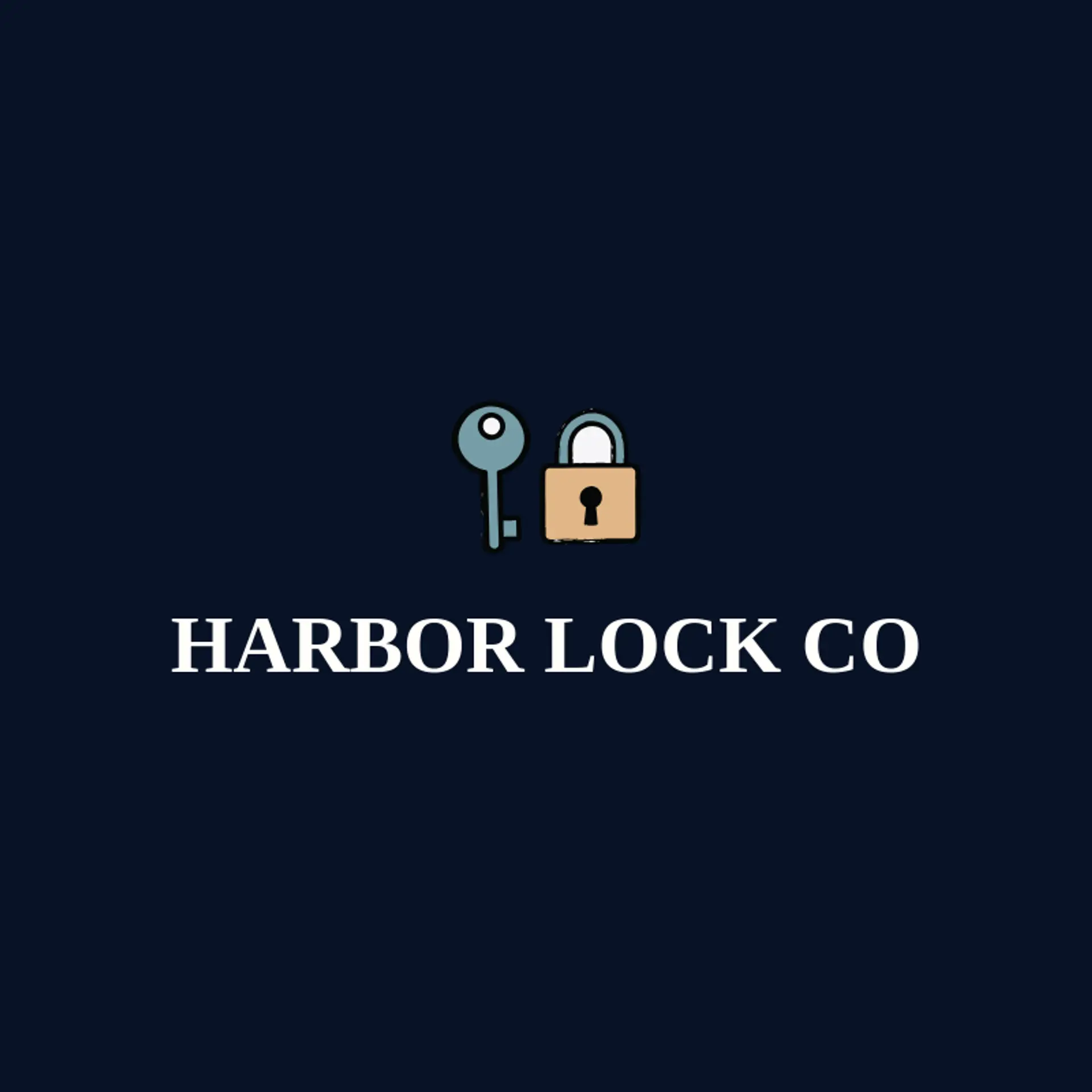
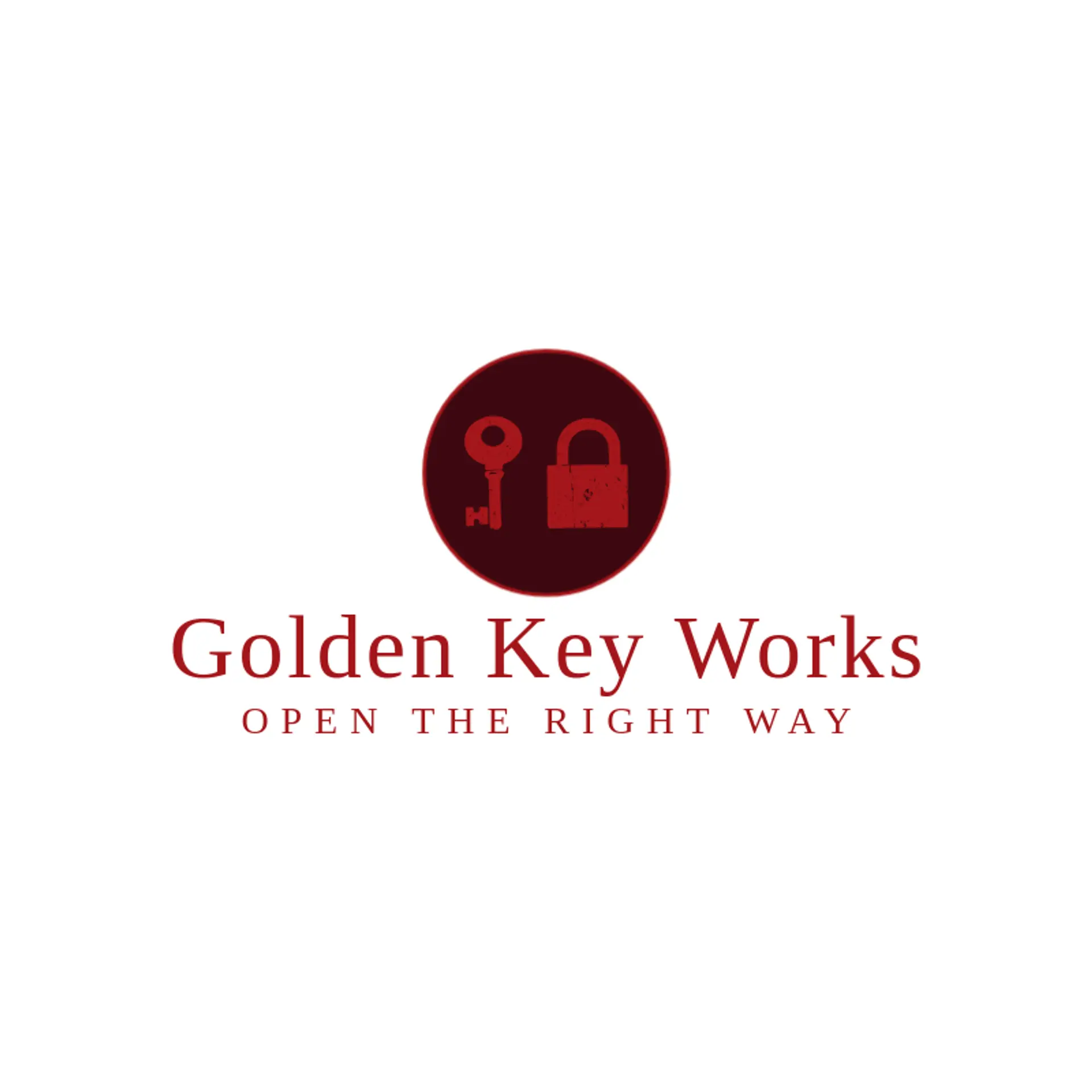
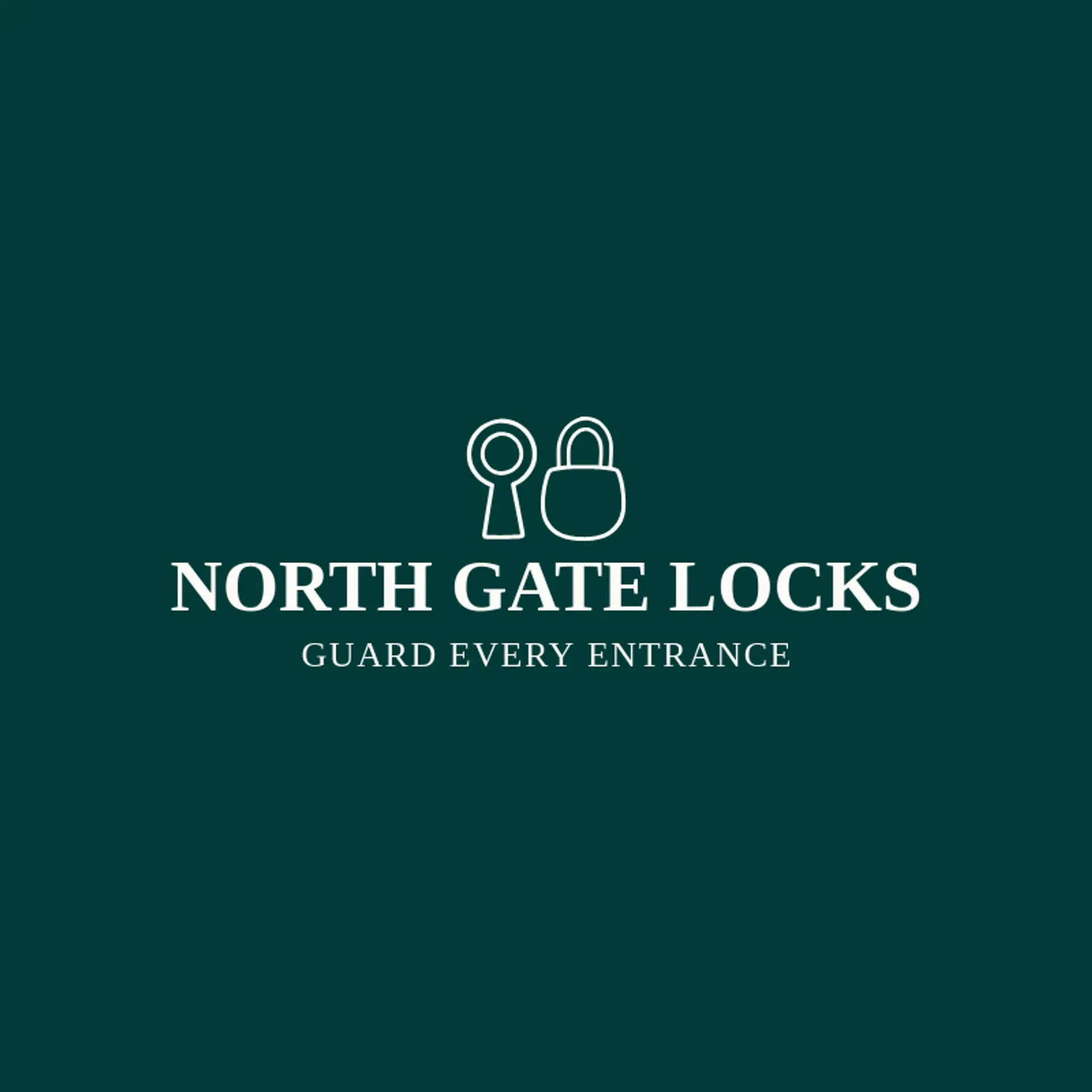
When it comes to the icon, a padlock is the clearest starting point because its silhouette communicates security even at a small size, and a keyhole beside it can add a precise technical detail without crowding the mark. A key beside the lock creates a useful sense of access and can be drawn with a simple angular shaft. For a modern security service, try a shield beside the lock, a fingerprint beside the shackle, or a bolt beside the body to suggest protection and smart entry. A door handle, access card, or safe dial can support a hardware brand, while a bridge or home outline beside the lock can connect security to property and peace of mind. Before choosing, think about the customer story: a locksmith may favor a key and lock, a property manager may use a door handle, and a digital access company may lean toward a fingerprint or access card.
Icons To Make Your Lock Logo Stand Out
That same focus on clarity should guide the lettering. According to LOGO.com data, sans serif typefaces made up 65% of font choices in those same lock logos over the past 12 months, followed by display at 17%, serif at 13%, and handwriting at 5%. The leading individual choices were Geologica at 15%, Afacad at 6%, Open Sans at 5%, Schibsted Grotesk at 5%, and Inria Serif at 3%. Set sturdy letterforms against the strongest contrast from the first paragraph so the lock name feels trustworthy, stays legible on hardware, and remains clear at small sizes.
Lock Logo Ideas FAQs
Browse Related Logo Ideas
App logosCCTV logosCell phone logosComputer logosCybersecurity logosDigital tech logosEmail logosFuture tech logosHacker logosMail logosMobile repair logosNuclear logosRobot logosRocket logosSEO logosSocial media logosStartup logosTech company logosVideo game logosWifi logosLaptop logosCalendar logosCall logosDatabase logosLock logosMessage logosRobotics logosAutomation logosBlockchain logosChatbot logosContact logosDating app logosEmoji logosLaser logosMagnifying glass logosMouse logosSoftware logosMobile logosChip logosCoding logosCyber logosTelephone logosCircuit logosCloud storage logosElectronics logosFingerprint logosInformation technology logosSocial logosDroid logosLaunch logos